How a Cohort's End Date Overrides the Course Deadline
A course can have its own default completion deadline in its Time options, but when a cohort delivers that course, the cohort's end date takes over for that cohort's members.
Why this exists
A course's default deadline is meant for general enrollment, but a cohort already has its own authoritative schedule — a start date and an end date agreed with a facilitator and a specific roster. Rather than making you keep two schedules in sync by hand, the cohort's end date automatically becomes the effective deadline for anyone enrolled through that cohort.
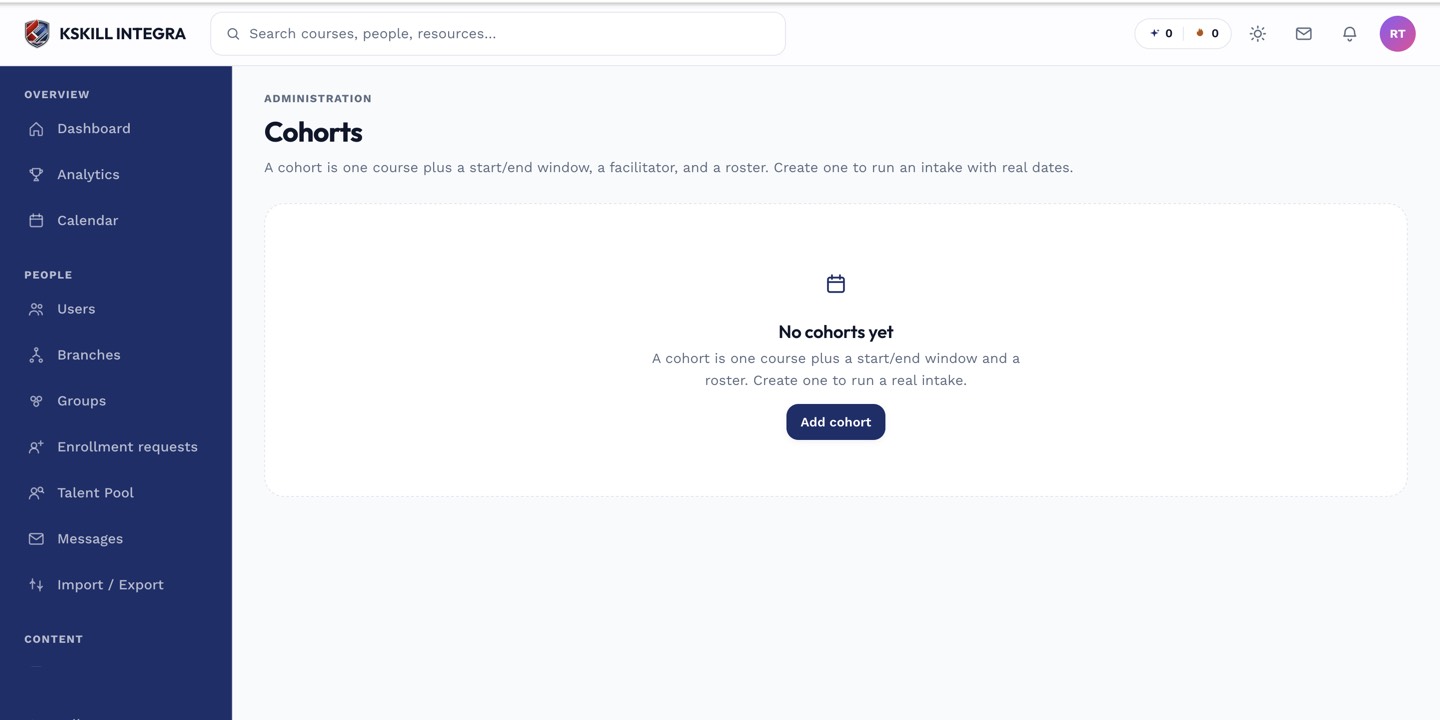 The cohort's end date, set on the Info or Timeline tab, is what governs its members' deadline.
Scope of the override
This override only applies to learners enrolled through that specific cohort. Anyone enrolled in the same course outside of a cohort — through direct enrollment, a group, or self-enrollment — still follows the course's own Time options.
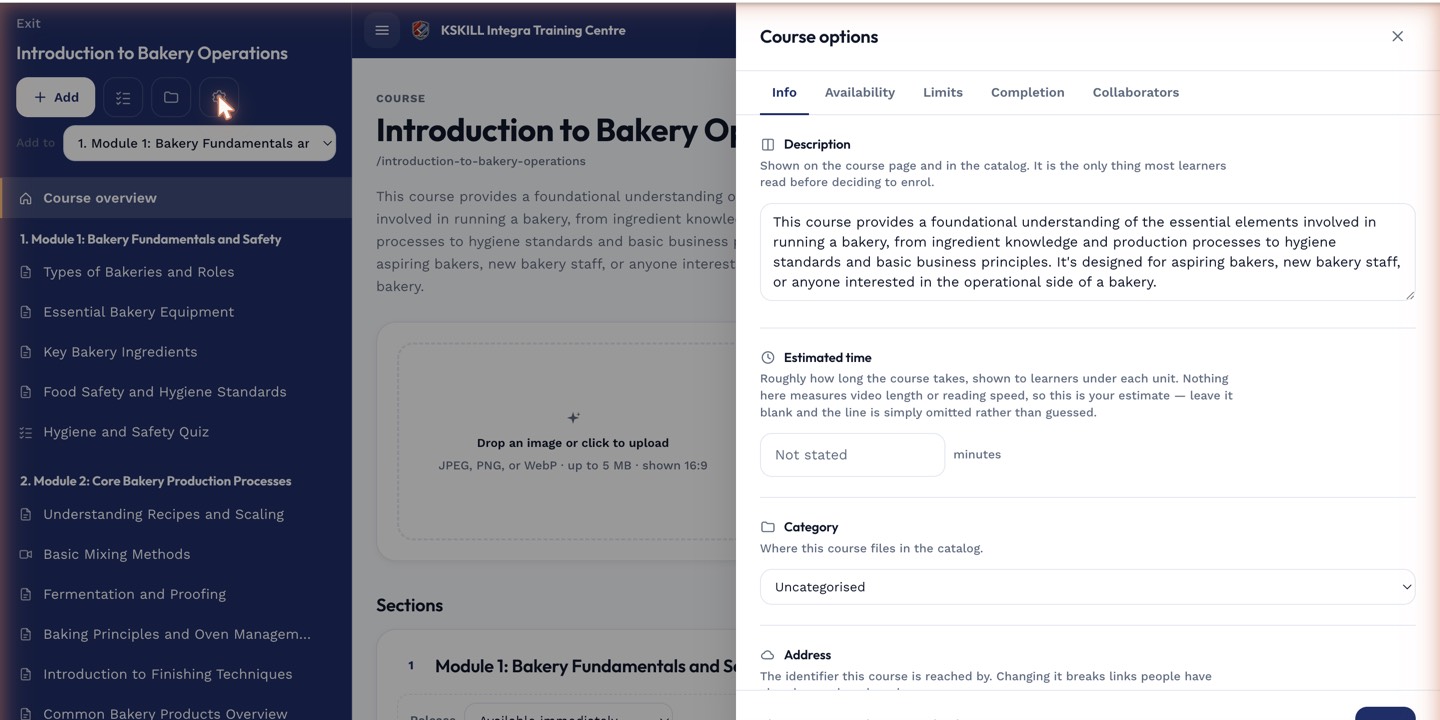 The course-level deadline stays the default for everyone not in a cohort for that course.
Notes
If you extend a cohort's end date after it's created, members' effective deadline moves with it automatically — there's no separate deadline field to remember to update.