Clone a course from the marketplace
You can clone a marketplace course into your tenant. This article covers when to clone vs when to just licence.
Before you start
You need the Admin role and the source listing must allow cloning.
Step 1 — Compare clone vs licence
Licensing means the seller controls updates; cloning means you own a fixed copy. Licensing is right for evergreen content. Cloning is right when you need to customise the copy heavily without breaking the seller's version.
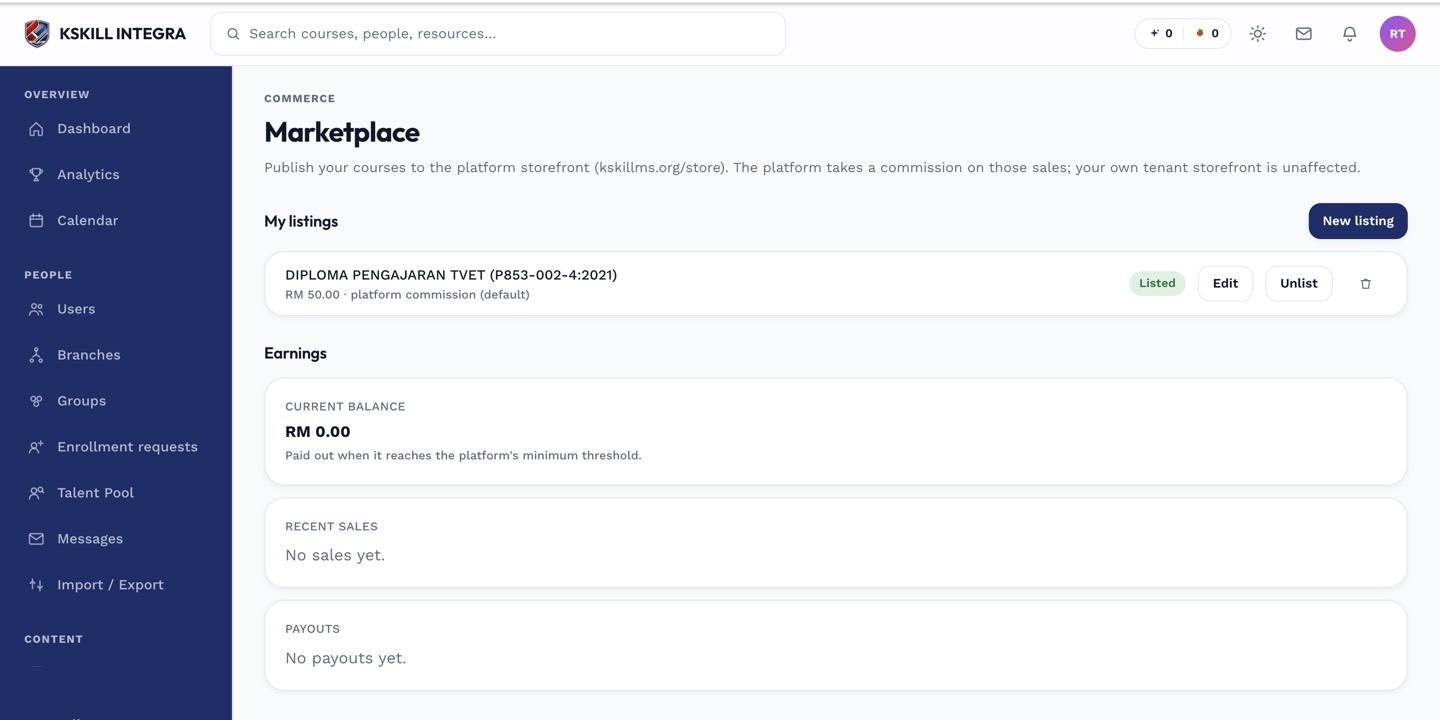
The marketplace is the shared shelf every seller tenant lists into.
Step 2 — Request a clone
Open the marketplace listing and click Request clone (only visible if enabled). Pay if there's a clone fee. On acceptance, a full copy of the course lands in your Content → Courses list, ready to edit.
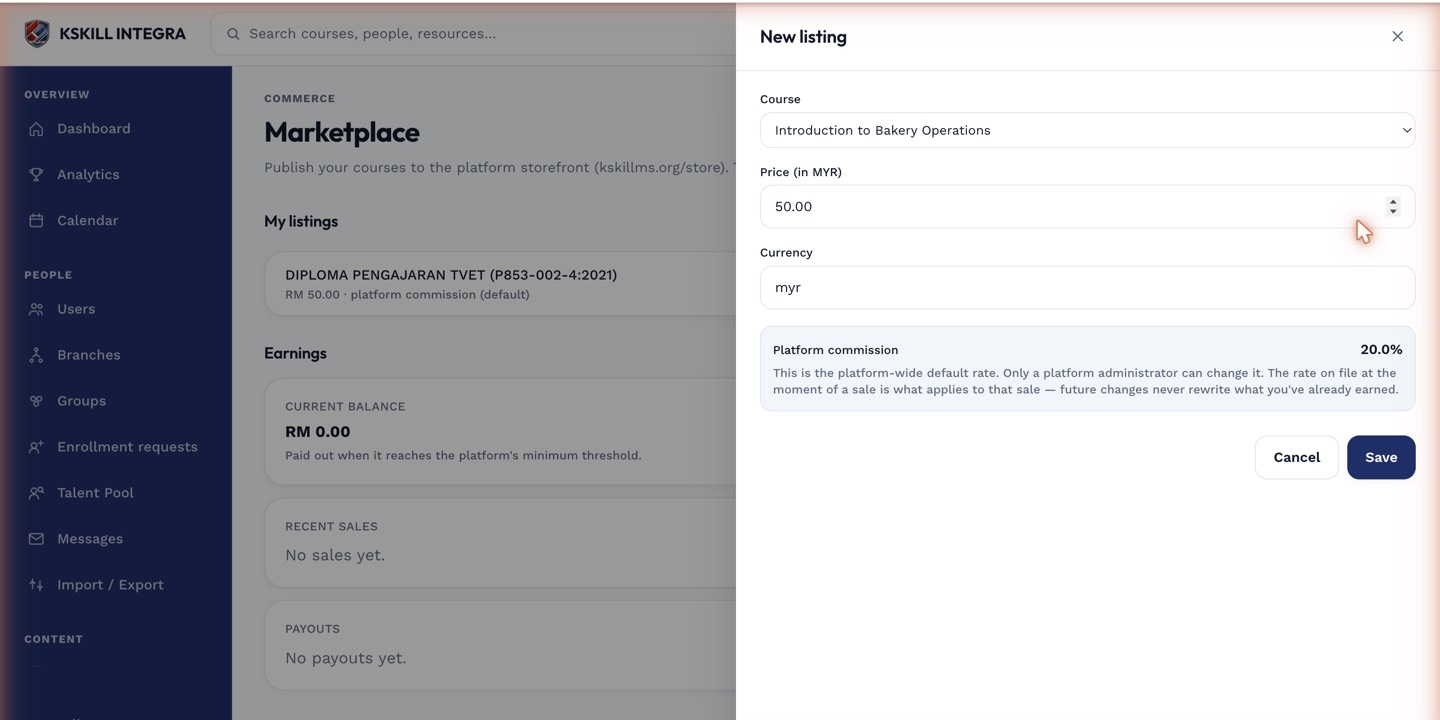
The listing drawer collects the price, payout method and courseware assignments for a new listing.
Step 3 — Customise your copy
Edit freely — text, images, tests, certificates. Your changes don't affect the seller's version. But you also don't get their updates; if the seller improves the original, your clone stays as-is.
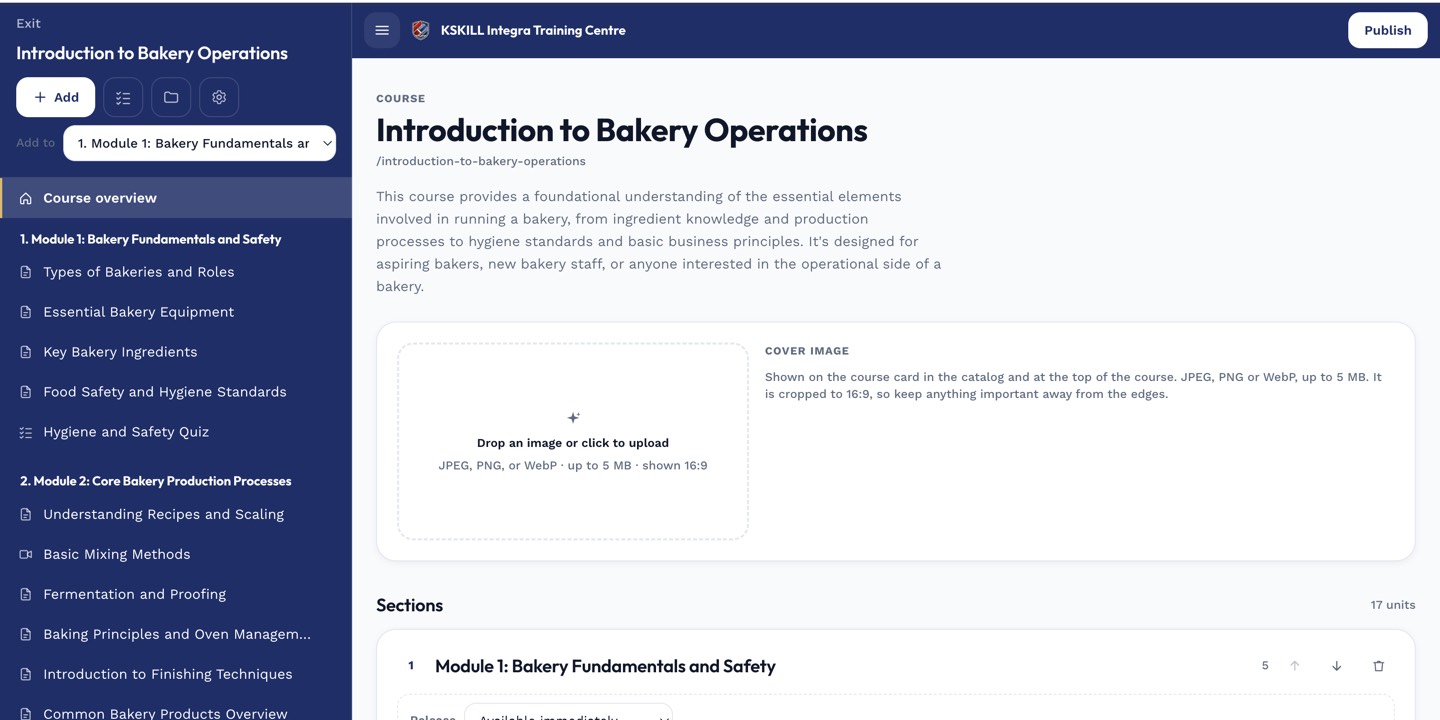
The editor shows sections and units together so you can drag either one to reorder.
Notes
- Clones are legal only when the seller has enabled cloning on the listing.
- For a fixed price with seller-driven updates, licence instead.