Create a Learning Path
A learning path chains courses into a durable curriculum — for example a Level 1 → Level 2 → Level 3 progression. This article covers building one.
Before you start
You need the Admin role. The courses you plan to chain must already exist.
Step 1 — Open Learning paths
Open Content → Learning paths. The list shows every existing path with its member count and completion rate. Click New path to open the builder.
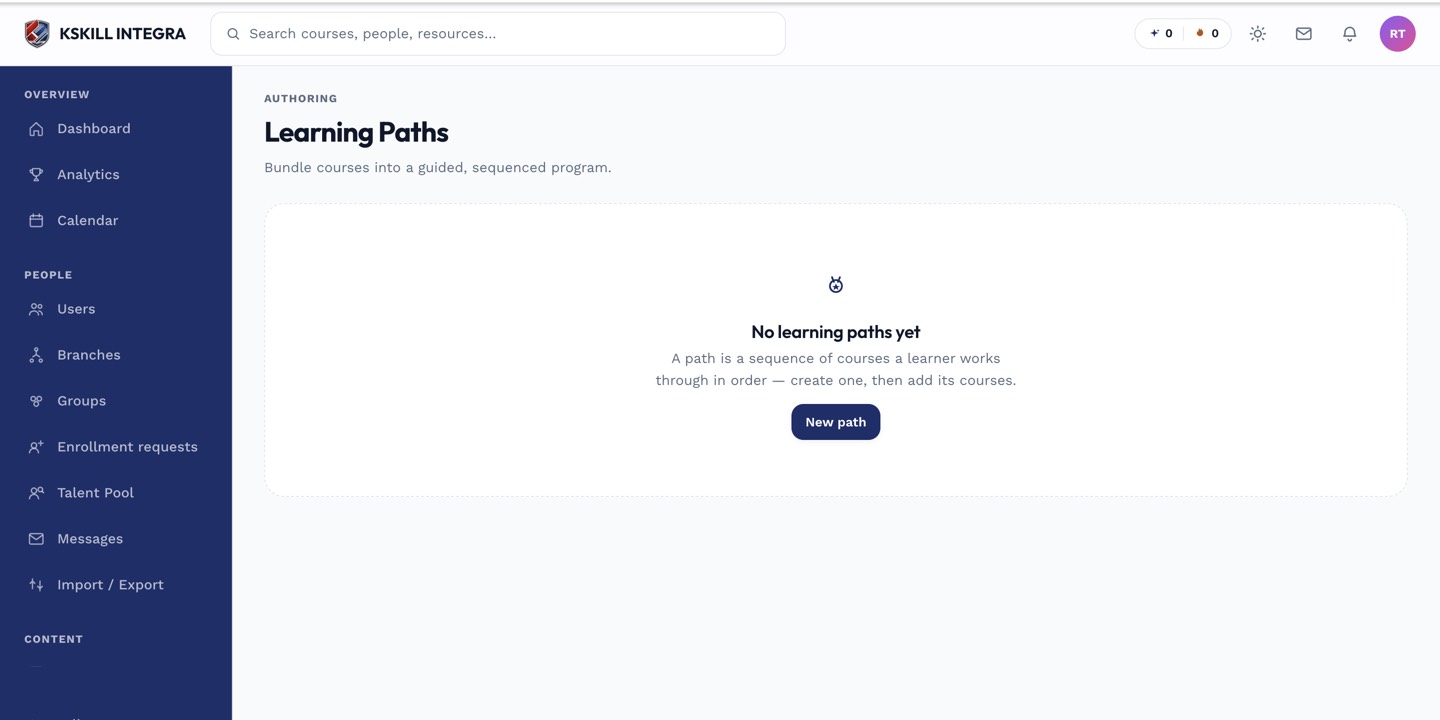
Learning paths string courses together into a durable curriculum.
Step 2 — Build the sequence
Give the path a name and description. Drag courses into the sequence in the order learners should take them. Set whether the order is strict (finish A before starting B) or flexible (complete all in any order). Save.
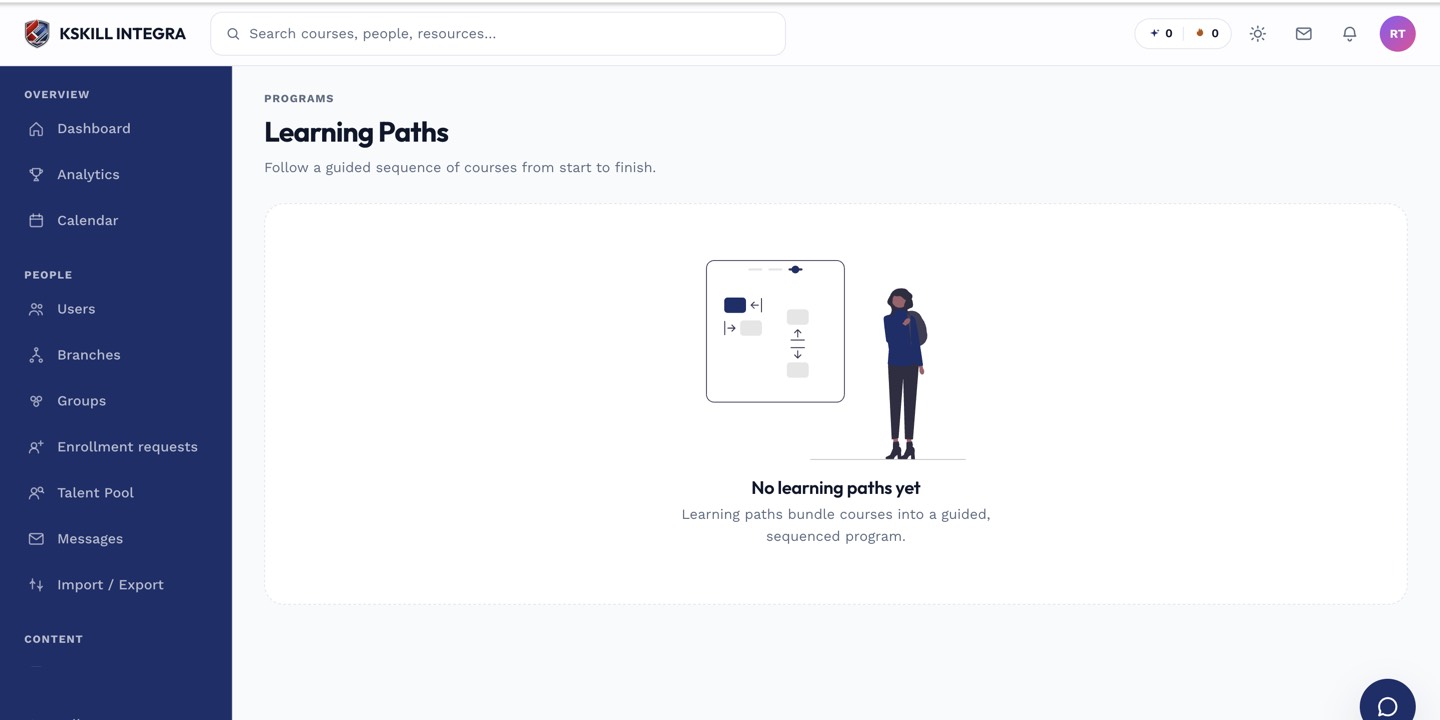
Learners open Learning paths to see the sequence they are working through.
Step 3 — Enrol learners into the path
Attach the path to a Group (auto-enrol every member) or invite individual learners from the path's Users tab. Learners see the path in their Learning paths sidebar entry, with a progress bar spanning the whole sequence.
Learners open Learning paths to see the sequence they are working through.
Notes
- A path can grant a completion badge or a certificate when the last course is done.
- For a strict order across many courses, prefer a path over per-course prerequisites — the UX is cleaner.