Building Ad-Hoc Reports With the Report Builder
ReportsUpdated September 24, 2026
When none of the built-in reports quite match what you need, the report builder lets you assemble a custom view of your data without waiting on engineering.
Where it lives
Open Analytics → Report builder. You need the Admin role or reporting access.
Building a report
- Choose the entity you want to report on (learners, courses, enrollments, and similar).
- Pick the fields to include as columns.
- Apply filters — date ranges, groups, branches, course status, and so on.
- Run the report to preview it as a table.
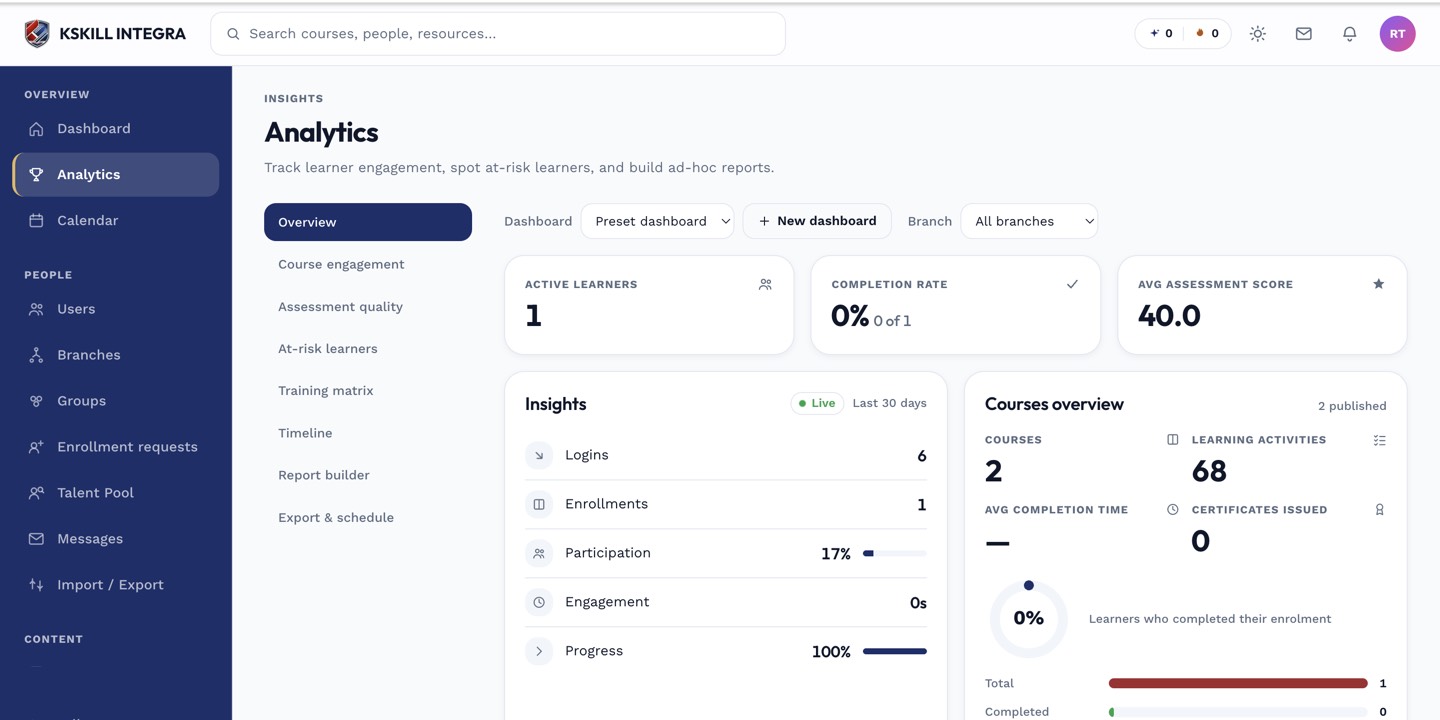 Reports are assembled from an entity, a set of fields, and filters, then previewed as a table.
Saving and reusing
Once a report looks right, save it so you (or teammates with reporting access) can re-run it later without rebuilding it from scratch.
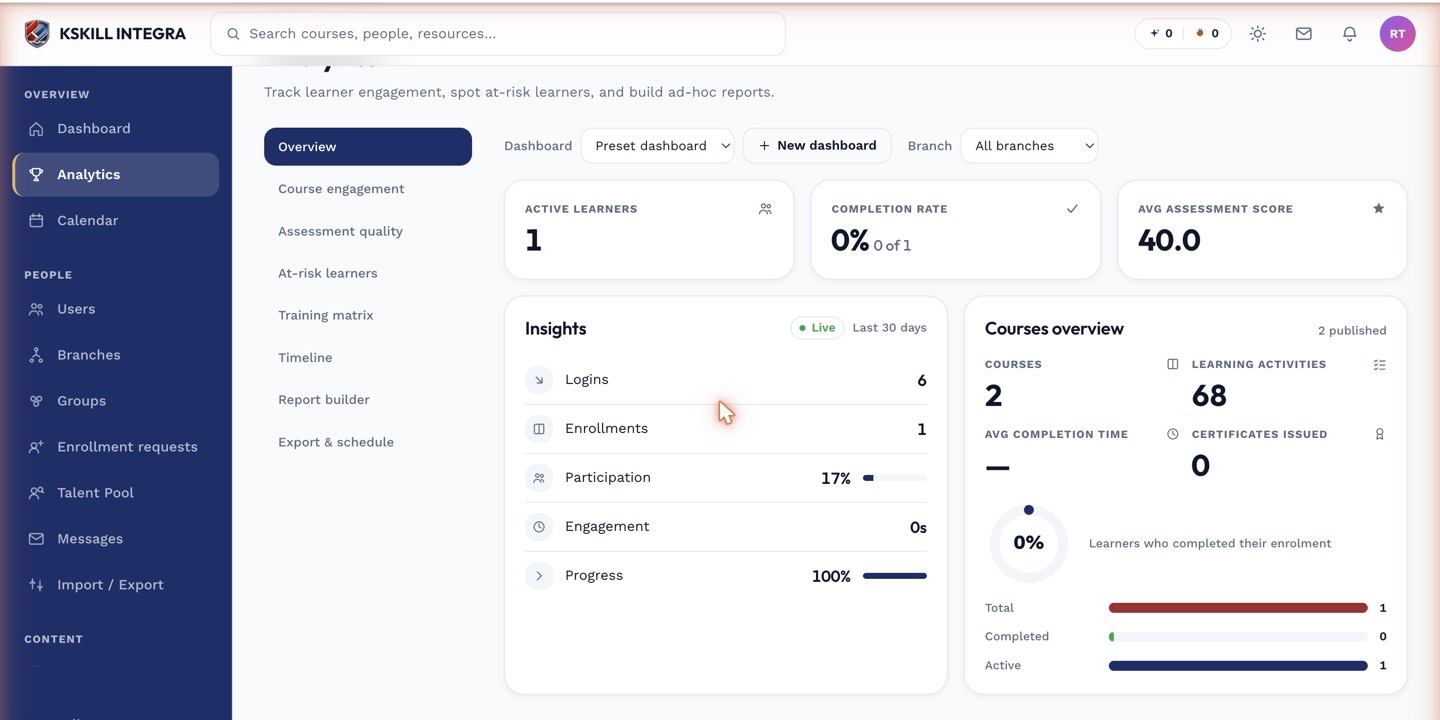 Saved reports appear in a list you can re-open and re-run on demand.
Notes
For a report you want delivered automatically on a schedule, see exporting and scheduling recurring report emails — the builder itself just produces the report definition.
What next?
#reports#report-builder#custom-reports#data