Award Skills from a graded exam
Passing an assessment with a skill mapping grants that skill. This article covers wiring an exam to a skill and setting the level threshold.
Before you start
You need the Admin role. The skill must exist and (if levelled) have thresholds defined.
Step 1 — Open the assessment
Open the course, switch to the Tests tab, and click the assessment. The settings panel has an Awards skill level switch — that is where you wire the mapping.
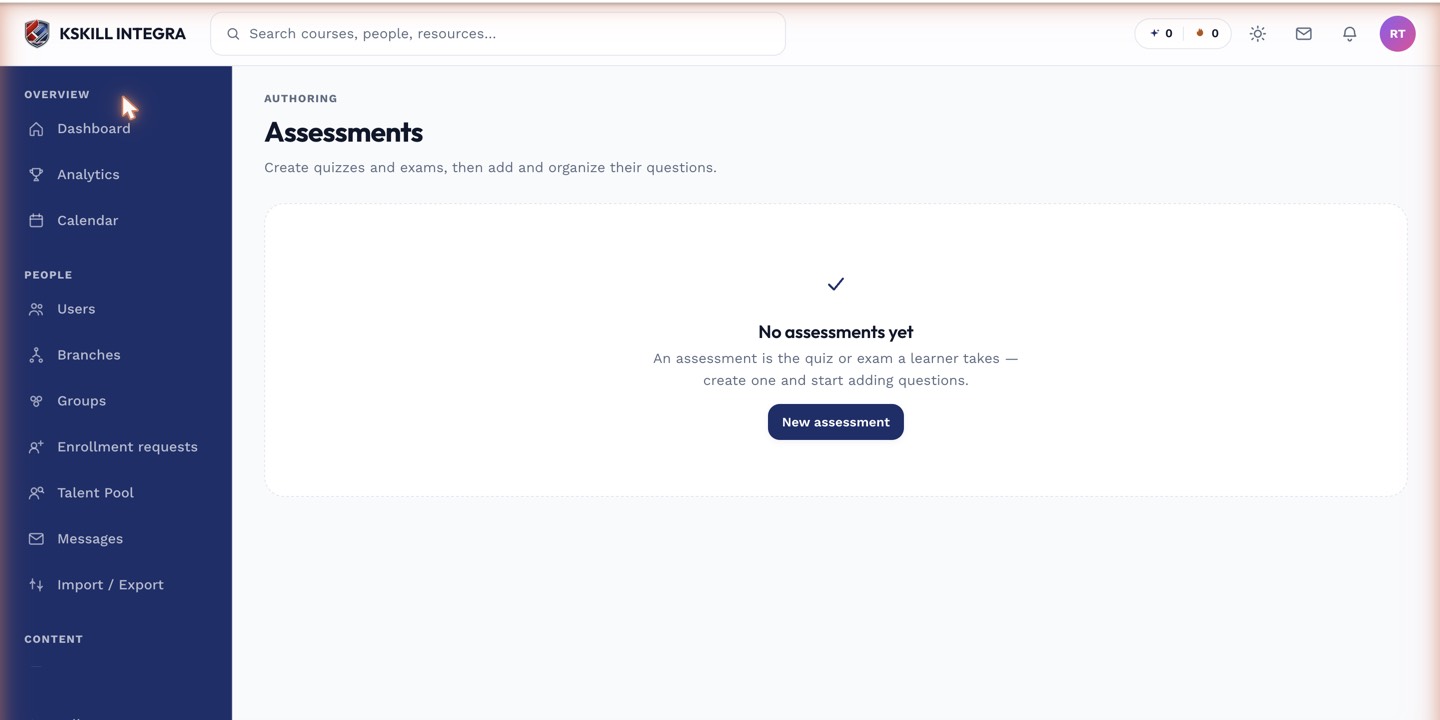
The Tests tab is where you create and manage every graded assessment inside a course.
Step 2 — Wire the skill
Flip Awards skill level on. Pick the skill. If the skill has levels, the platform uses the thresholds defined on the skill to map the learner's score to a level. Save the assessment.
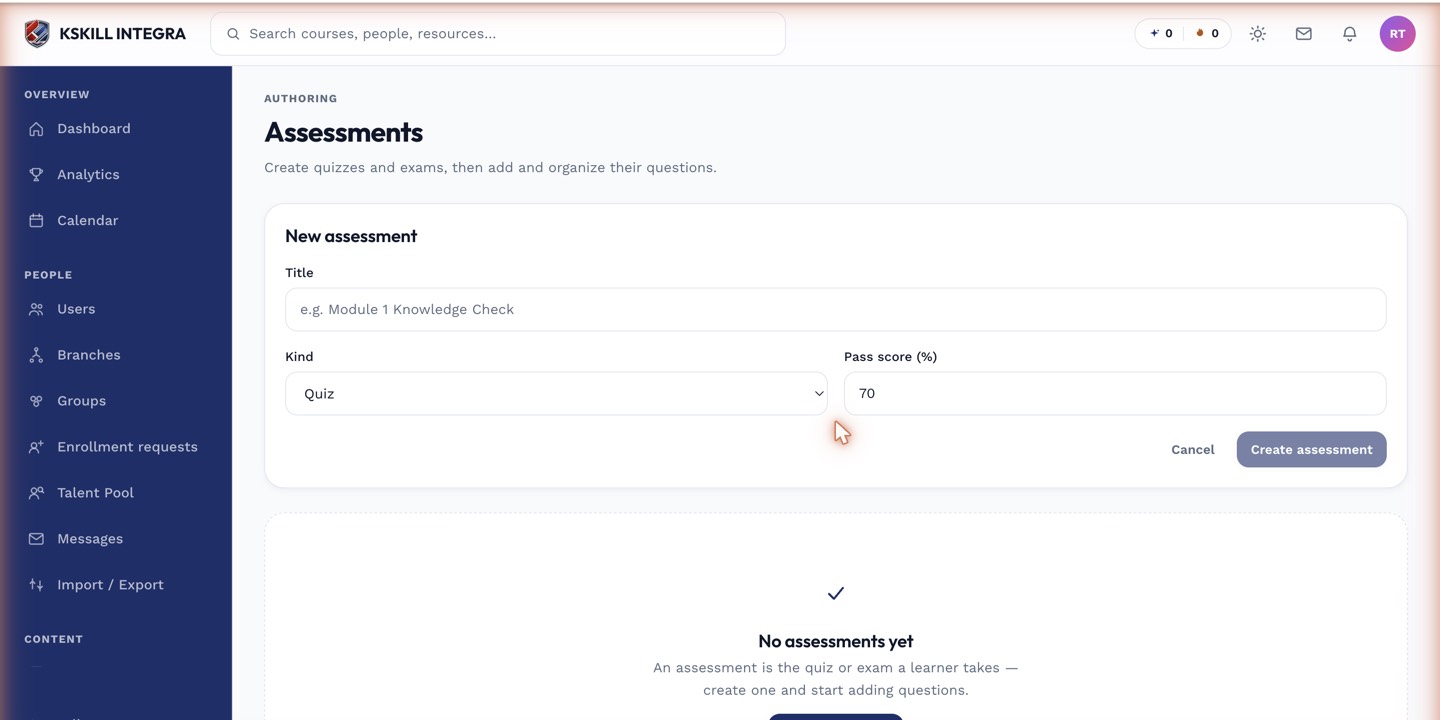
The builder combines the settings panel and the question list on a single screen.
Step 3 — How grants land
The next learner who passes this assessment earns the skill at the level their score maps to. The grant is recorded in their My Skills page and in the Talent Pool. Grants from exams are durable — they do not expire unless you configure expiration on the skill.
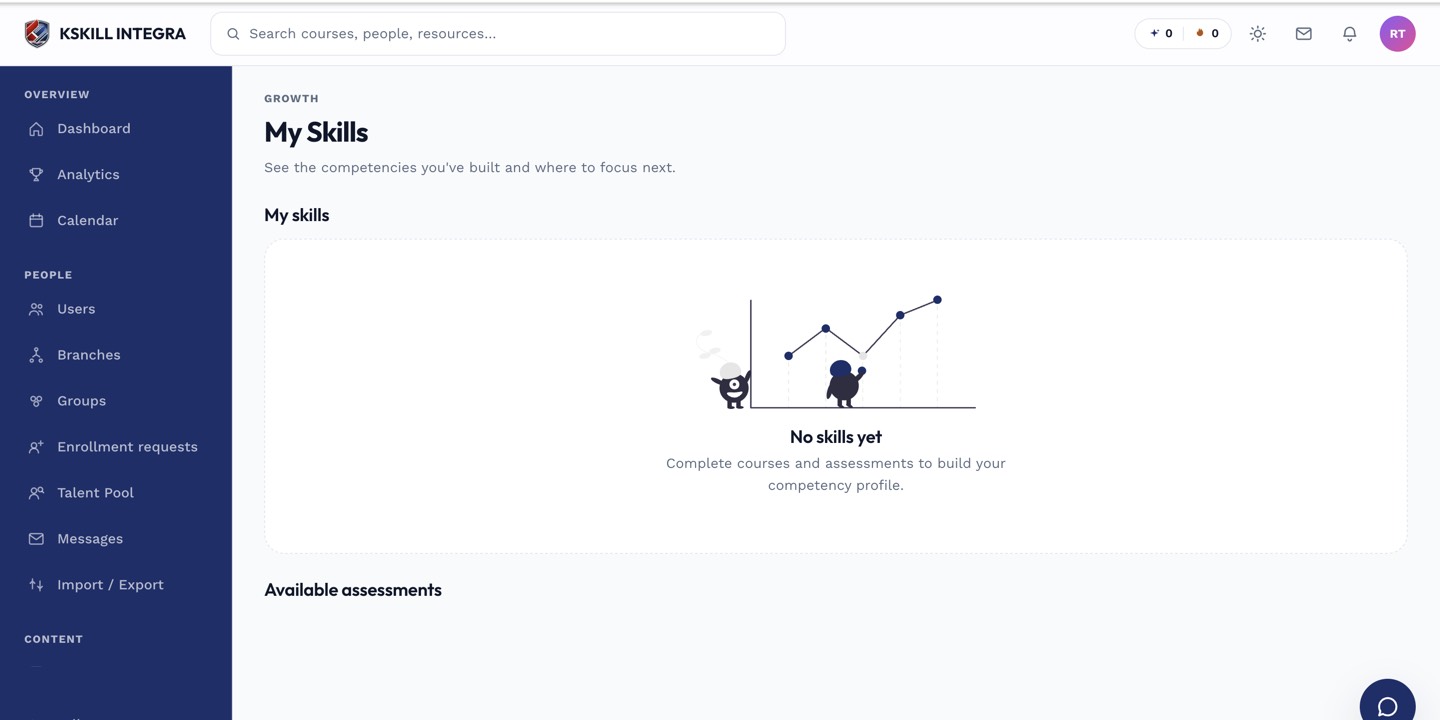
My Skills is the learner's own view of what they have proven so far.
Notes
- Only auto-graded assessments can award skills at the moment they submit — manually-graded ones award when the grade is recorded.
- Combine with a pool of drawn questions to prevent answer sharing.