Archiving or deleting a skill
SkillsUpdated September 24, 2026
Skills fall out of date — a tool gets retired, a role changes. Removing a skill from your taxonomy is a bigger action than editing it, because it can be referenced by job roles, courses, and learner grants.
Before you start
You need the Admin role. Before deleting, check whether the skill is used inside any job role bundle or wired to a course's award-skill setting; removing it there first avoids leaving a role or course pointing at nothing.
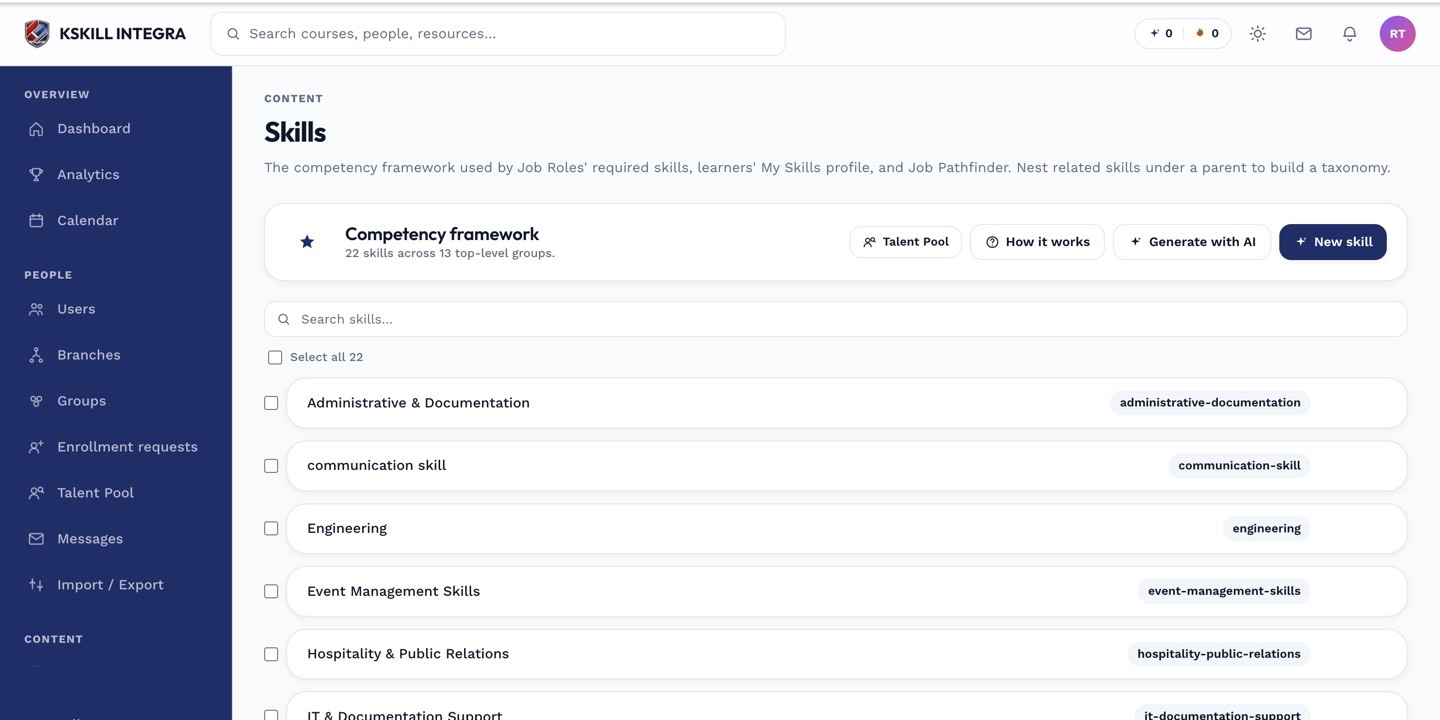 The row actions menu on a skill in the Skills manager offers archive and delete.
Removing a skill
- Open Manage → Skills.
- Open the skill's row menu.
- Choose to remove it, then confirm.
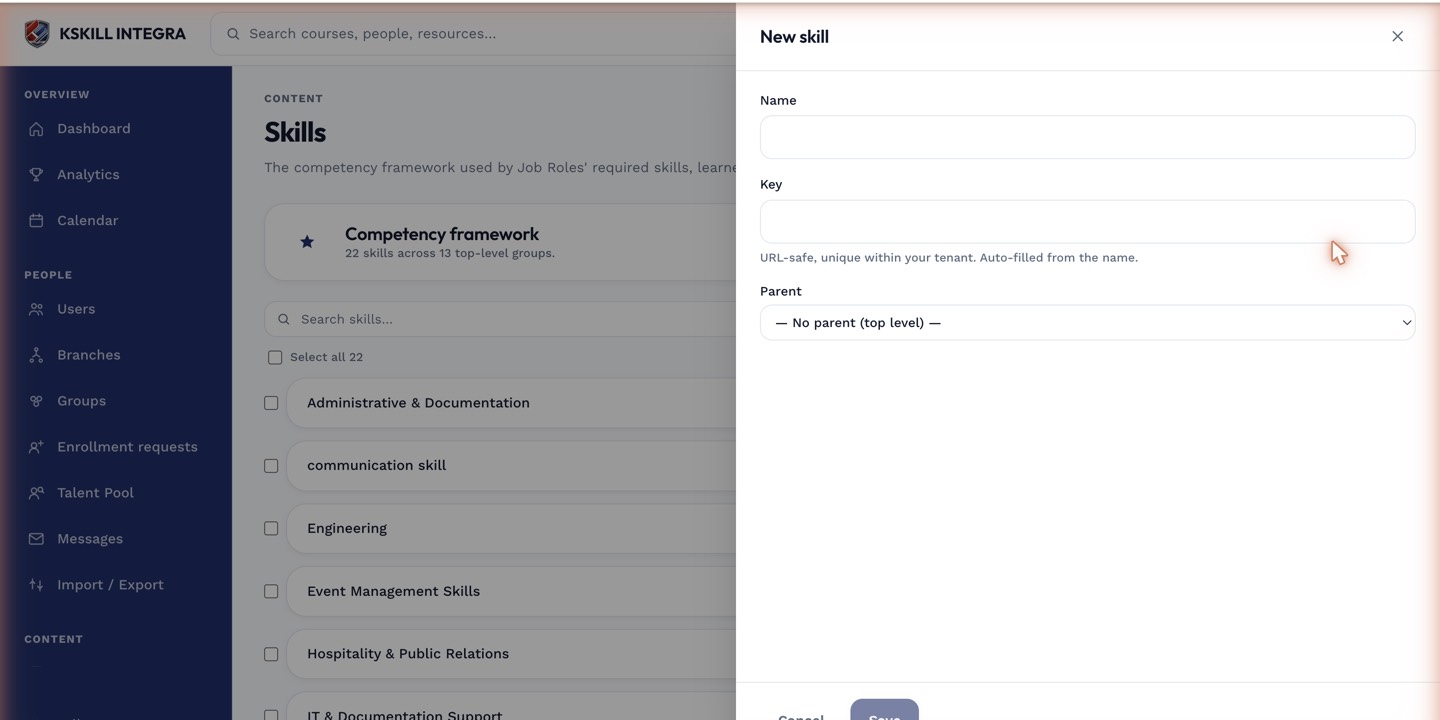 Removing a skill asks for confirmation before it takes effect, since existing learner grants are affected.
Notes
Learners who currently hold the skill lose it from their My Skills page once it is removed from the taxonomy. If you only want to stop new grants without erasing history for existing holders, prefer editing the skill to close off new self-assessments rather than removing it outright.
What next?
#skills#taxonomy#maintenance#how-to