Awarding a skill: manual and reviewer grants
SkillsUpdated September 24, 2026
Not every skill can be proven with a quiz. A welding certification, a completed apprenticeship, or an in-person evaluation is better recorded as a direct grant from a reviewer — and unlike a self-assessment, this kind of grant never expires.
Before you start
You need the Admin or reviewer role for the skill in question.
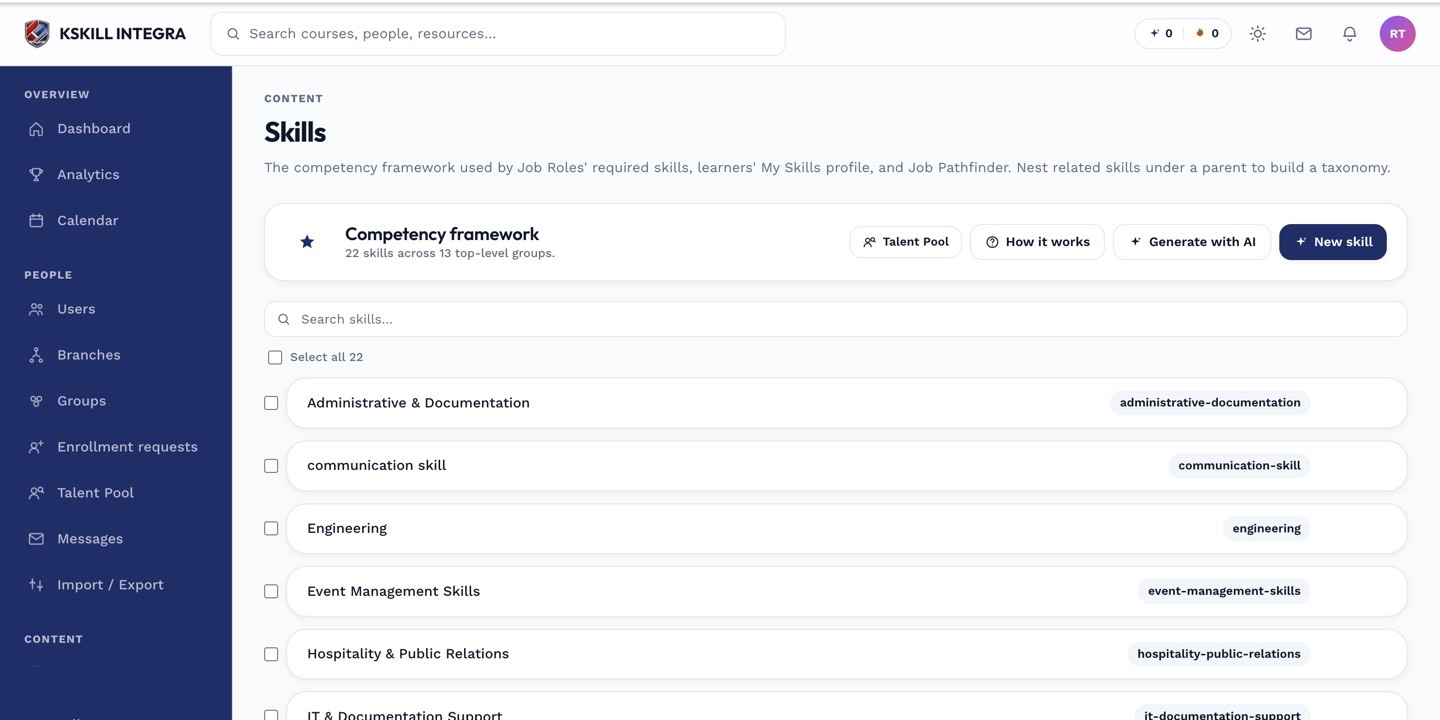 Skills can be assigned directly to a user from the Skills manager.
Granting a skill
- Open Manage → Skills and find the skill.
- Choose the option to assign it to a user.
- Search for the learner and pick the level you are attesting to.
- Save.
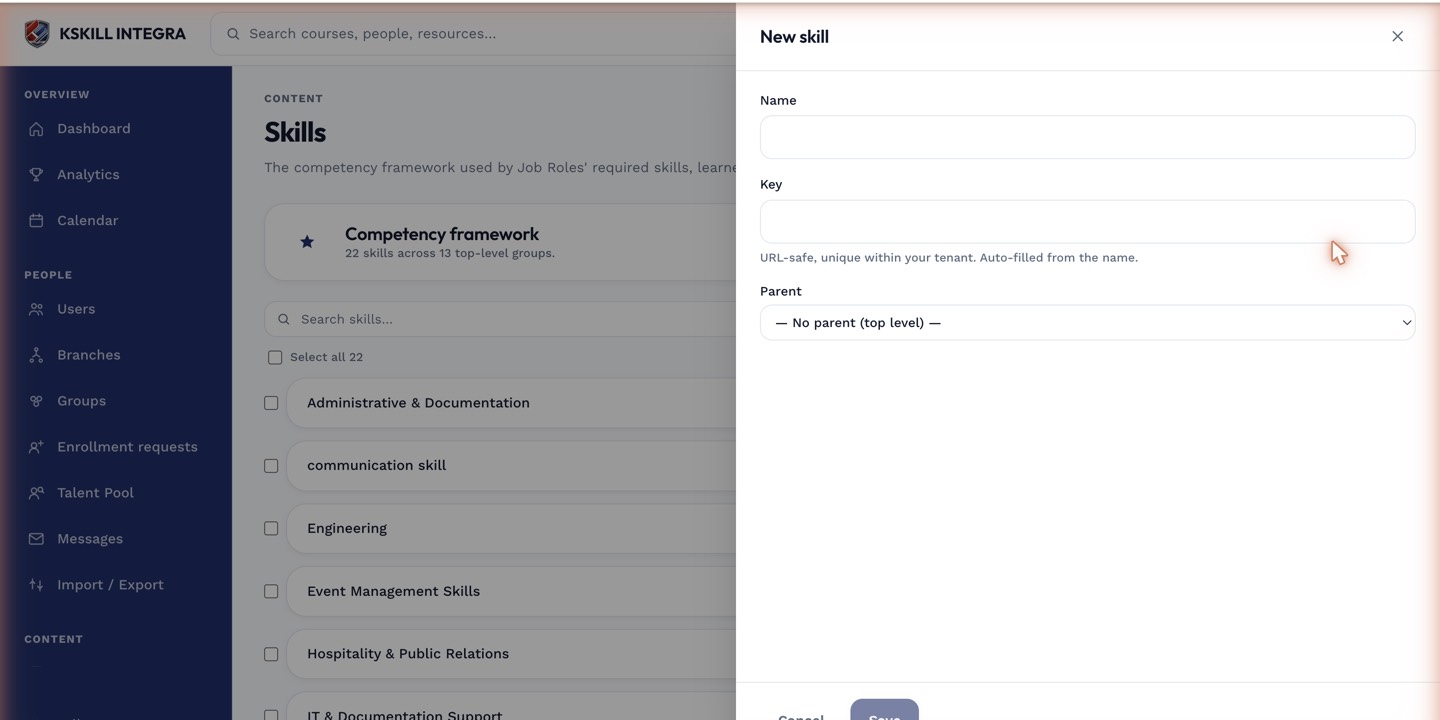 A manual grant records the level and the reviewer who made it, with no expiration attached.
Notes
Because this path is durable, use it deliberately — it is meant for verified competence, not a shortcut around the self-assessment quiz. The learner sees the grant immediately on their own My Skills page, labeled as reviewer-granted rather than self-assessed.
What next?
#skills#grants#reviewer#how-to