Badges and points
Badges are earned achievements; points are numeric progress. This article covers where each shows up and how to earn them.
Before you start
You need to be signed in. Badges and points require the gamification feature to be enabled.
Step 1 — Earn points
Points fire for every discrete action — completing a unit, passing a test, posting in a discussion. The rules are set by your admin. Your total appears on the leaderboard and on your profile card.
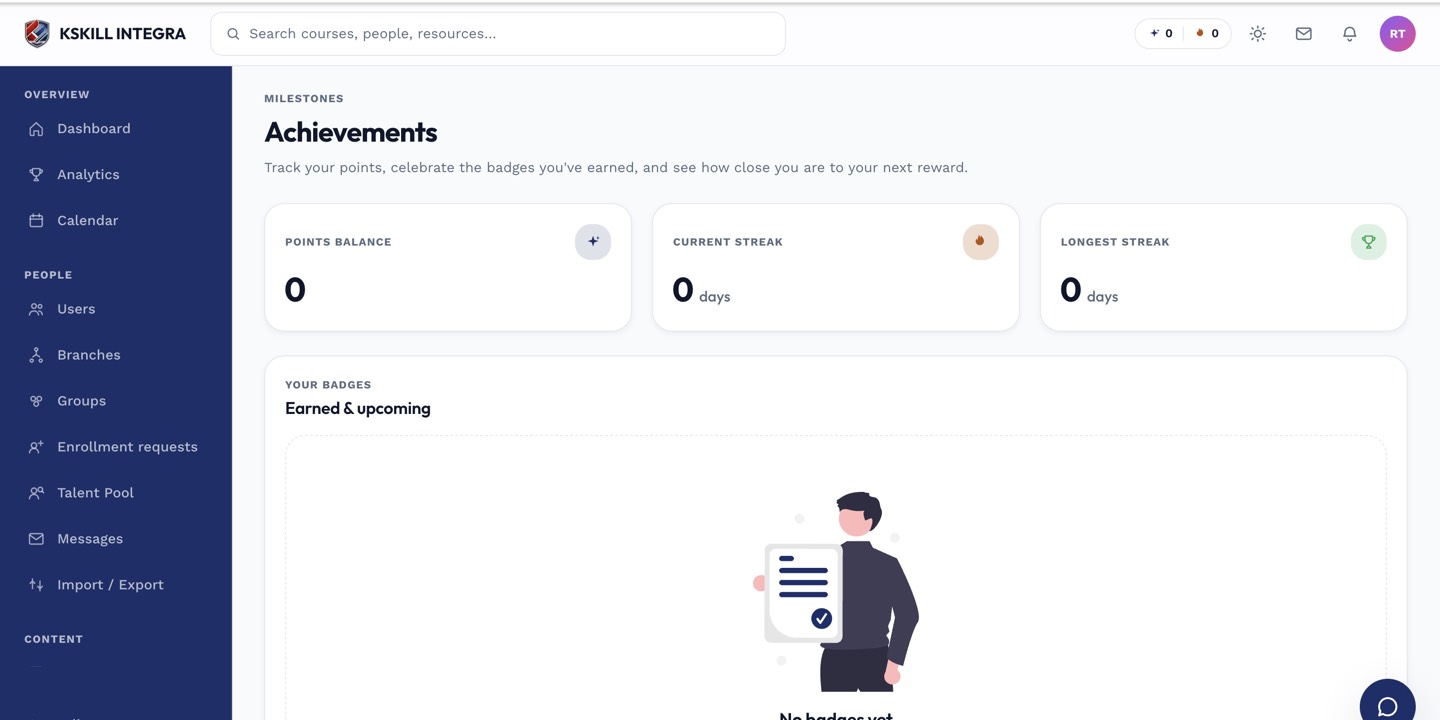
Achievements are the badges a learner has earned and can show off on their profile.
Step 2 — Earn badges
Badges fire when you cross a specific threshold — first course completed, 10-day streak, first perfect score. Each badge is a graphic you can see on your profile and, if you enable it, on the leaderboard.
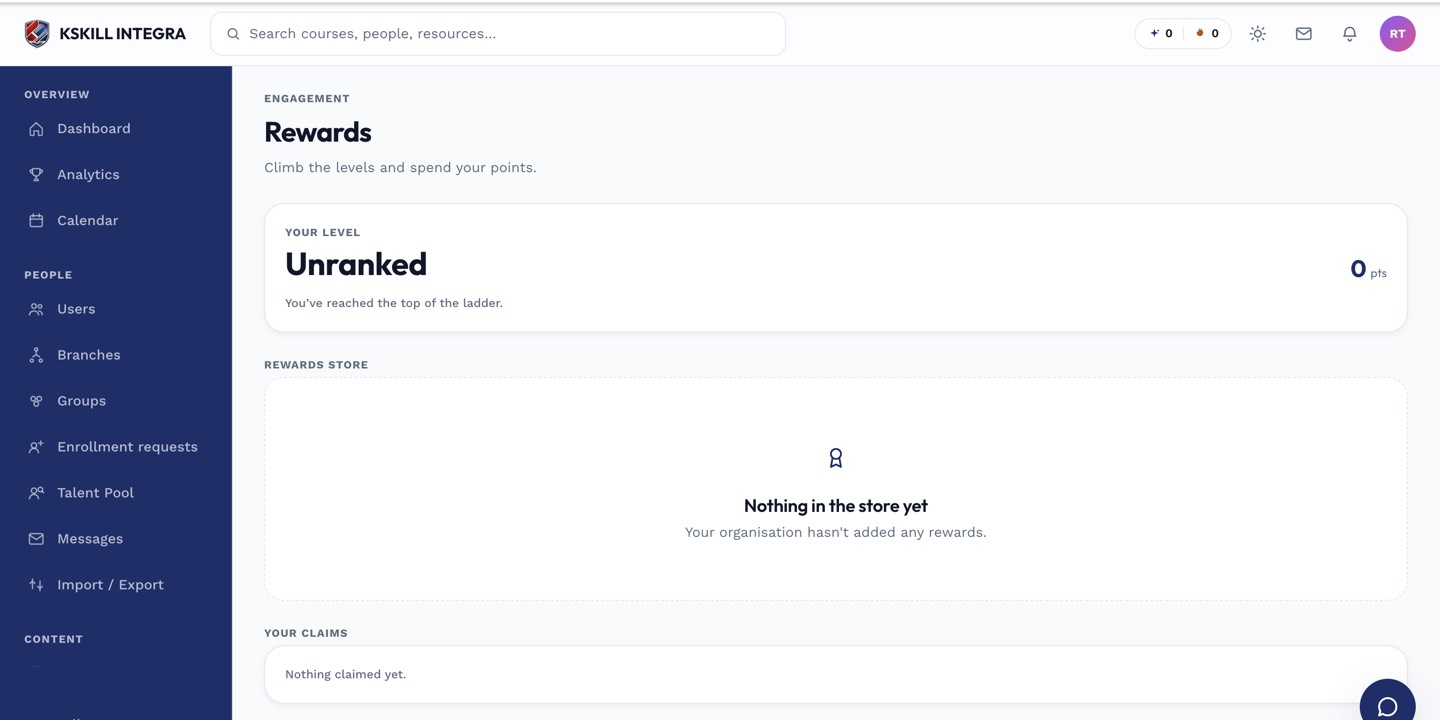
The rewards ledger tracks points earned and redemptions made.
Step 3 — Show them off
Open My Achievements from your sidebar to see everything you've earned. Pin your favourites to the top so they always show on your profile card. Others on the tenant see the pinned selection.
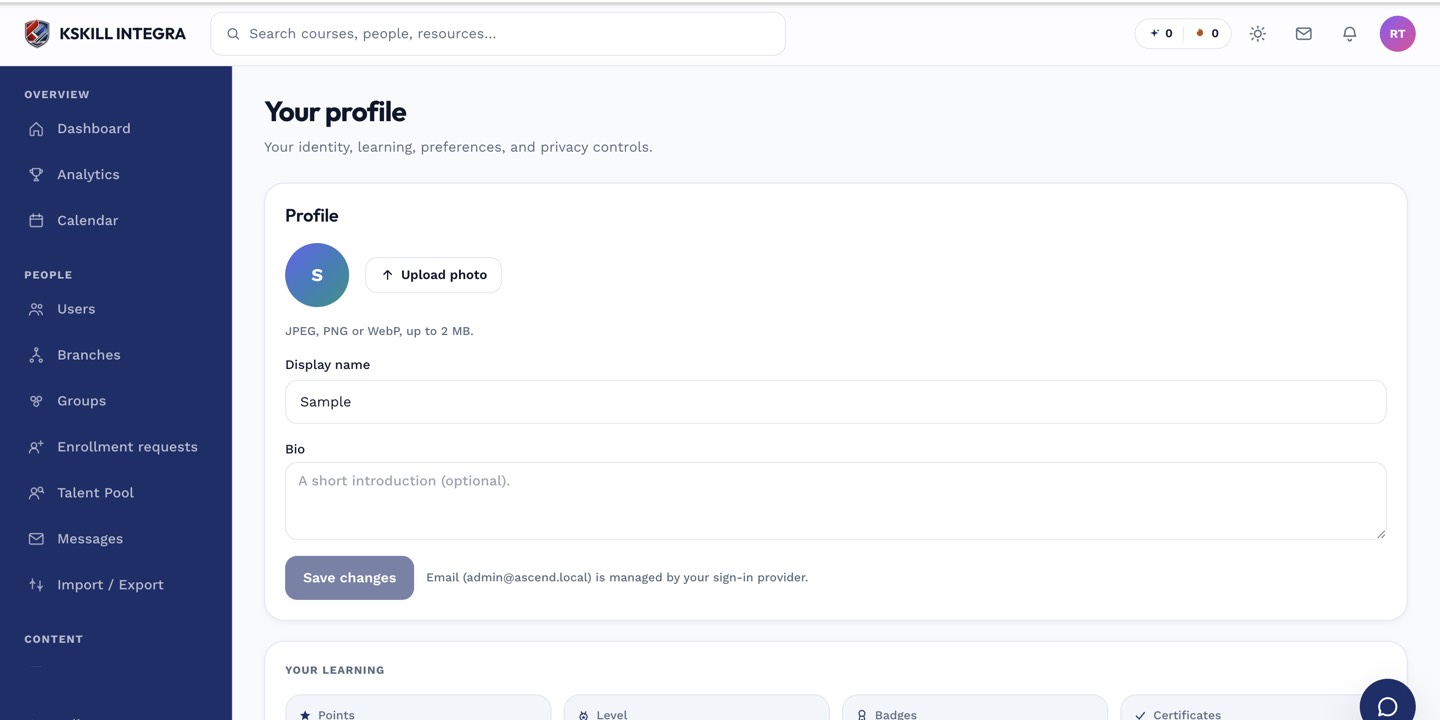
The account settings page is where a learner controls their own personal data.
Notes
- Points and badges are cosmetic by default; some tenants tie them to rewards.
- The leaderboard resets on a cadence your admin sets — daily, weekly or monthly.