Giving a Branch Its Own Payment Gateway
Larger tenants sometimes run separate business units under different branches, each needing to settle payments into a different Stripe or Billplz account. Per-branch payment overrides let a branch use its own credentials instead of the tenant default.
Before you start
This feature sits behind the branchPaymentSplit feature flag. If you don't see a payments section on a branch's detail page, the flag isn't enabled for your tenant — ask your account team to turn it on.
Setting an override
- Open Manage → Branches and select the branch.
- Find the branch's Payments section.
- Enter that branch's own Stripe or Billplz credentials, following the same save-then-activate pattern as the tenant-level settings.
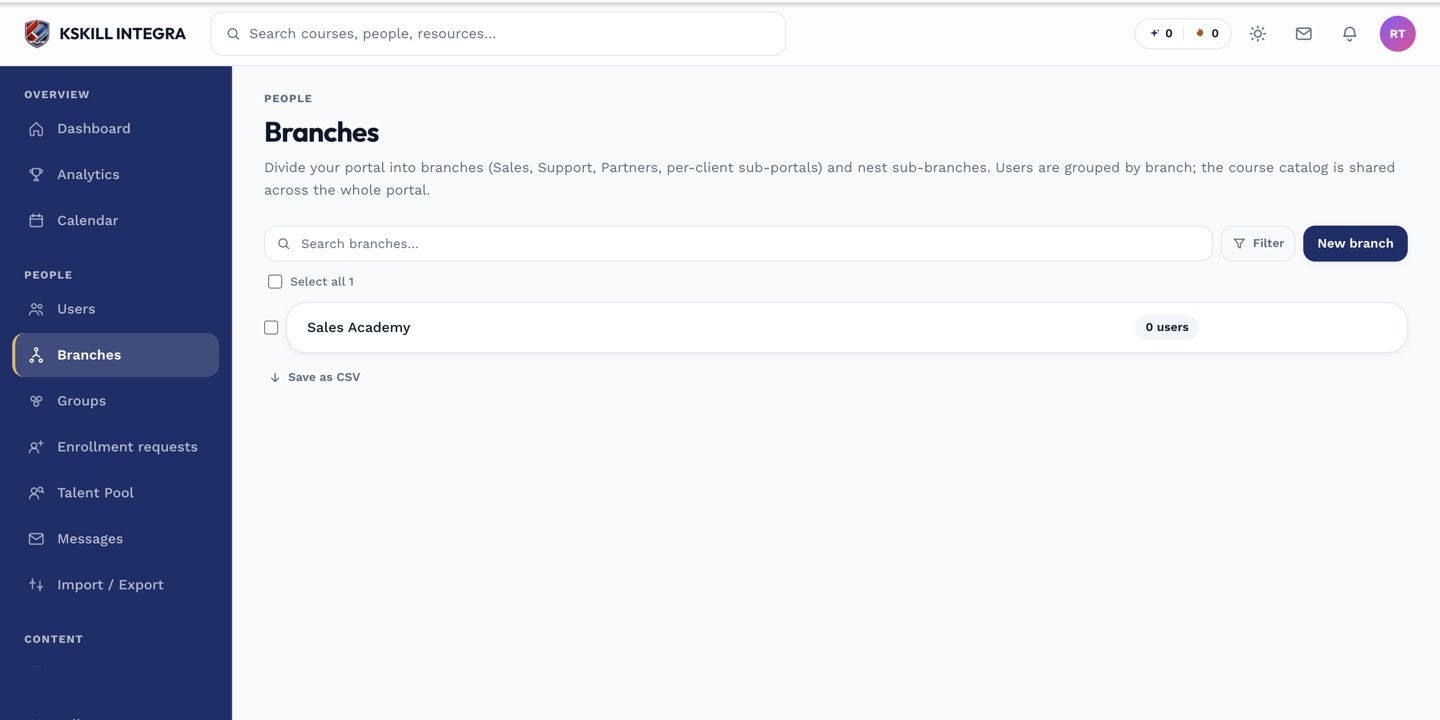 Each branch with an override configured settles its own checkouts independently of the tenant default.
How it resolves
When a learner checks out under a branch that has its own active credentials, that branch's gateway is used instead of the tenant-level one. Branches without an override simply fall back to the tenant default described in Payments settings overview.
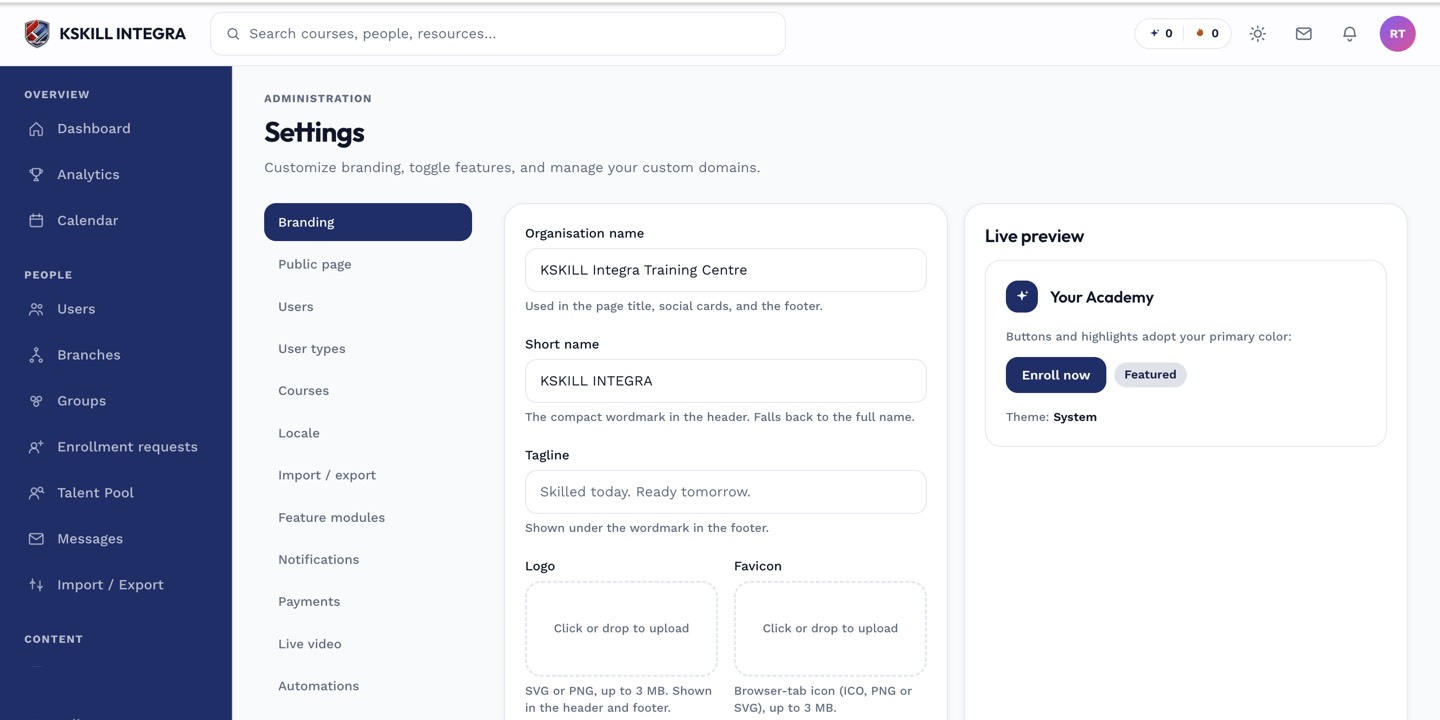 A branch with no override configured simply inherits the tenant-wide gateway.
Notes
Overrides are all-or-nothing per branch — a branch either has its own full credential set and activation state, or it uses the tenant's. There's no partial mixing (e.g. tenant Stripe key with a branch-specific Billplz collection).