Buying from the marketplace
Buying from the marketplace means shopping other tenants' published courses for your own learners — and what happens next is a little different from a normal course purchase, because of the redirect model.
Browsing the storefront
Open Manage → Marketplace and switch to the storefront view to browse listings from other tenants. Each listing shows a description, cover image, price, and — where the seller has set one — a free preview unit you can try before buying.
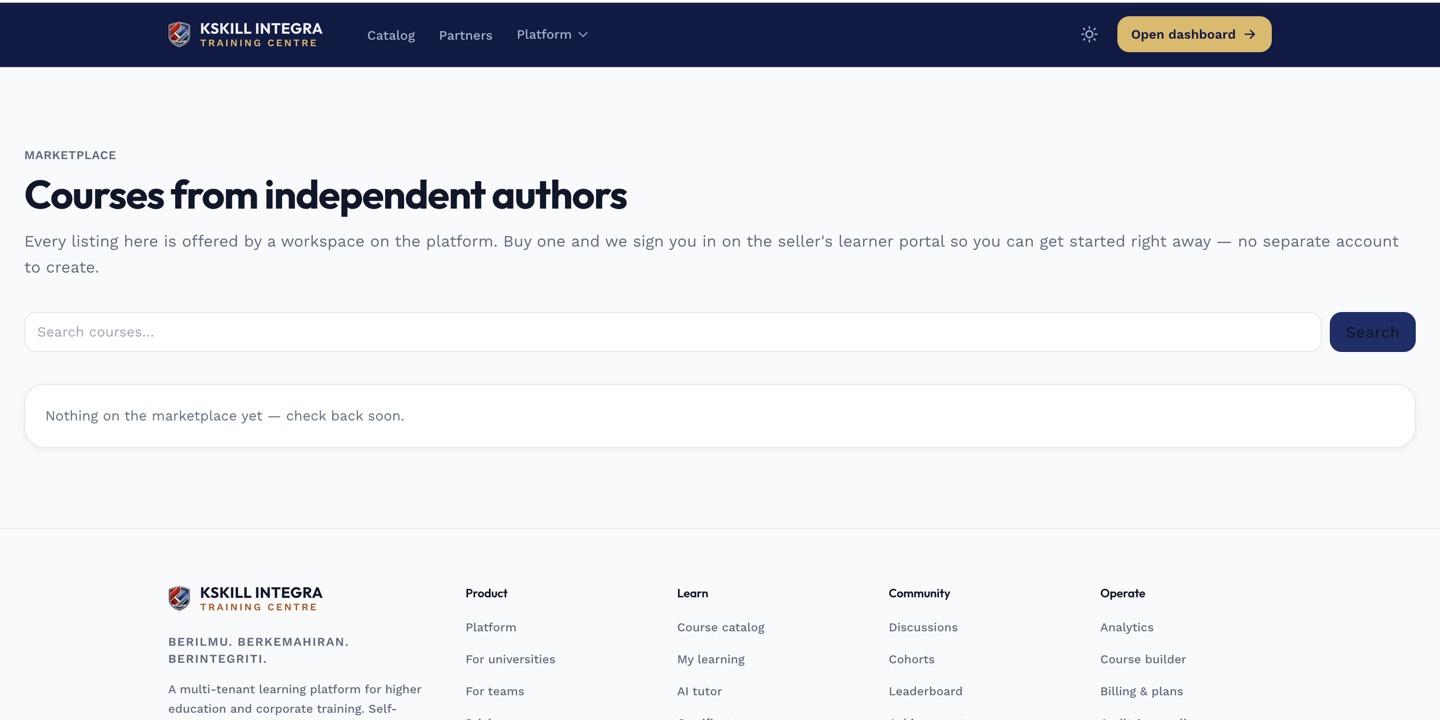 Reviews and previews are visible right on the storefront, before you commit to a purchase.
What happens after you buy
The platform collects payment from you at checkout. Your learner is then sent through a magic link that signs them straight into the seller's tenant with a fresh account — not yours. From that point on, they study the course on the seller's infrastructure: the seller's branding, and eventually the seller's certificate.
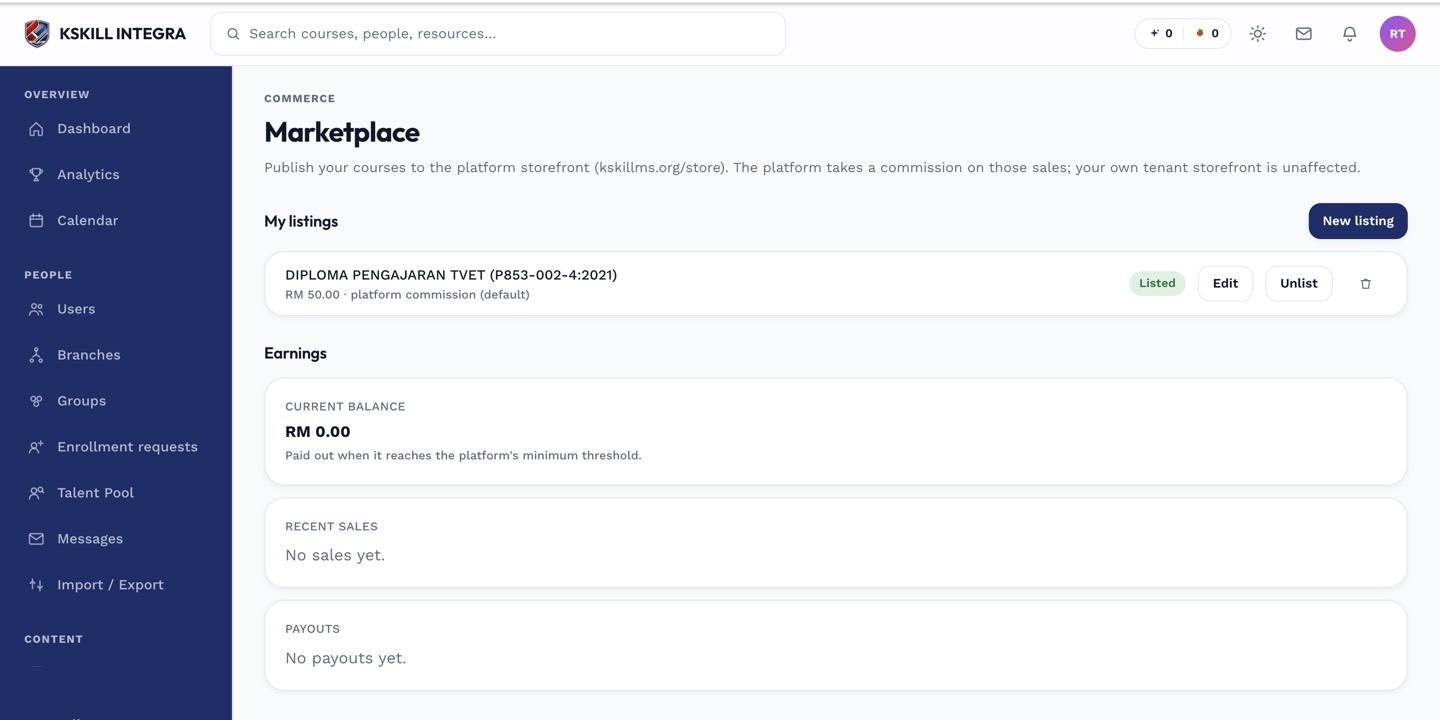 Purchasing hands the learner off to the seller's tenant — it doesn't import the course into yours.
Notes
This is why marketplace purchases behave differently from a Bundle you buy for your own learners — see marketplace vs. Bundles for the distinction. If a learner reports trouble getting into their new account after a purchase, see troubleshooting a marketplace buyer who can't sign in.