Creating a marketplace listing
MarketplaceUpdated September 24, 2026
Turning a course into a marketplace listing takes a few minutes. You need an existing published course, a price in mind, and a pitch aimed at other tenants — not at end learners.
Before you start
The course must be Published in your own catalog first — drafts can't be listed. You'll also want a payment processor already connected, since the listing needs a payout method.
Create the listing
- Open Manage → Marketplace.
- Click New listing.
- Pick the course to list, then set a cover image and description.
- Set a price and payout method — see setting a listing's price and payout method.
- Optionally mark a unit as a free preview — see the free preview unit.
- Publish the listing.
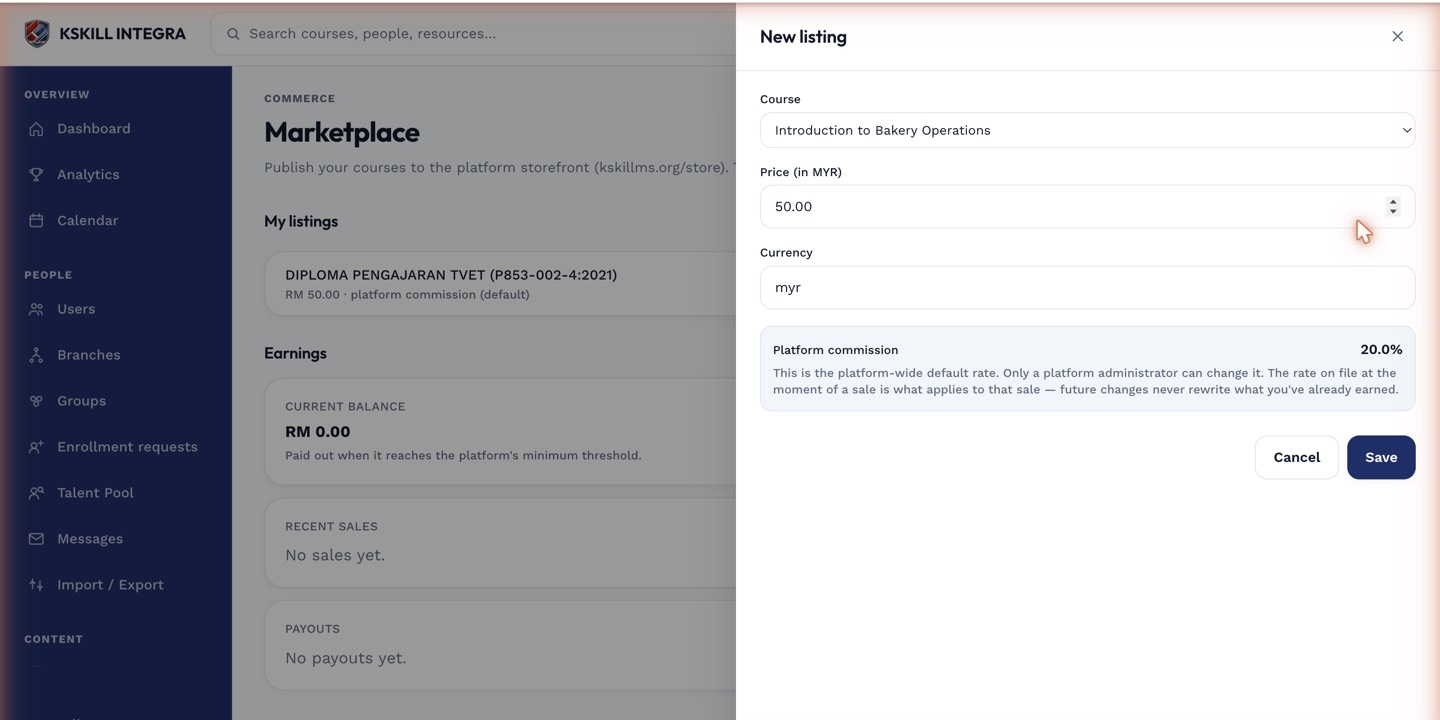 The listing drawer starts from the course's existing thumbnail and description.
What buyers see
Once published, your listing appears in the storefront other tenants browse, alongside its price, description, cover image, and any free preview you've set.
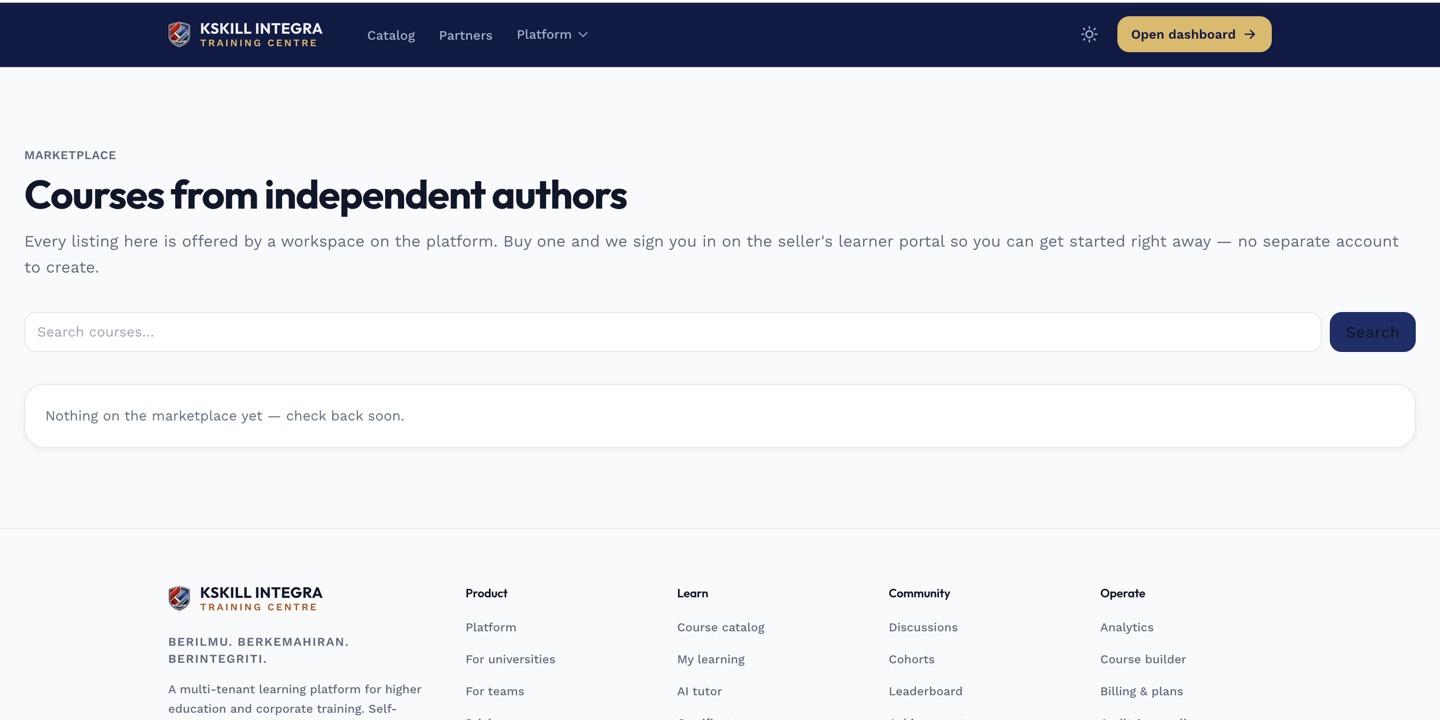 This is the same card view buyers scroll through when shopping the storefront.
Notes
Editing the underlying course after listing it updates what buyers will study — your existing customers on the marketplace continue to get an up-to-date course, since it stays hosted on your tenant.
What next?
#marketplace#listing#selling#course