Adding a free preview unit to your listing
MarketplaceUpdated September 24, 2026
A free preview lets a prospective buyer's learner try a single unit of your course before their tenant commits to a purchase — the same idea as a free sample in your own public catalog, applied to a marketplace listing.
Setting a preview unit
- Open your listing under Manage → Marketplace.
- In the listing drawer, choose a unit from the course to mark as the free preview.
- Save the listing.
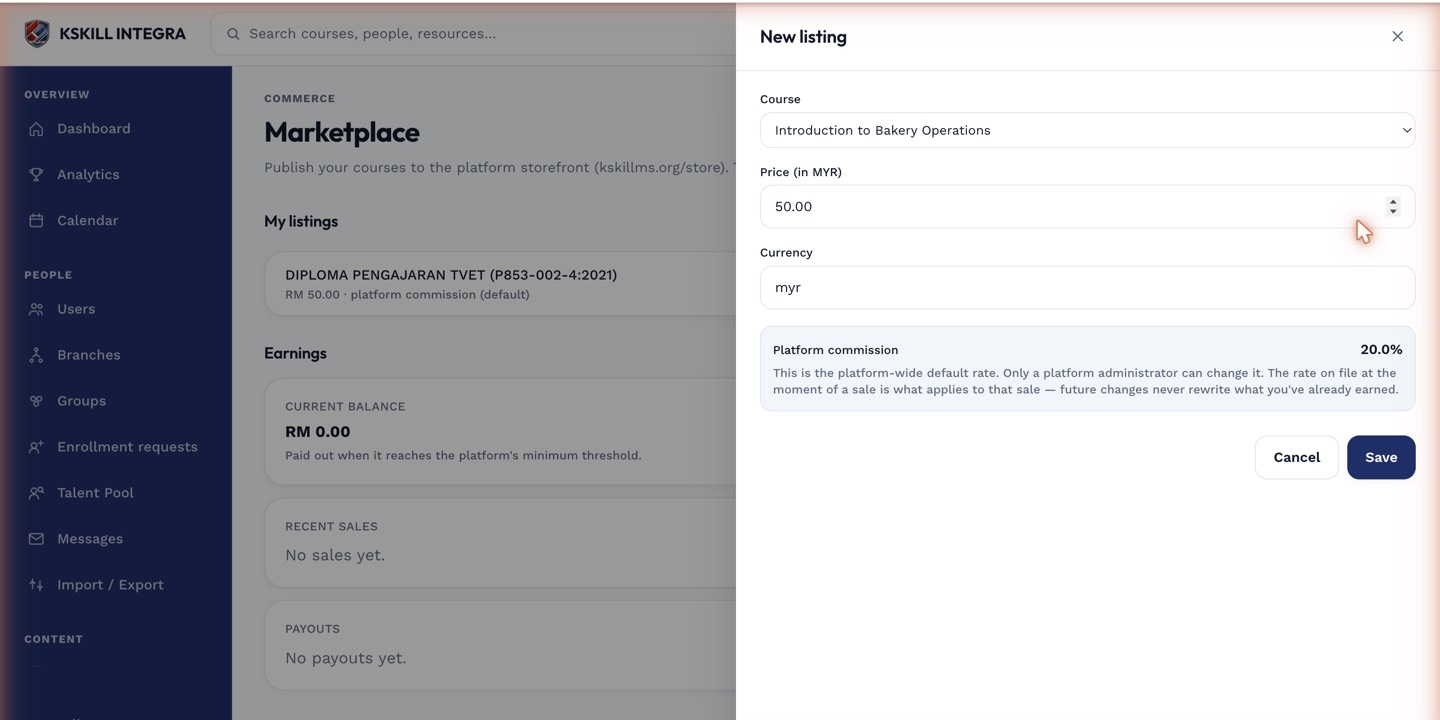 The preview unit is optional — a listing works fine without one.
What buyers see
Browsing tenants can open the preview unit directly from the storefront listing, without buying first, giving them a real sample of your course quality before spending anything.
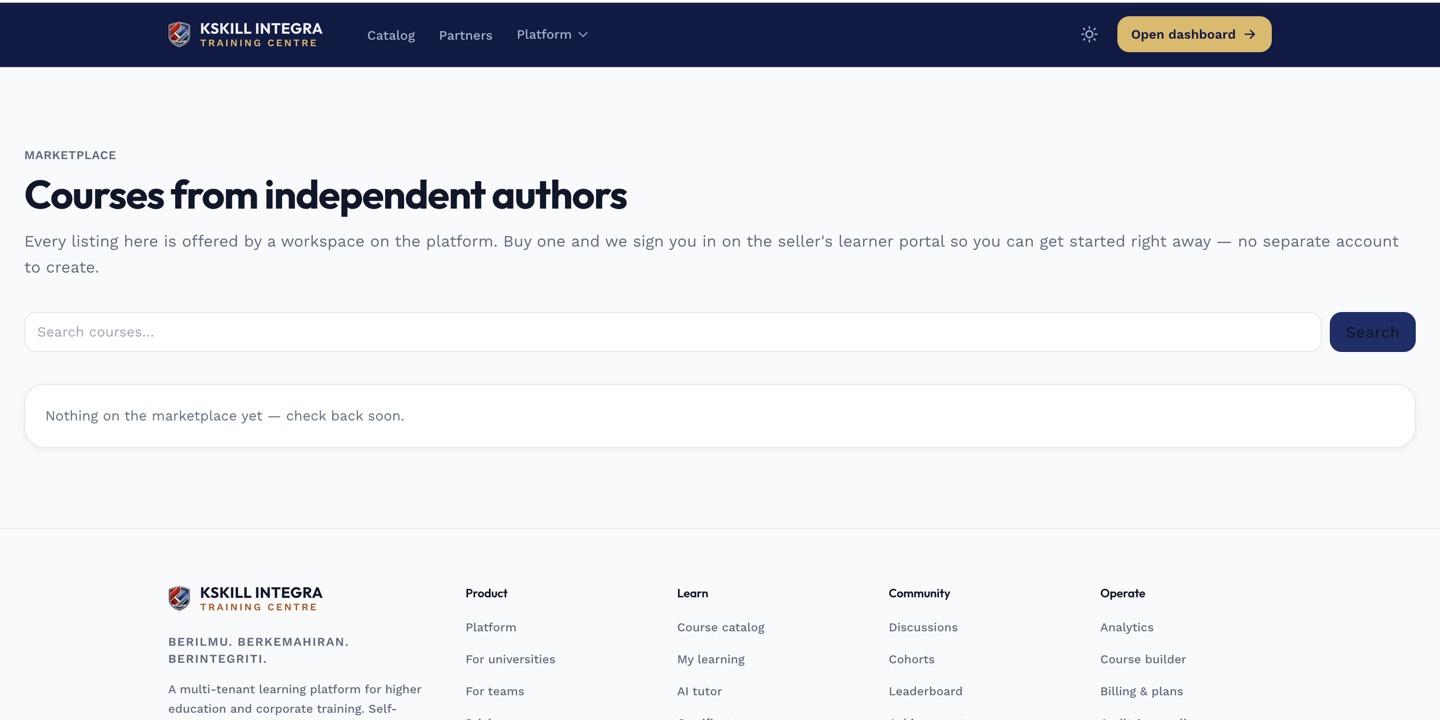 A visible preview is one of the strongest signals a buyer uses to decide.
Notes
Pick a unit that represents your course well — an introduction or a strong middle lesson tends to convert better than a housekeeping unit like a syllabus overview.
What next?
#marketplace#preview#listing#selling