Data export and deletion (GDPR)
GDPR gives users the right to export their data and to be forgotten. This article covers the tools that make both happen.
Before you start
You need the Admin role. Export and deletion are irreversible — always double-check the target user.
Step 1 — Open the user's profile
Open People → Users, click the user, and pick GDPR from the overflow menu. The drawer has two actions — Export all data and Delete account and data.
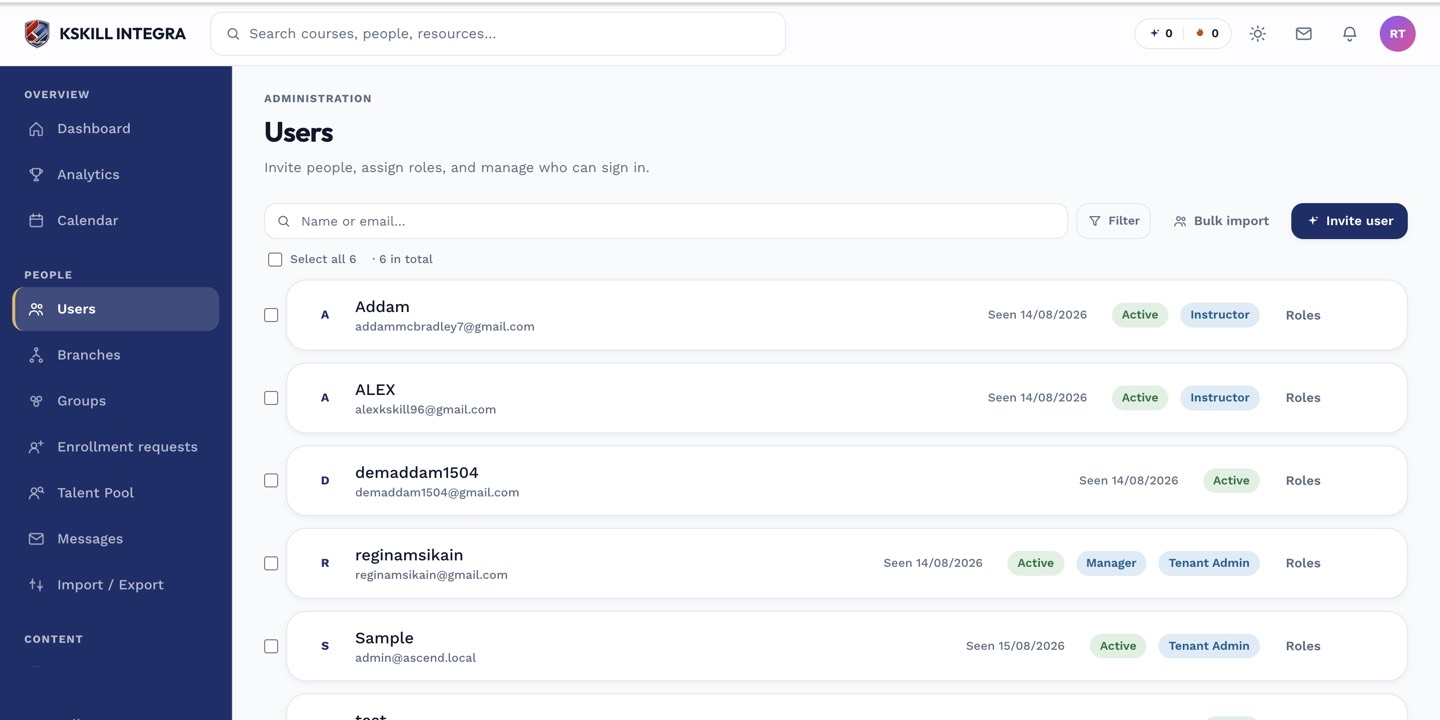
The Users list is the entry point for every person-related admin task.
Step 2 — Export all data
Click Export all data. The platform gathers every record about the user — profile, enrolments, submissions, certificates, messages — into a ZIP and emails a signed download link to the requester. The link expires in 24 hours.
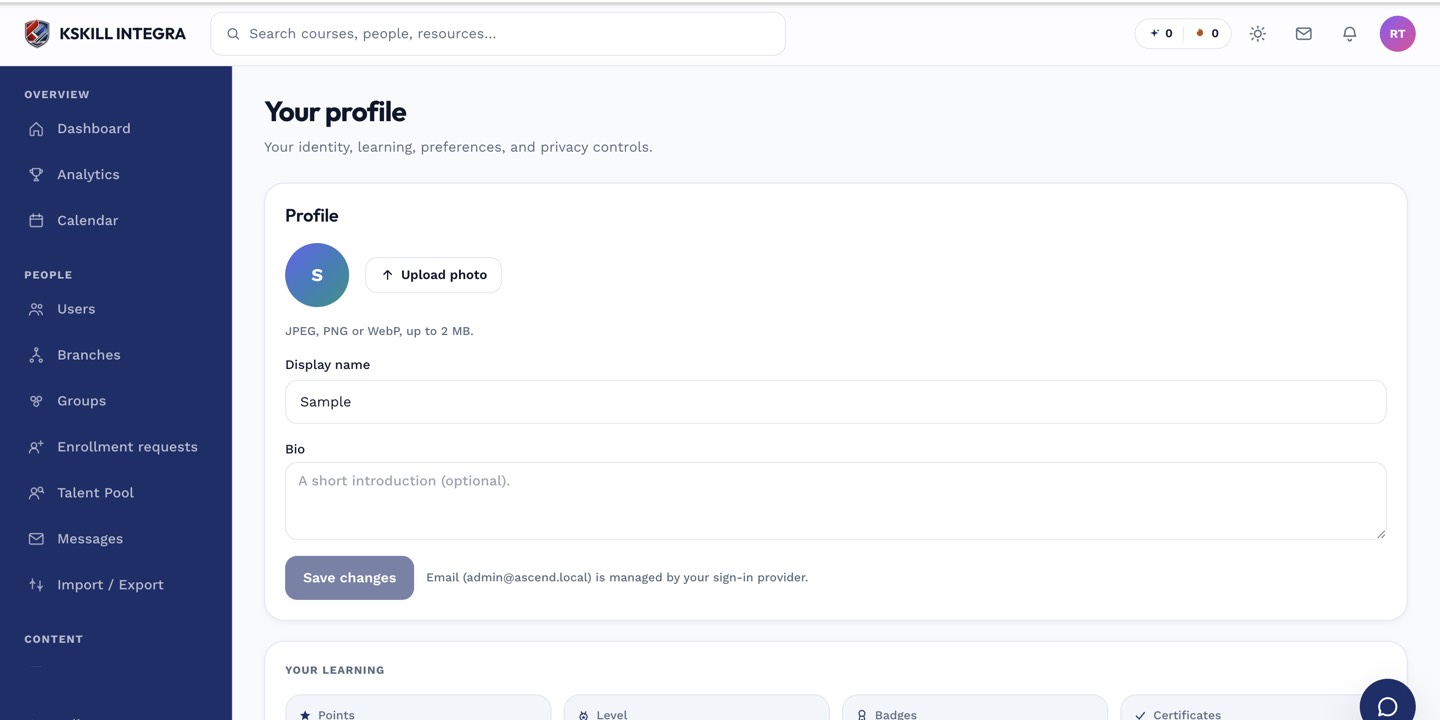
The account settings page is where a learner controls their own personal data.
Step 3 — Delete permanently
Click Delete account and data. Confirm twice — this is irreversible. Personal data is scrubbed; audit records retain a pseudonymised id so historical analytics still function. The user cannot sign in again with the same email.
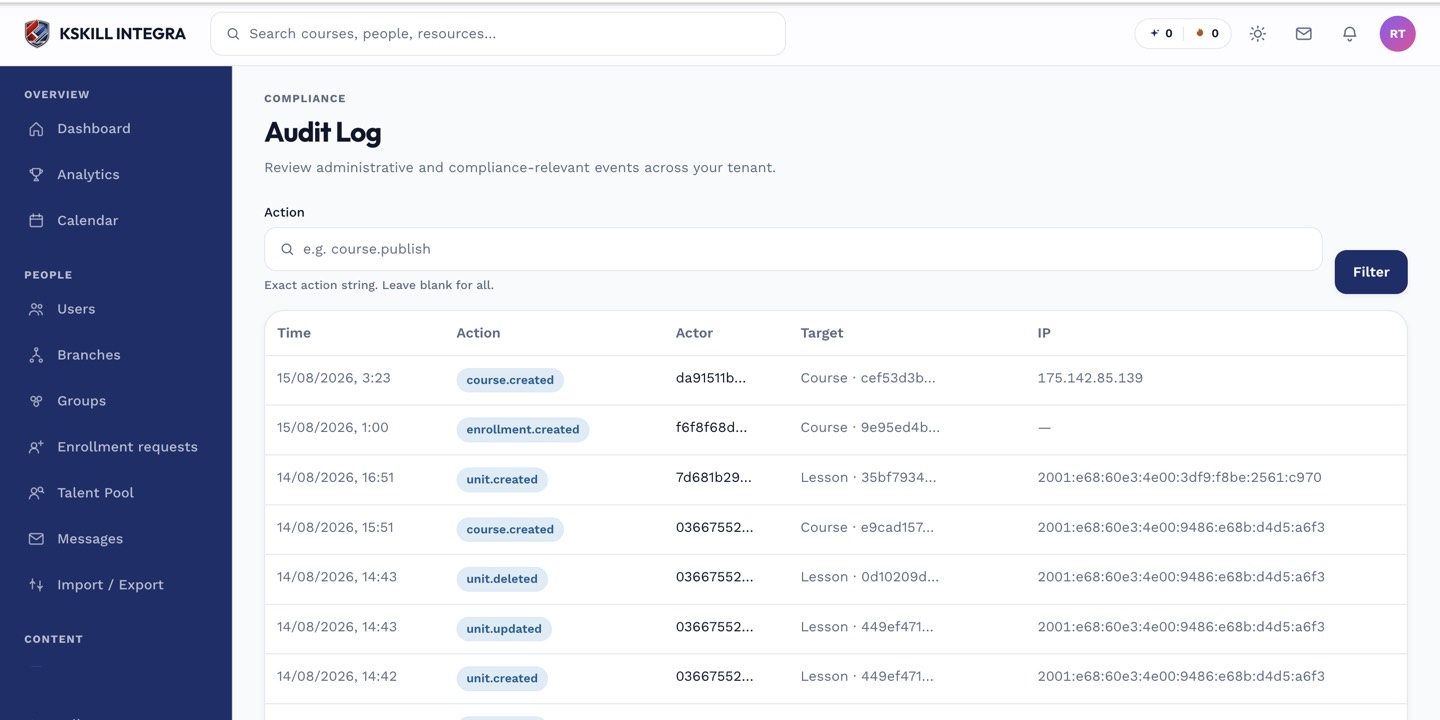
The audit log is your immutable record of who did what.
Notes
- Deactivation preserves data; deletion scrubs it. Deactivate first if you might change your mind.
- For legal holds, use deactivation — deletion violates litigation-hold obligations.