Enable LTI 1.3
LTI 1.3 lets your LMS launch (or be launched by) another LMS. This article covers turning on the handshake.
Before you start
You need the Admin role. LTI configuration is available on every tenant.
Step 1 — Open LTI settings
Open Configuration → Settings and pick LTI. The page shows this tenant's LTI keys and a list of registered platform peers.
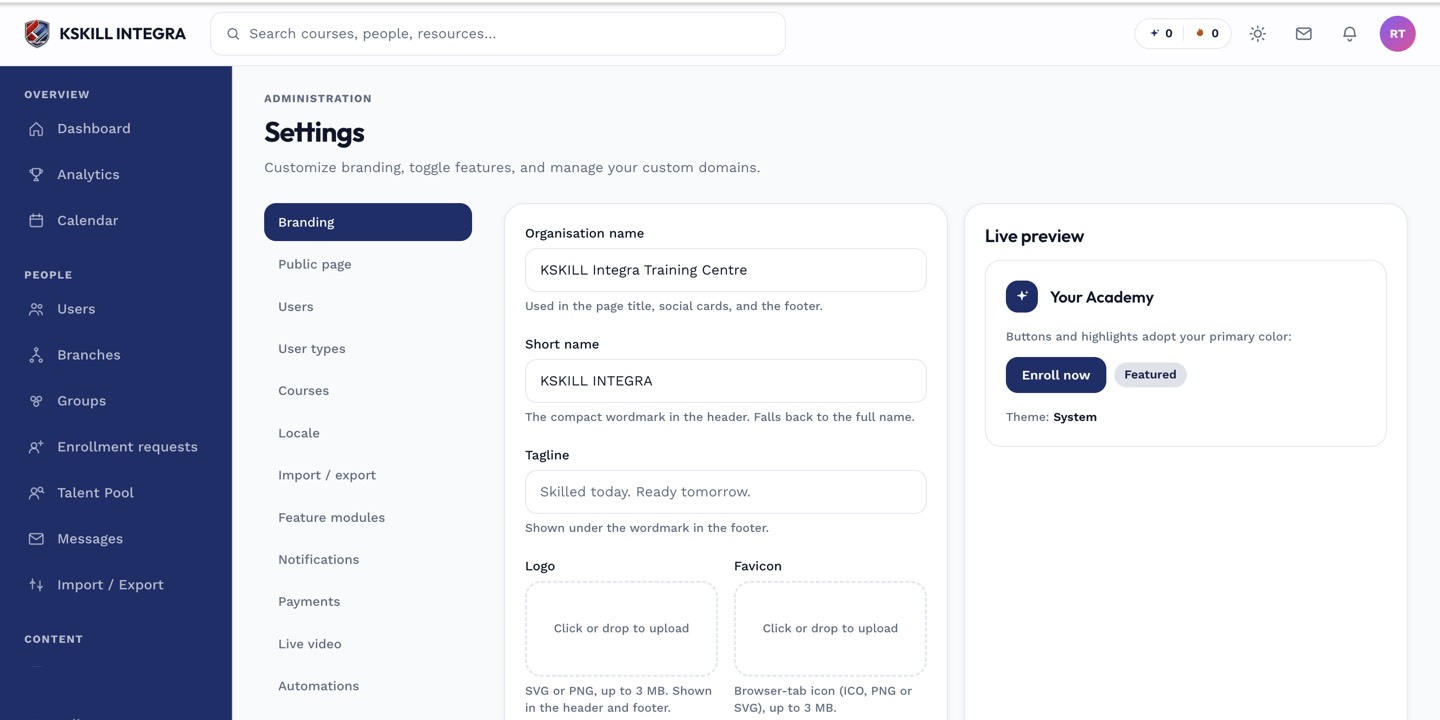
The Settings page is the single home for every tenant-level toggle.
Step 2 — Register the peer platform
Click Register platform. Fill in the peer's issuer URL, client ID, and public key JWKS URL. Save. Send the peer your matching values (visible on the same page) so they can register you.
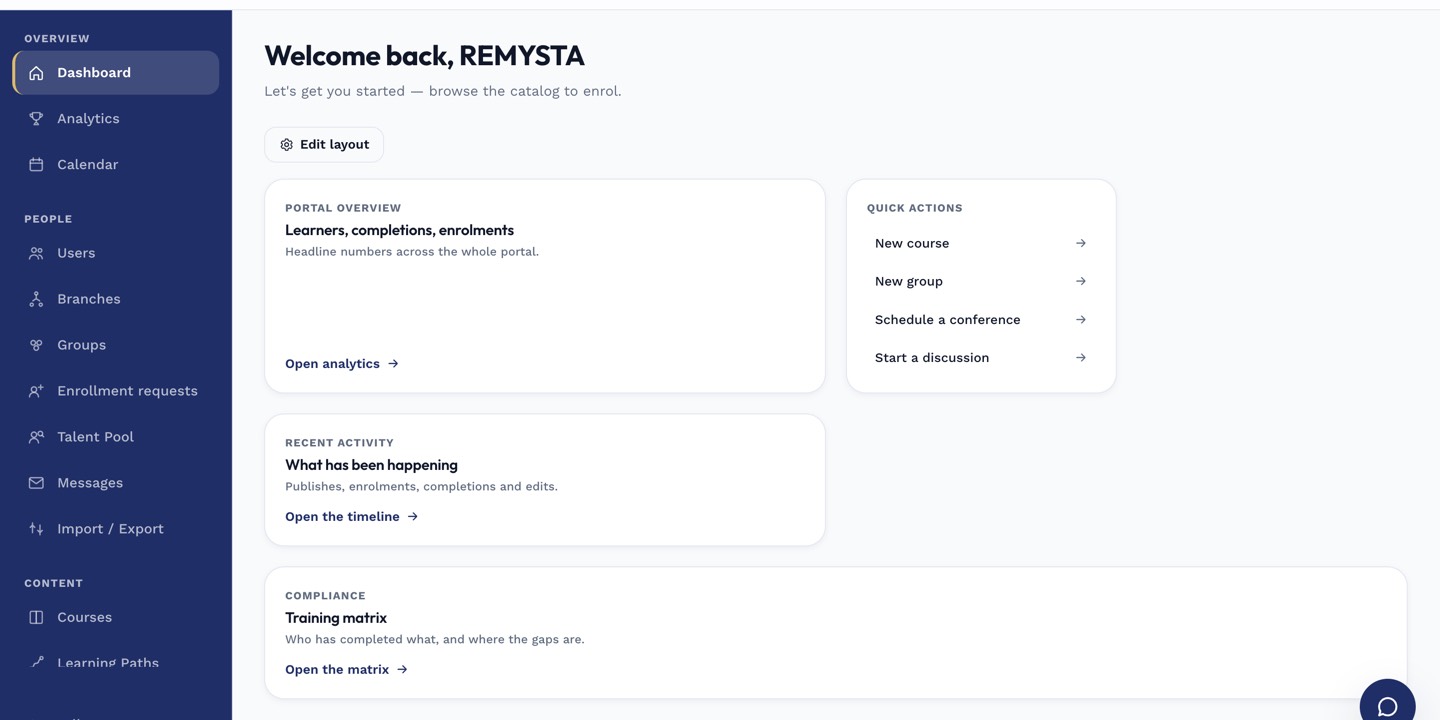
The left rail is the anchor for every admin task; every screen you visit starts with a click here.
Step 3 — Test the handshake
Once both sides are registered, launch a resource from the peer. It should open a course inside your LMS with the learner already signed in. Grade passback (AGS) is a separate wiring — see the AGS article.
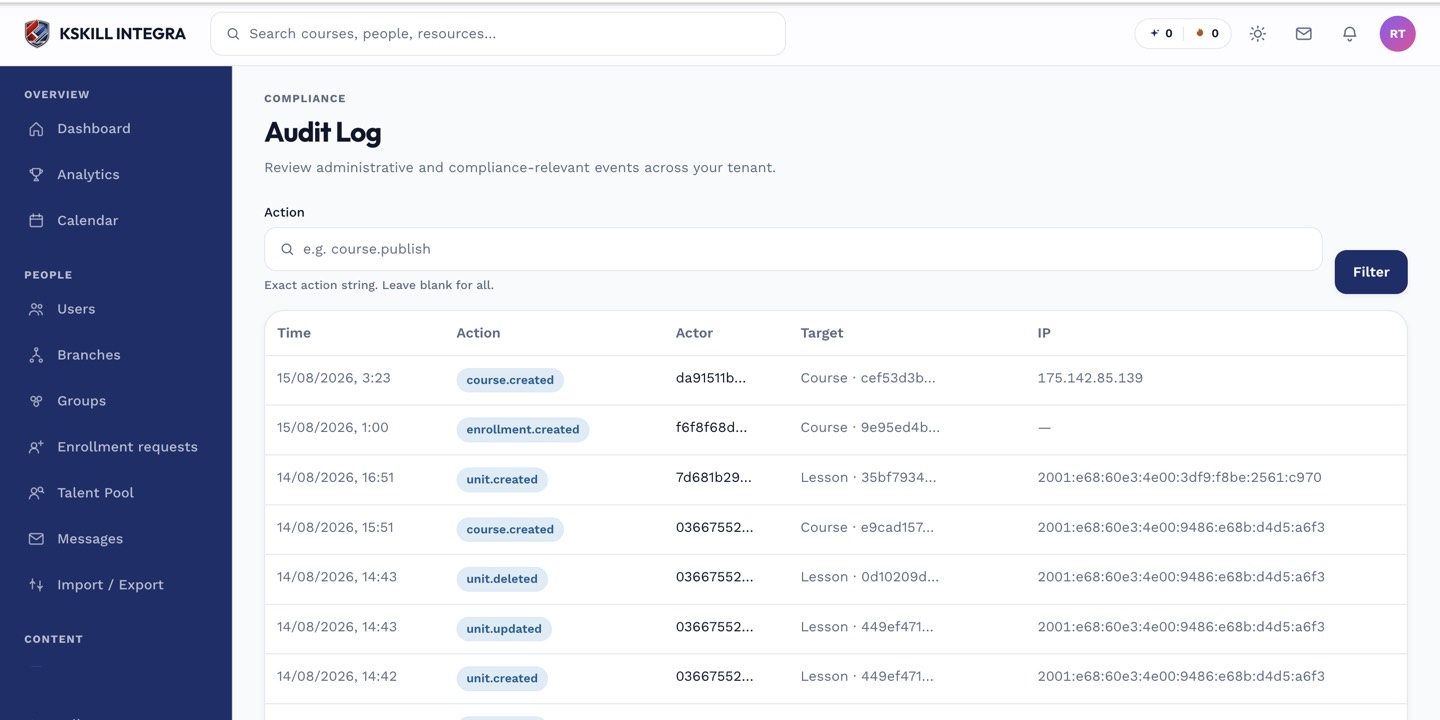
The audit log is your immutable record of who did what.
Notes
- LTI 1.3 launches sign in via a proper OIDC handshake — no shared secrets.
- Grade passback via AGS is a separate wiring step; see the LTI AGS article.