Integrations overview
The platform integrates with SSO, LTI, webhooks, Slack, Google Meet and Zoom. This tour points at where each lives.
Before you start
You need the Admin role. Each integration has its own credentials — sort those before configuring.
Step 1 — Open Integrations
Open Configuration → Settings and pick Integrations. The page groups every integration into cards — SSO, LTI, Webhooks, Slack, Google Meet, Zoom, SCIM.
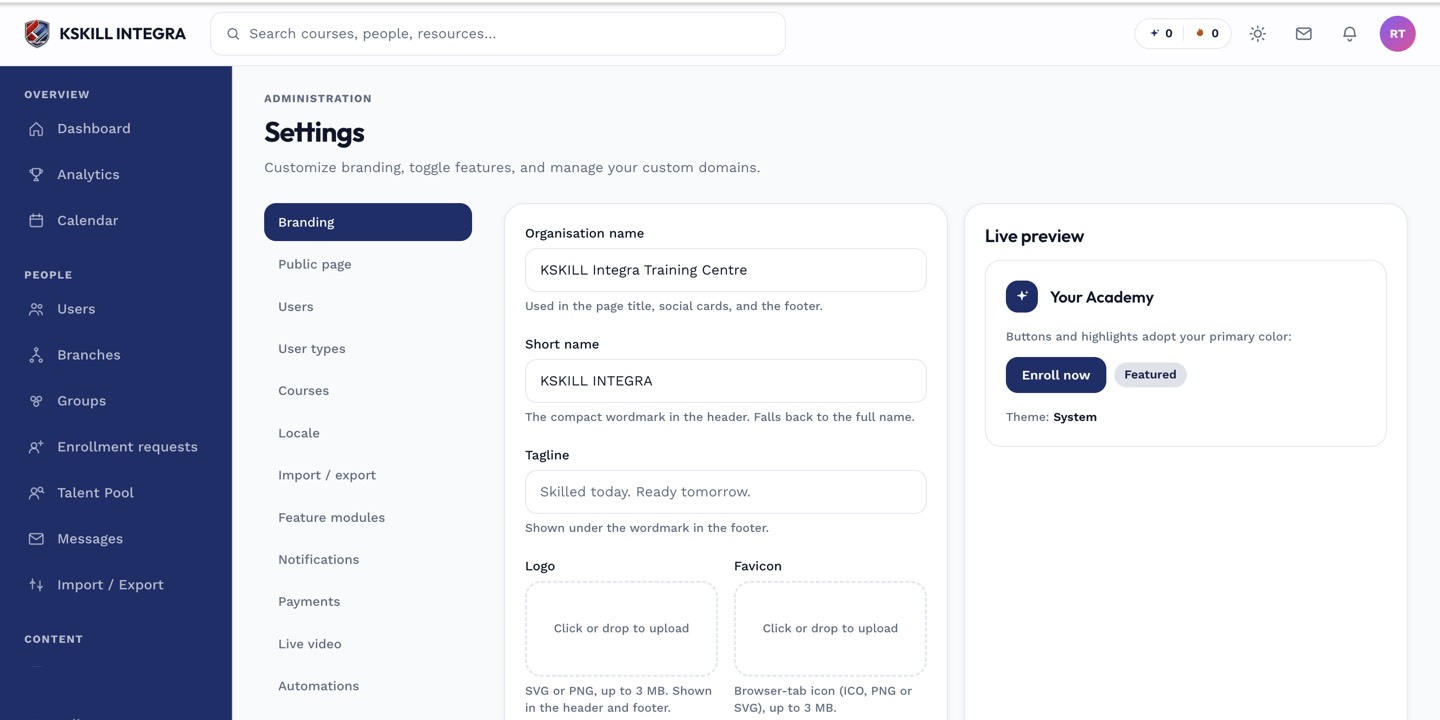
The Settings page is the single home for every tenant-level toggle.
Step 2 — Pick your first integration
Most tenants start with SSO (SAML or OIDC), then webhooks so downstream systems know when someone completes a course. Slack and Meet/Zoom are quality-of-life; they can wait until the core flows work.
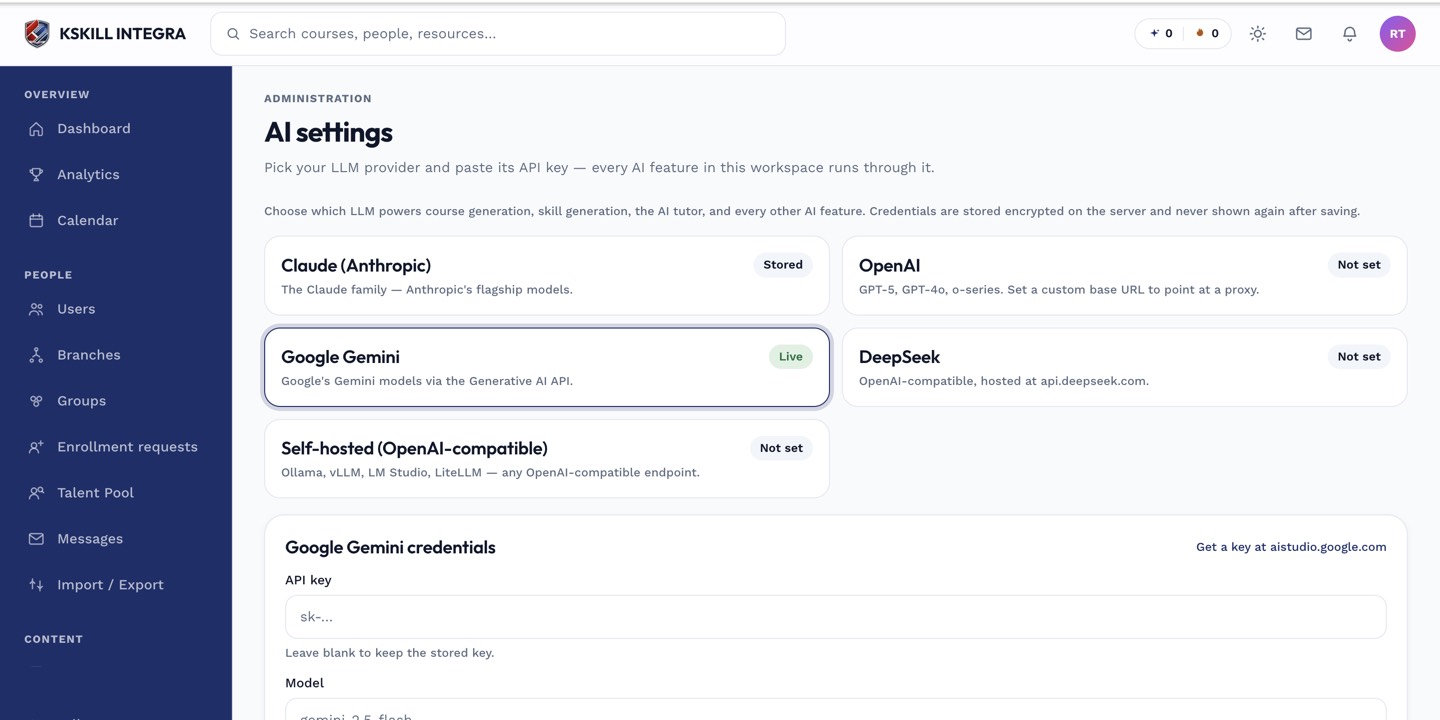
The AI settings page is where every AI-powered feature gets its credentials.
Step 3 — Verify with the test action
Every integration has a Test button. Use it every time you save credentials — the test hits the target system and reports back. Never assume a save succeeded; always verify.
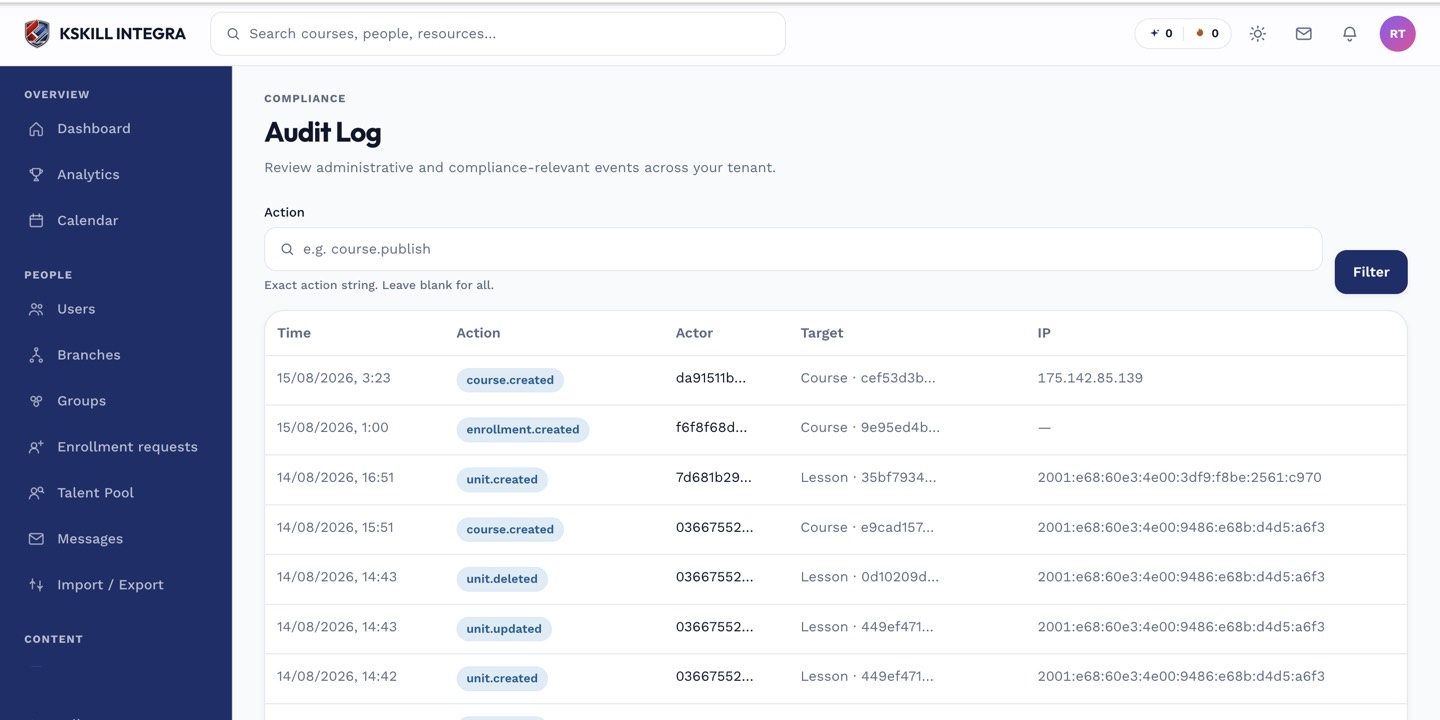
The audit log is your immutable record of who did what.
Notes
- Integrations respect branch scoping where relevant — for example each branch can have its own payment provider.
- For a full API-based integration, use the Reports and Content APIs — see the API article.