Troubleshooting: notifications aren't arriving
TroubleshootingUpdated September 24, 2026
A learner says they never got a notification they expected — a completion email, a reminder, a receipt. Before assuming something is broken, work through these in order.
Check in this order
- Does a rule exist for this event? Notifications don't send themselves — an admin has to create a rule mapping the event to a channel and recipient type. No rule, no notification, for anyone. See configuring notification rules.
- Is the recipient type right? A rule sending to Instructors won't reach a Learner, even if the event fired correctly.
- Has the person opted out? Check their notification preferences — they may have muted that specific event or channel themselves.
- Is it the right channel? Someone expecting an email but only subscribed to in-app notifications won't see anything in their inbox.
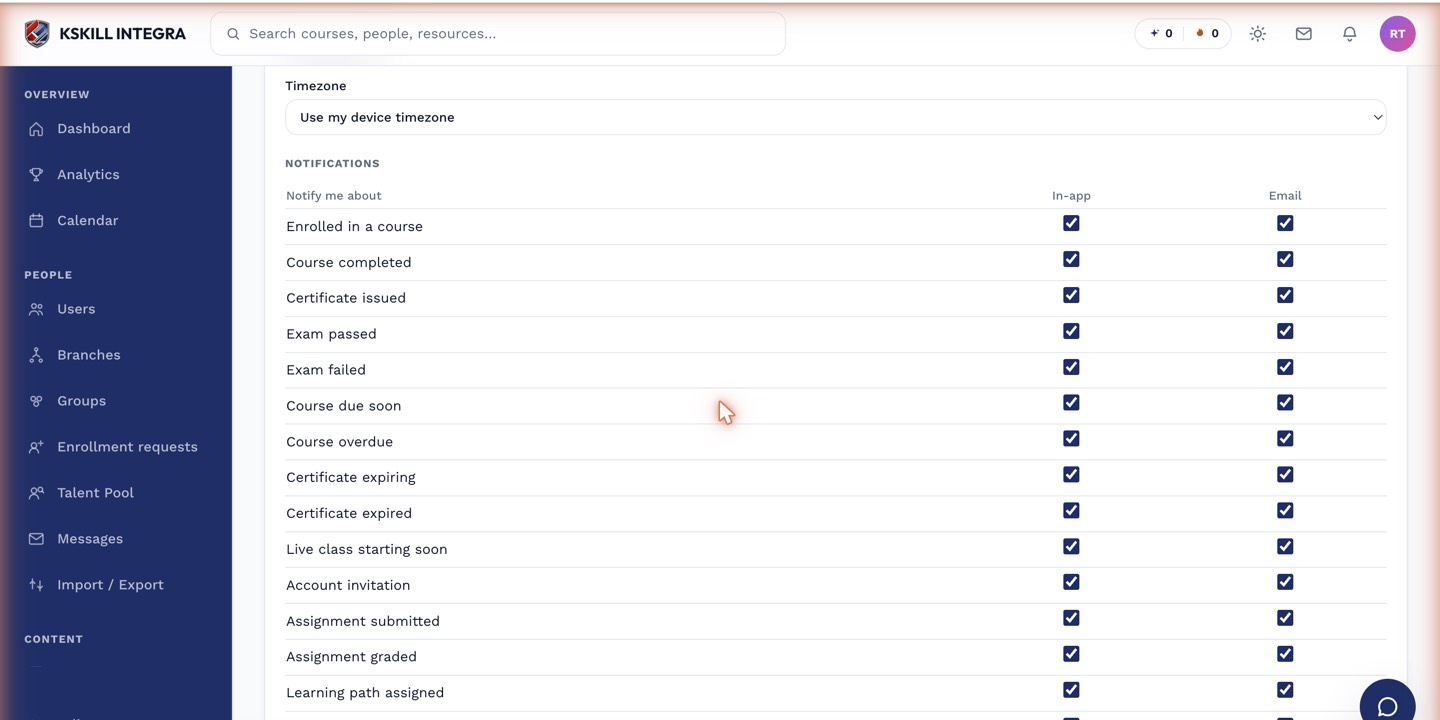 A muted event and a missing rule look identical from the recipient's side — both produce nothing.
If it's still not arriving
Confirm the event actually fired — check the related record (the payment, the completion, the submission) to be sure it happened at all. A notification can't fire for an event that never occurred.
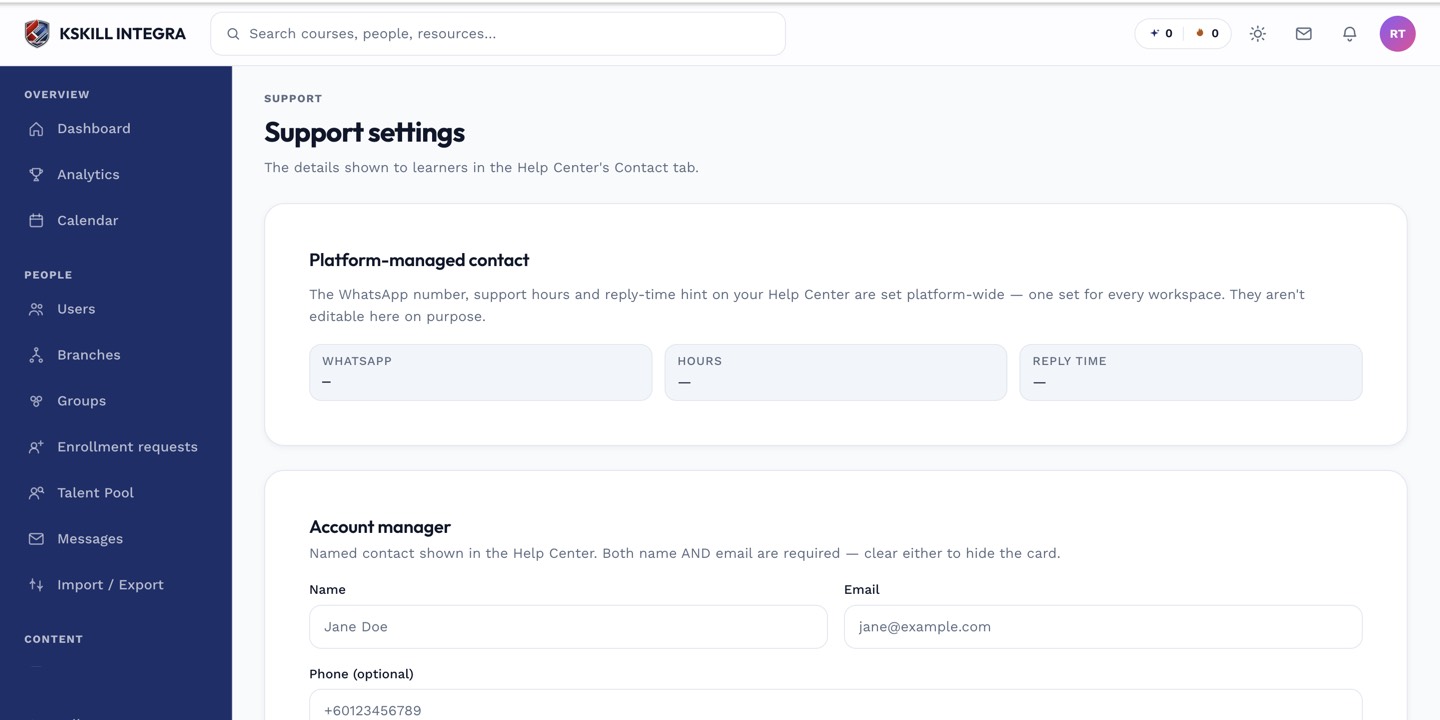 Most "missing notification" reports trace back to a rule that was never created.
Notes
This same checklist applies to the installment payment events — a common case is a defaulted-plan notice that no one configured a rule for, so the learner never learns why their access was suspended.
What next?
#notifications#troubleshooting#email#delivery