Payment issues
This article covers common payment problems — declined cards, missing receipts, and refund requests.
Before you start
You need to have attempted a payment.
Step 1 — Card declined at checkout
The provider (Billplz or Stripe) returns the decline reason. Common causes: insufficient funds, expired card, or a 3-D Secure prompt you didn't complete. Try a different card or contact your bank. The LMS never sees your card details, so we can't debug on your behalf.
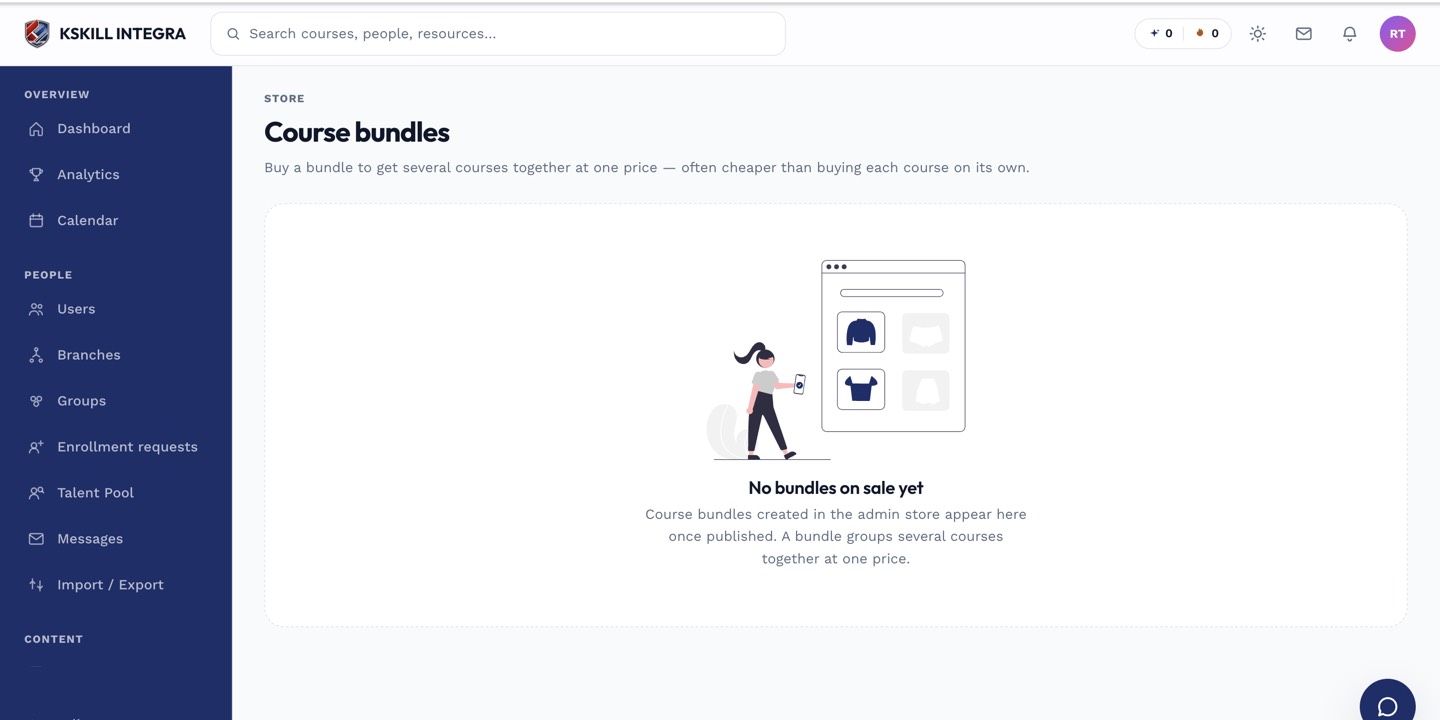
The store is the learner-facing checkout for whatever the tenant sells directly.
Step 2 — Missing receipt
Receipts land in your email within a few minutes of payment. Check spam. If nothing arrives after an hour, open Purchases from your sidebar — every successful order shows up there with a downloadable receipt.
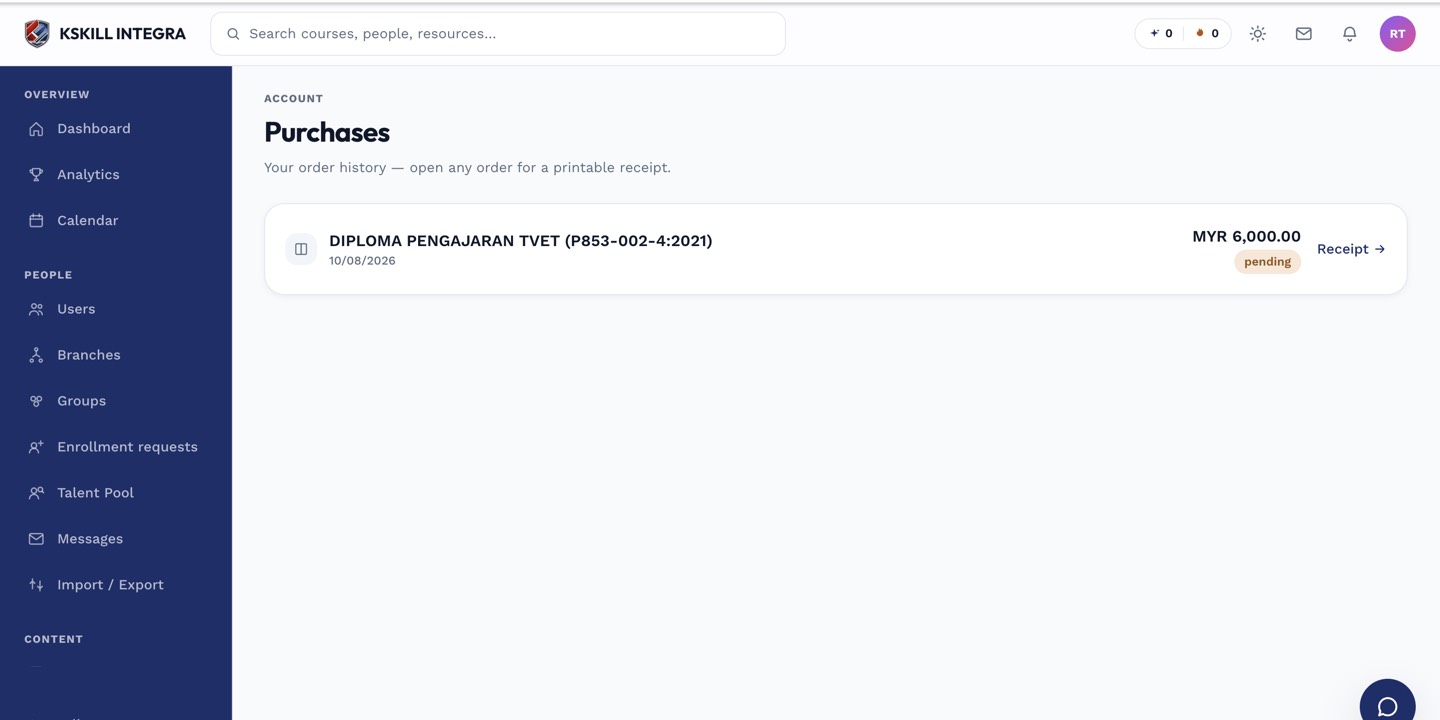
The purchases page lists every order a learner has placed.
Step 3 — Request a refund
Message your admin from the purchase page with the order number and reason. Admins have a refund action on the Orders page that triggers the refund at the provider. Refunds typically settle in 3–10 business days depending on the payment method.
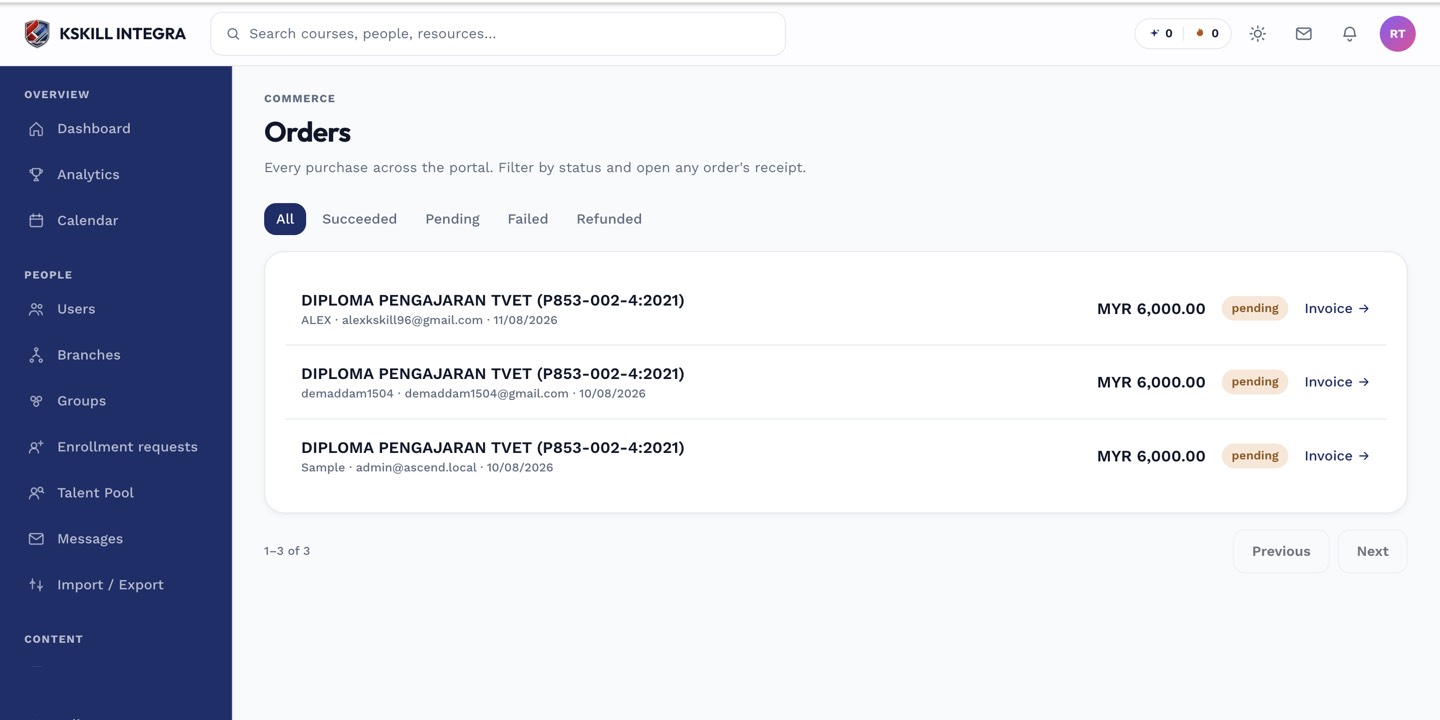
The Orders page is the ledger of every purchase made on the tenant.
Notes
- Failed webhooks can delay enrolment briefly — check the Purchases page after 10 minutes before escalating.
- For marketplace purchases, refunds go through the platform's redirect flow — a bit slower than direct-sale refunds.