Per-branch payment override
Each branch can use its own payment provider. This article covers the override.
Before you start
You need the Admin role and the branchPaymentSplit feature enabled.
Step 1 — Open the branch's Payments tab
Open People → Branches, click the branch, and switch to the Payments tab. The card mirrors the tenant-wide payments page but scopes changes to this branch only.
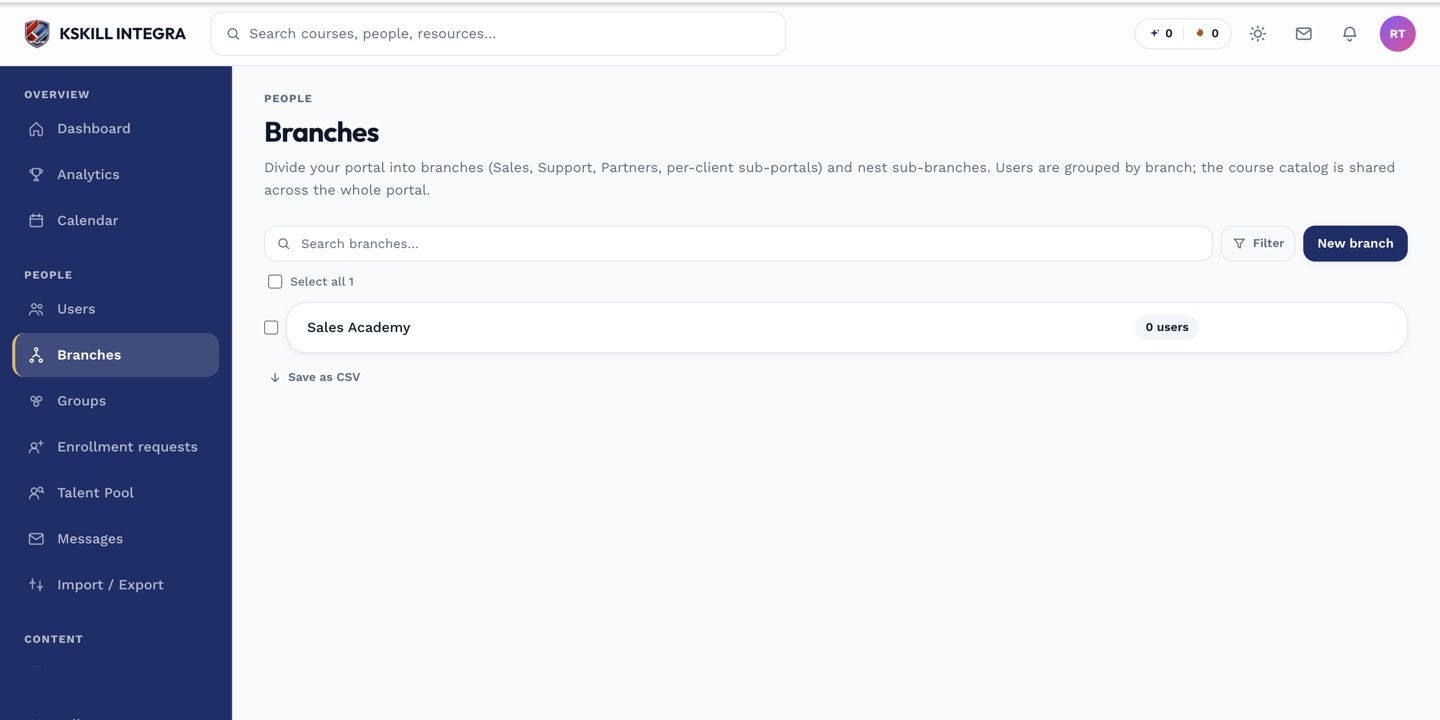
The Branches list is the roll-up view of every sub-portal on the tenant.
Step 2 — Configure the provider
Pick Billplz or Stripe. Enter the branch's credentials — usually different from the tenant default. Save. Every checkout for a course scoped to this branch now uses the branch's provider.
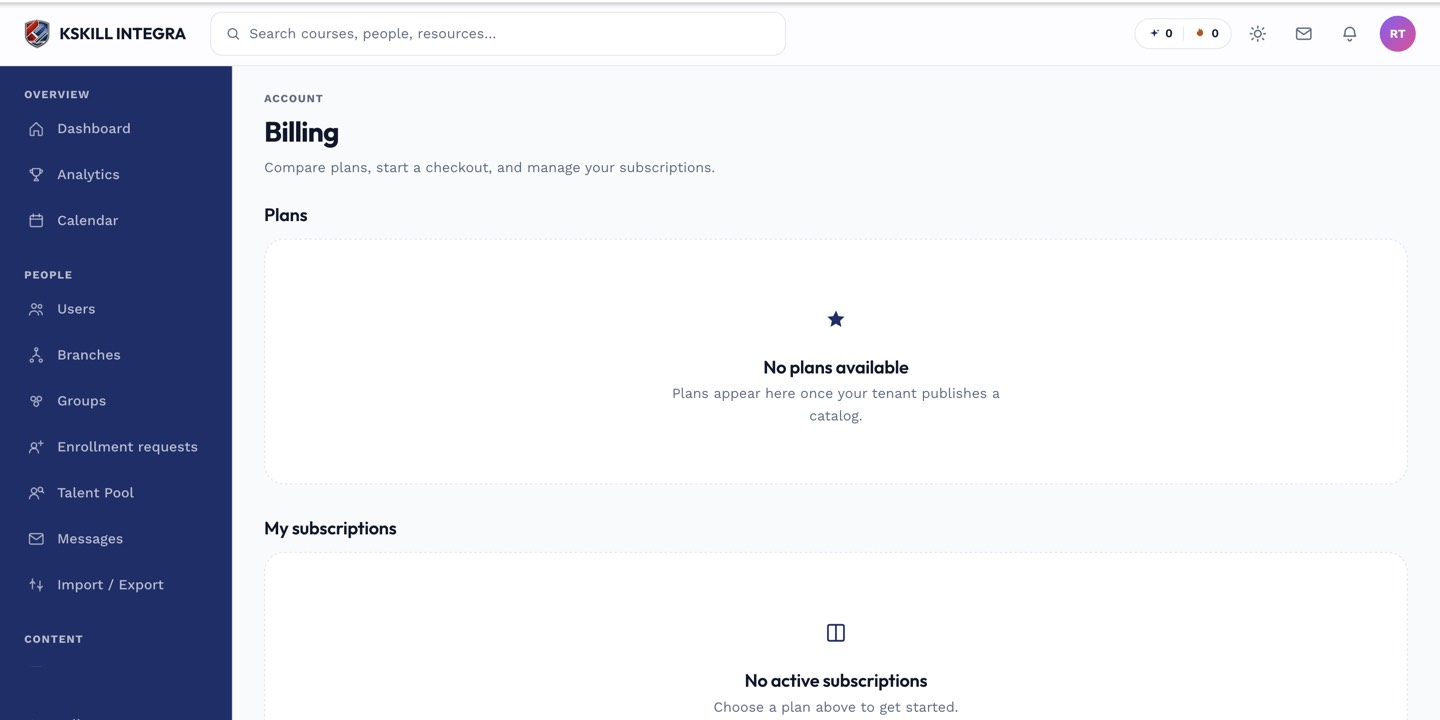
The billing surface reconciles what learners paid against what the tenant collected.
Step 3 — Verify via a test purchase
Buy a course as a test learner in this branch. Confirm the payment lands in the branch's merchant account, not the tenant default. Also confirm the webhook fires the branchId correctly — extraction happens unsigned before verify, so bad payloads produce ambiguous errors.
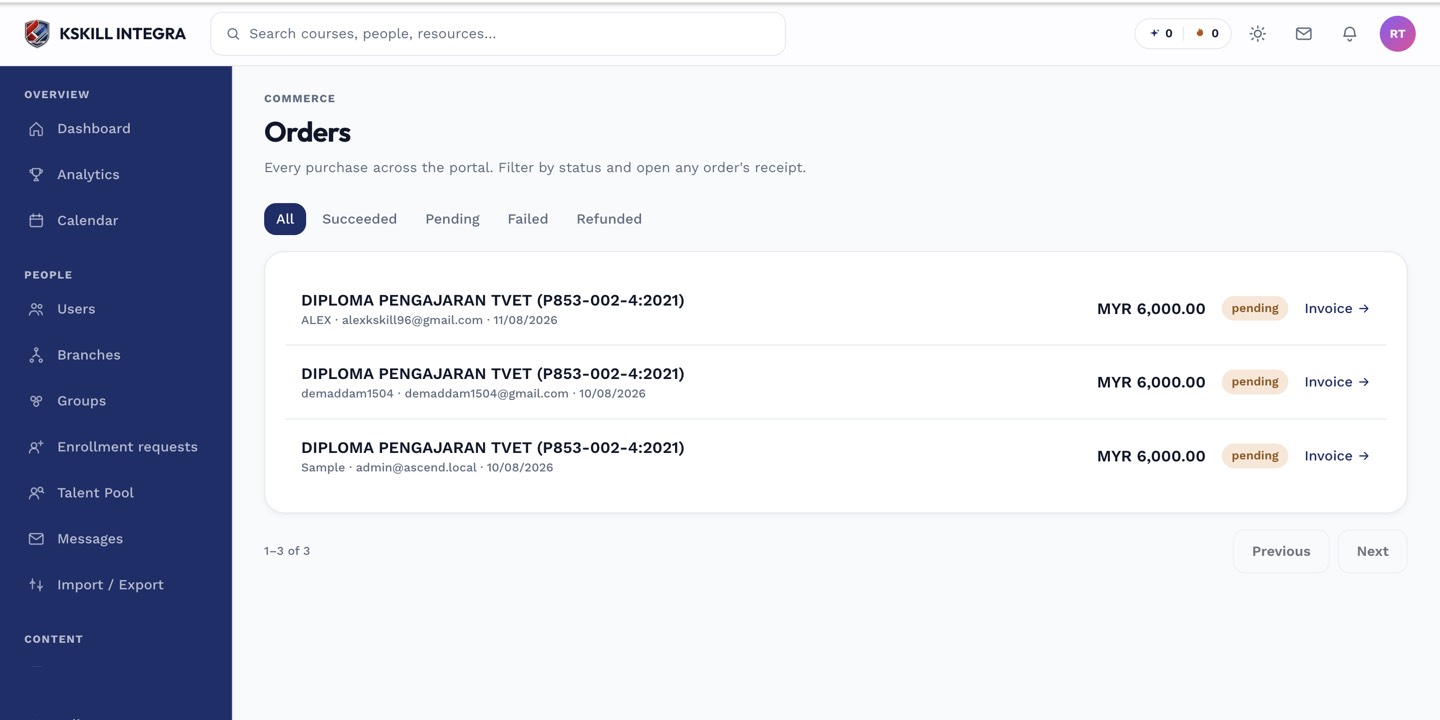
The Orders page is the ledger of every purchase made on the tenant.
Notes
- Webhook branchId extraction uses an unsigned peek before signature verify — a Malaysia-only tenant should still install the override safely.
- Tenant-scope courses fall back to the tenant default provider.