Search Talent by role vs by skill
The Talent Pool supports two search modes. This article helps you pick the right one and warns about the traps.
Before you start
You need the Admin role and either a job role defined (for role search) or a skill (for skill search).
Step 1 — Role search — the everyday tool
Role search asks 'who is closest to being a Data Analyst?' and ranks by match percentage. This is the right tool for succession planning, hiring internally, and finding stretch candidates who are one skill away from a promotion.
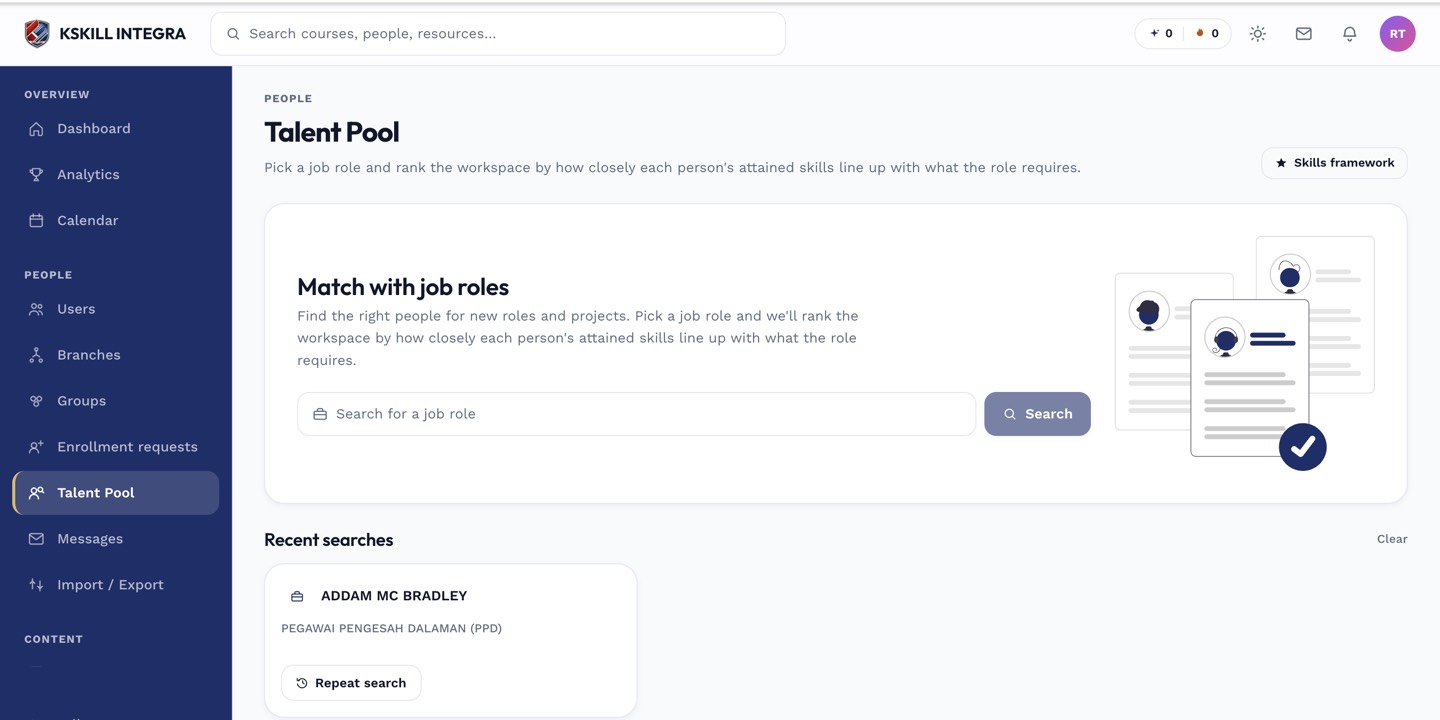
The Talent Pool is the one place to hunt for people by capability.
Step 2 — Skill search — the niche tool
Skill search asks 'who holds SQL query authoring at Expert level?' and returns a flat list. Use this when you need to staff a project with one specific capability. Combine with the level filter to be strict about depth.
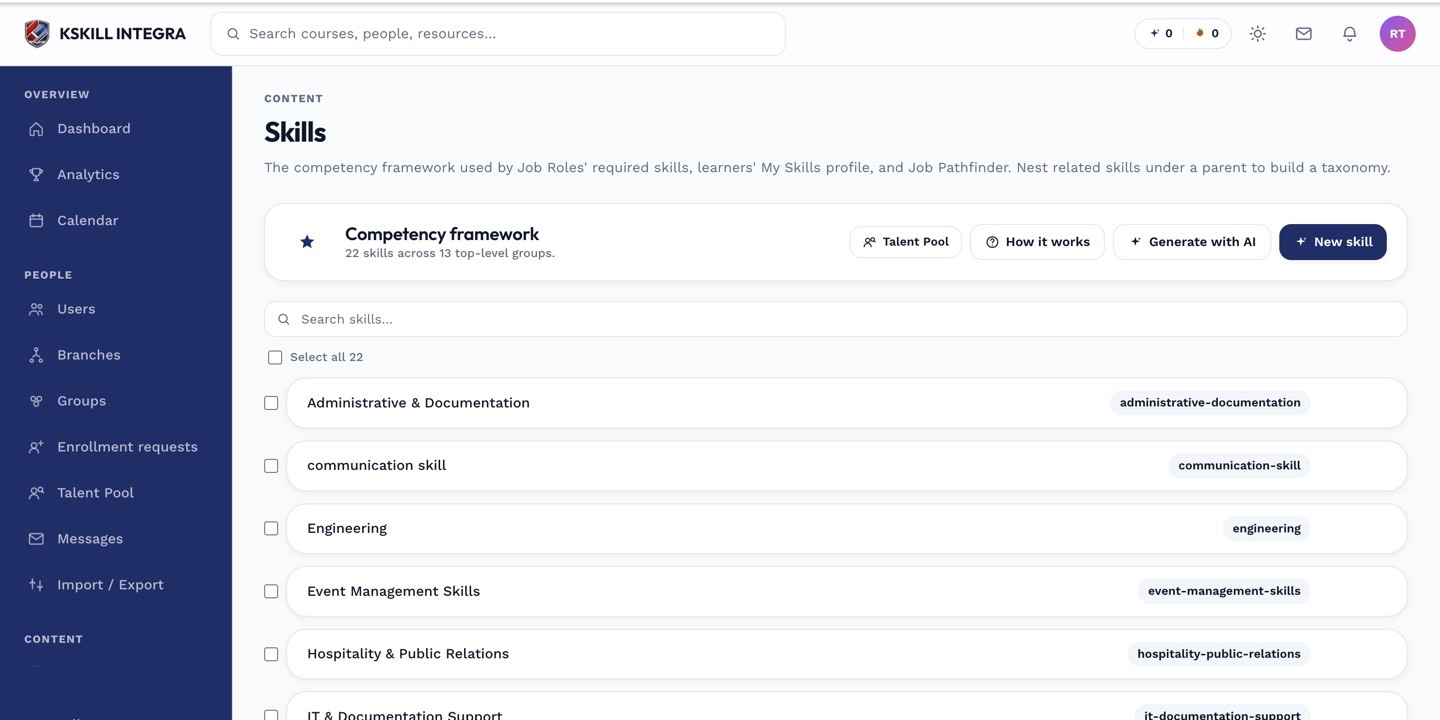
The Skills manager is the source of truth for every skill your tenant tracks.
Step 3 — Watch out for gaps
A role result at 90% might be missing your most critical skill — check the gap column, not just the percentage. Skill search does not show role context, so a holder might be great at SQL but lack the reporting skills the role also needs.
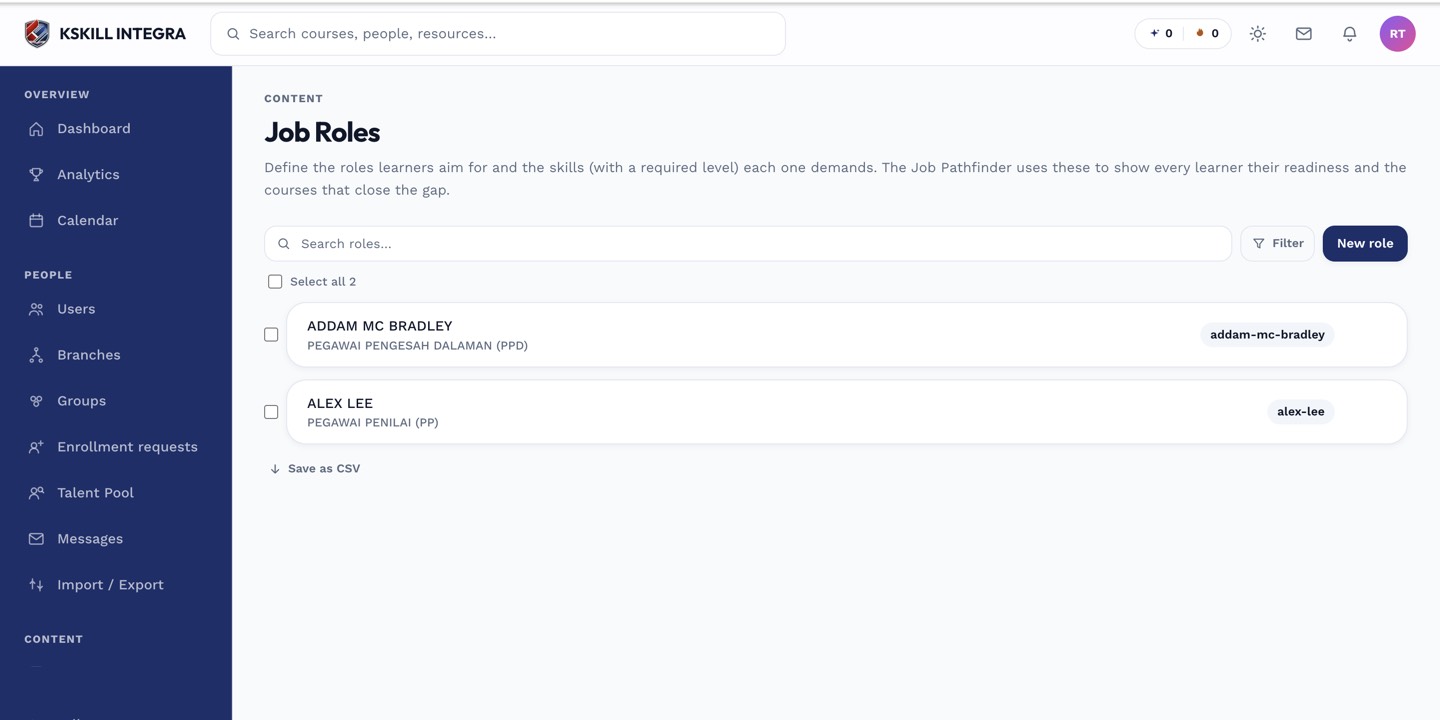
Job roles let you name a target skill mix once and reuse it everywhere.
Notes
- The URL captures every filter — share the link, don't screenshot the page.
- For compliance-driven searches, prefer role search — it always considers the whole target mix.