Setting the AI phrasing instruction for skill generation
When you use AI to generate a starter skill set, the results are only as consistent as the instruction behind them. The AI phrasing card on the Skills settings page stores a short instruction that is reused every time anyone on your team clicks AI generate, so generated skills sound like they came from the same person.
Before you start
You need the Admin role and your tenant's AI provider configured (see Account & Settings → AI). AI skill generation uses your tenant's own provider credentials, not a shared platform key.
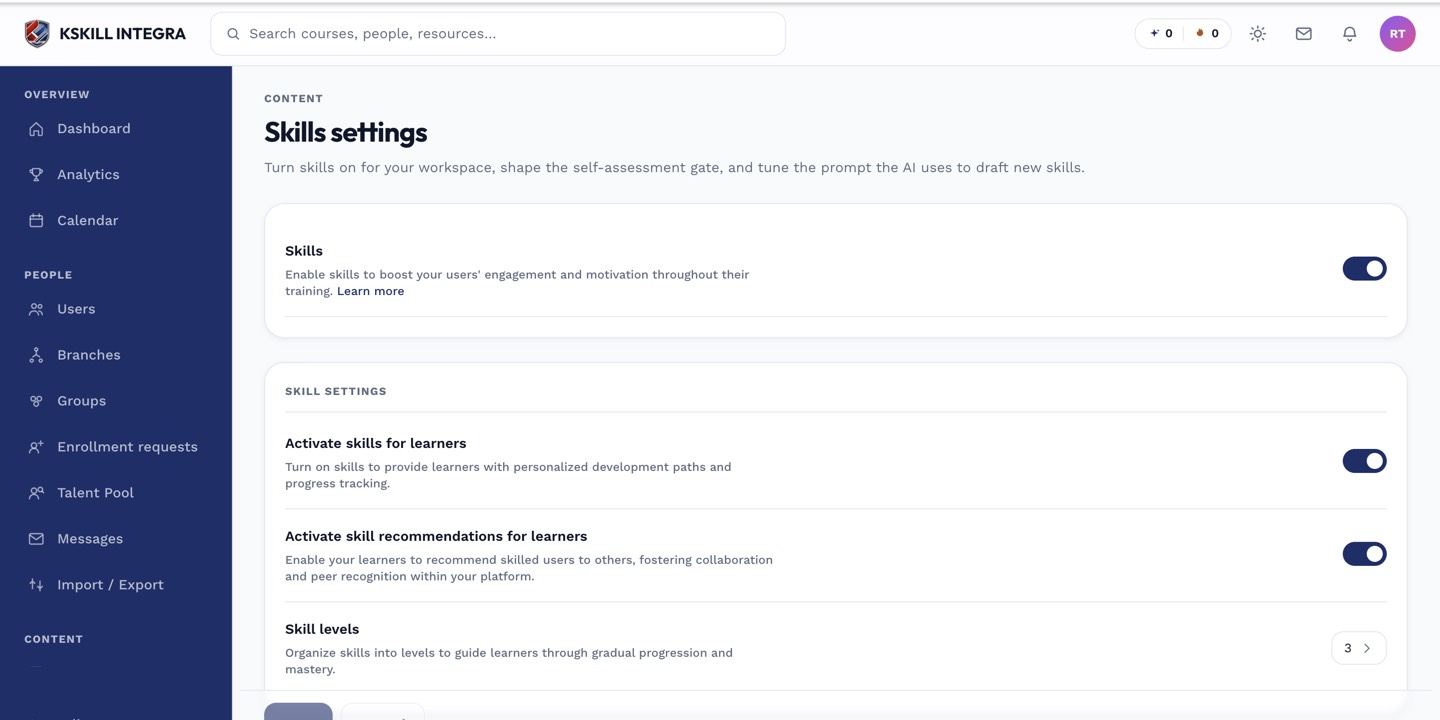 The AI phrasing card is where the reusable instruction lives.
Writing a good instruction
- Open Account & Settings → Skills.
- Scroll to the AI phrasing card.
- Describe the tone and structure you want: for example, "Use short, verb-first level descriptions aimed at manufacturing floor staff, four levels per skill, no jargon."
- Save.
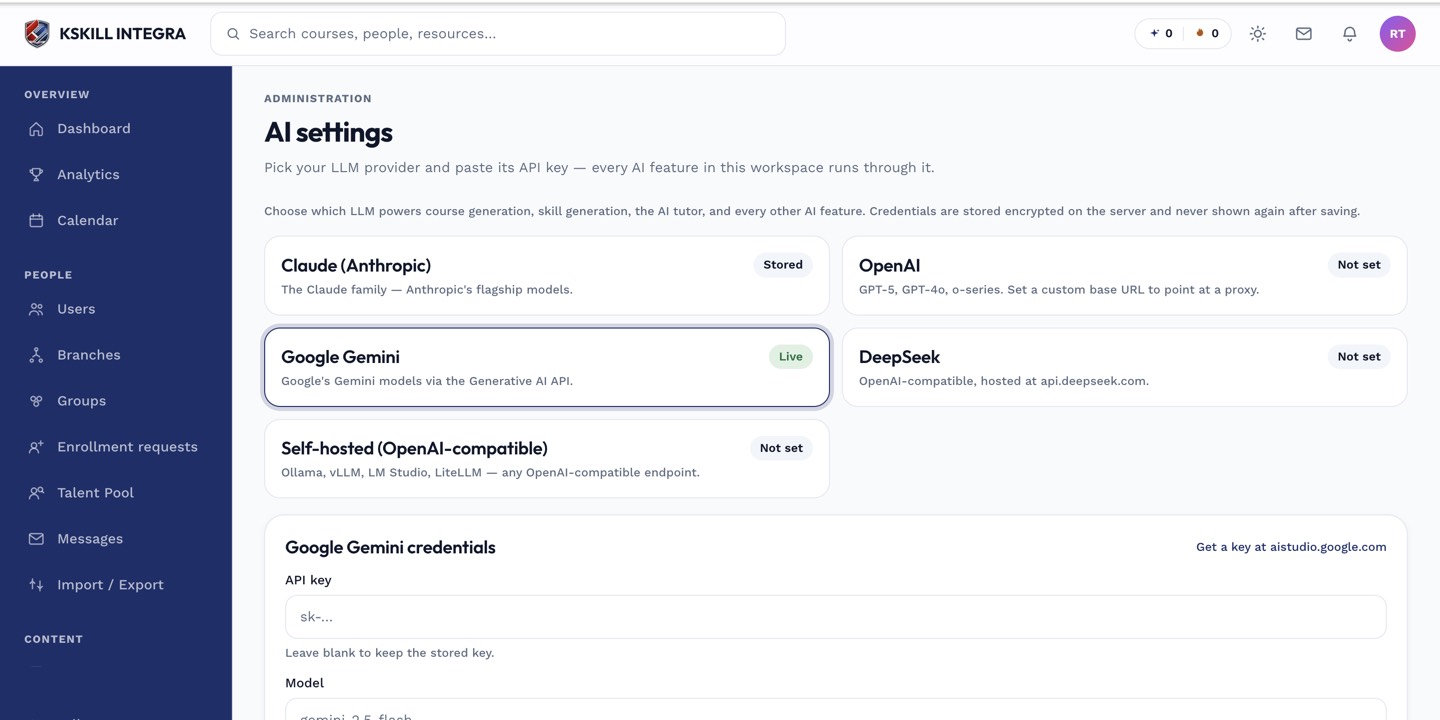 AI skill generation draws on whichever provider is configured on the AI settings page.
Notes
This instruction is applied every time, tenant-wide — it is not a one-off prompt you type per generation. If you need a very different style for a one-off batch, generate normally and edit the drafts by hand before applying them; the stored instruction is meant for your everyday baseline, not every exception.