Awarding skills automatically from a course exam
SkillsUpdated September 24, 2026
The third way to earn a skill is by passing a course's final assessment. Wire the exam once, and every learner who passes it going forward is granted the configured skill level automatically — no manual step per learner.
Before you start
You need the Admin or course editor role, an existing skill in your taxonomy, and a course whose completion assessment draws its questions from a question bank.
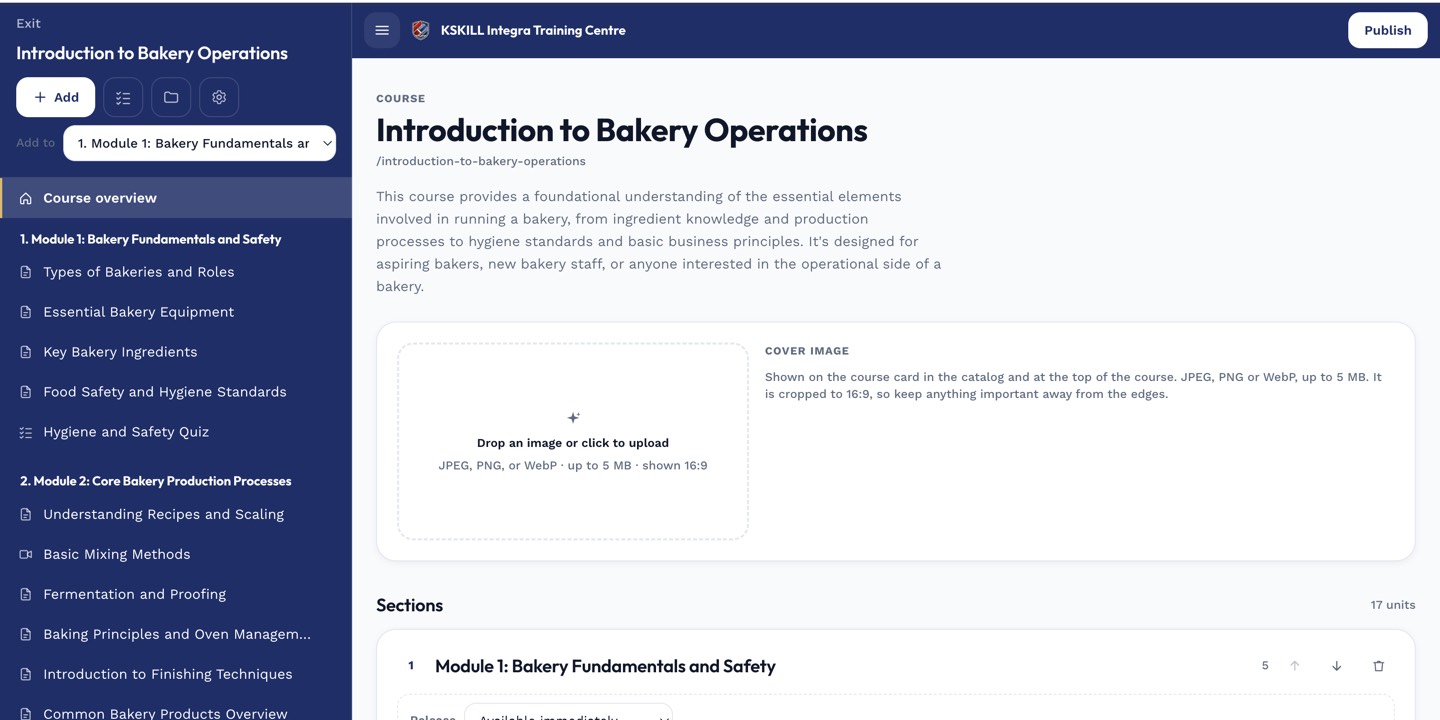 The award-skill setting lives alongside the course's completion assessment configuration.
Wiring the award
- Open the course in the course editor.
- Open the completion assessment's settings.
- Turn on the award-skill option and choose the skill and level to grant on a pass.
- Save and publish.
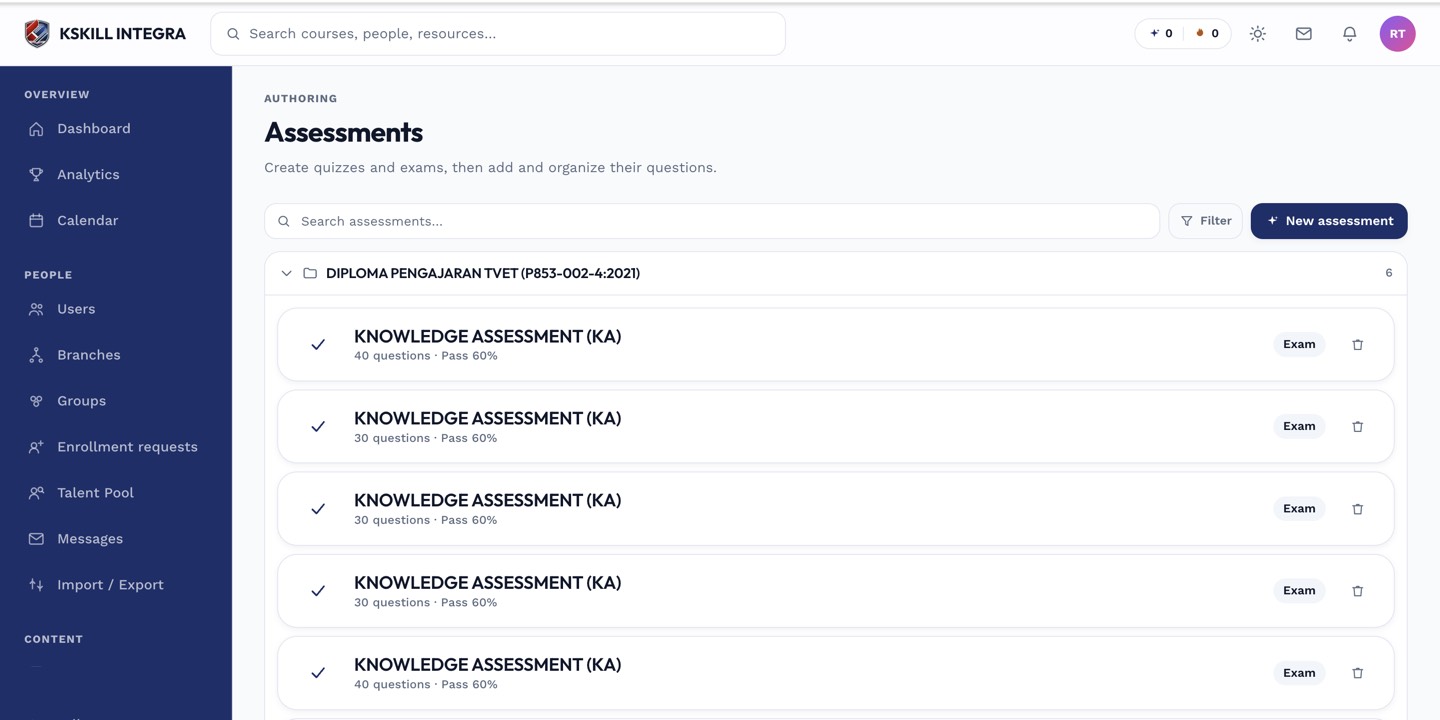 Only the course's configured completion assessment can be wired to award a skill.
Notes
This grant is durable, just like a manual grant — it does not expire. It only fires the moment a learner passes; it is not retroactive for learners who already passed before the setting was turned on. Only skills whose question bank supports auto-grading can be used this way, since the whole chain depends on the exam grading itself without a human in the loop.
What next?
#skills#courses#assessment#grants