Skill categories and taxonomy
Skill categories organise a large skill taxonomy. This article covers creating categories and using them.
Before you start
You need the Admin role.
Step 1 — Open Skills settings
Open Configuration → Settings and pick Skills. Scroll to Categories. The list shows every existing skill category with its skill count.
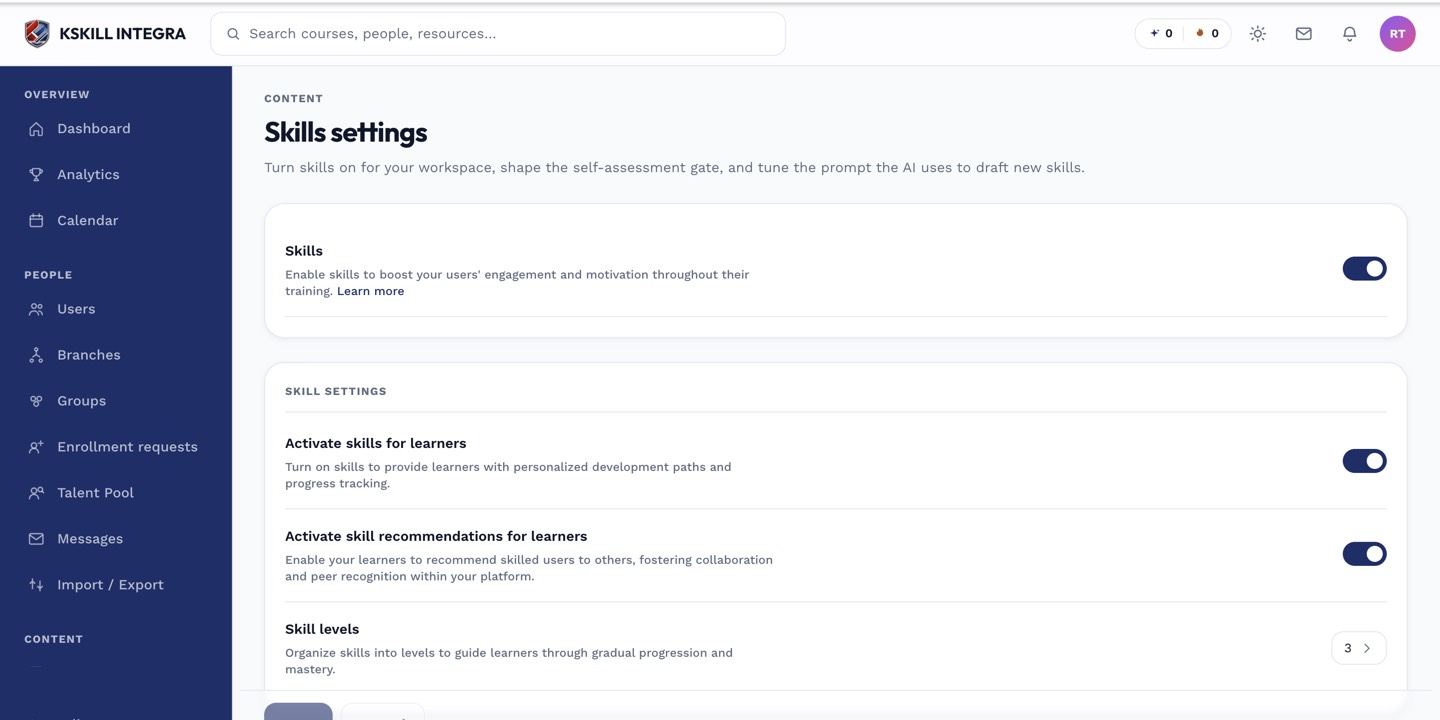
The Skills settings page controls the AI instruction, expiration defaults and taxonomy rules.
Step 2 — Create a category
Click Add category. Enter a name (e.g. Data, Compliance, Soft skills). Save. Categories are flat — no nesting. Assign existing skills to a category from the skill's edit drawer.
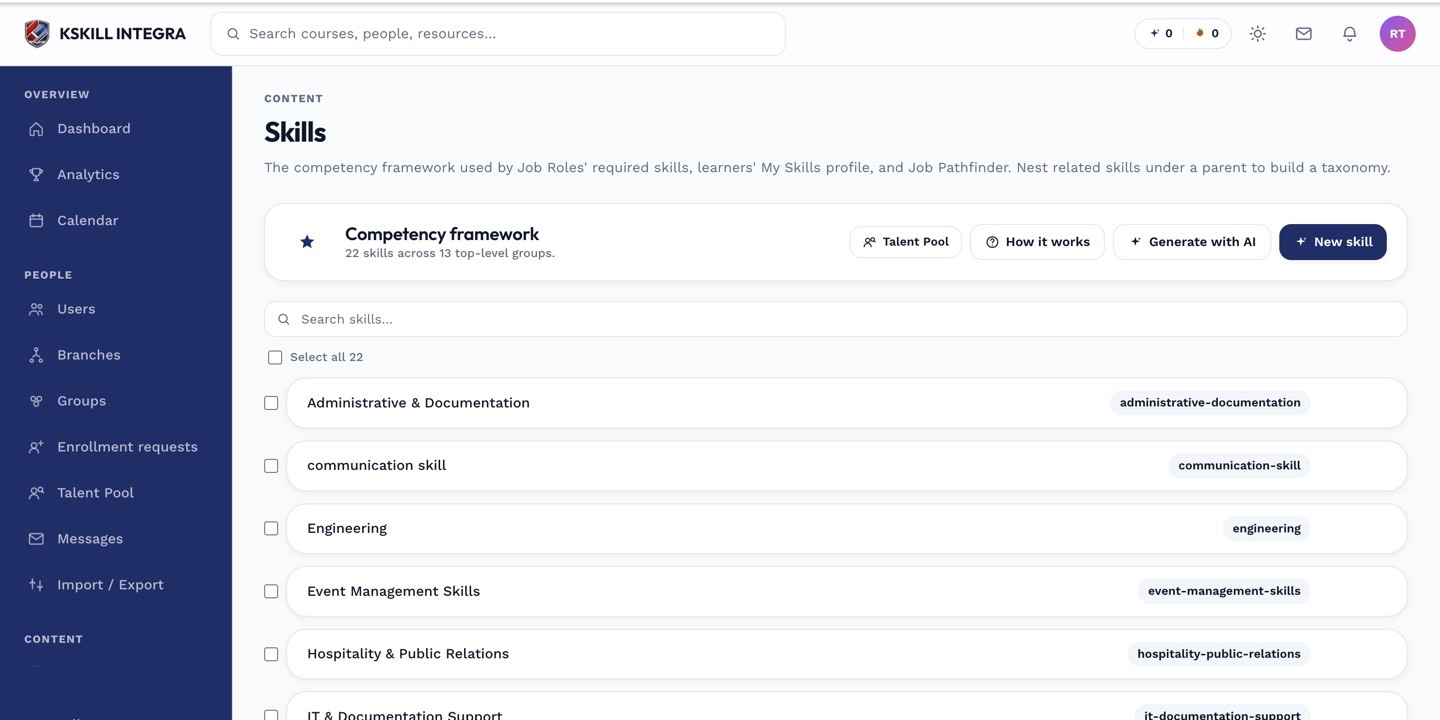
The Skills manager is the source of truth for every skill your tenant tracks.
Step 3 — Filter and roll up
The Talent Pool and Skills manager both filter by category. Job roles can require a mix that spans categories. Well-named categories make the taxonomy scannable at scale — sloppy names never help.
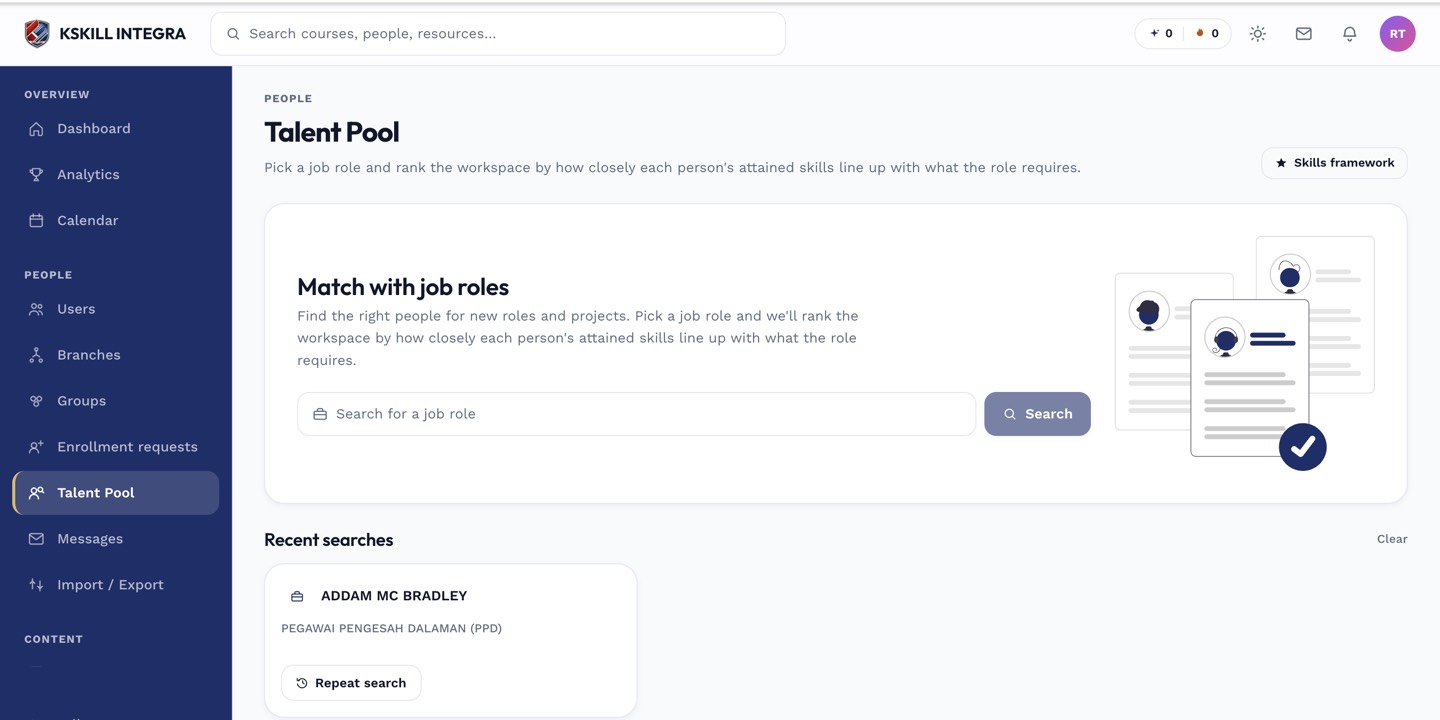
The Talent Pool is the one place to hunt for people by capability.
Notes
- Delete a category only when it's empty — otherwise its skills become uncategorised.
- For per-branch skill taxonomies, add branch to the naming (e.g. KL — Compliance).