Skill-expiry notifications explained
SkillsUpdated September 24, 2026
When a self-assessment grant is about to be swept away, you are told before it disappears. The skill-expired notification exists specifically so an expiring skill is never a silent, invisible change.
How it works
The daily worker sweep that removes expired self-assessment grants fires a notification to the learner first, so you always know why a skill vanished from your My Skills page rather than discovering it later by surprise.
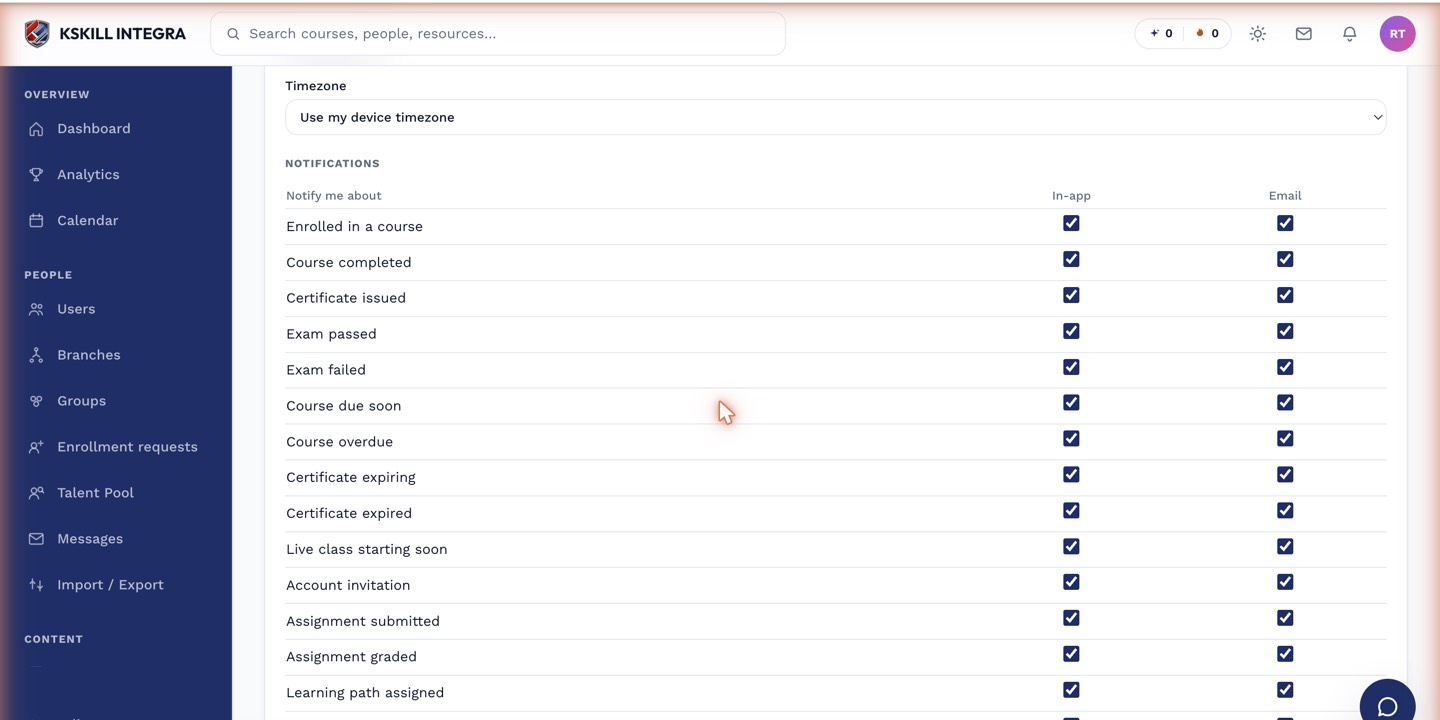 Skill expired is one of the standard notification events available in your preferences.
Managing the notification
- Open Account & Settings → Notifications from your account menu.
- Find the skill-expired event.
- Choose which channels you want it delivered on.
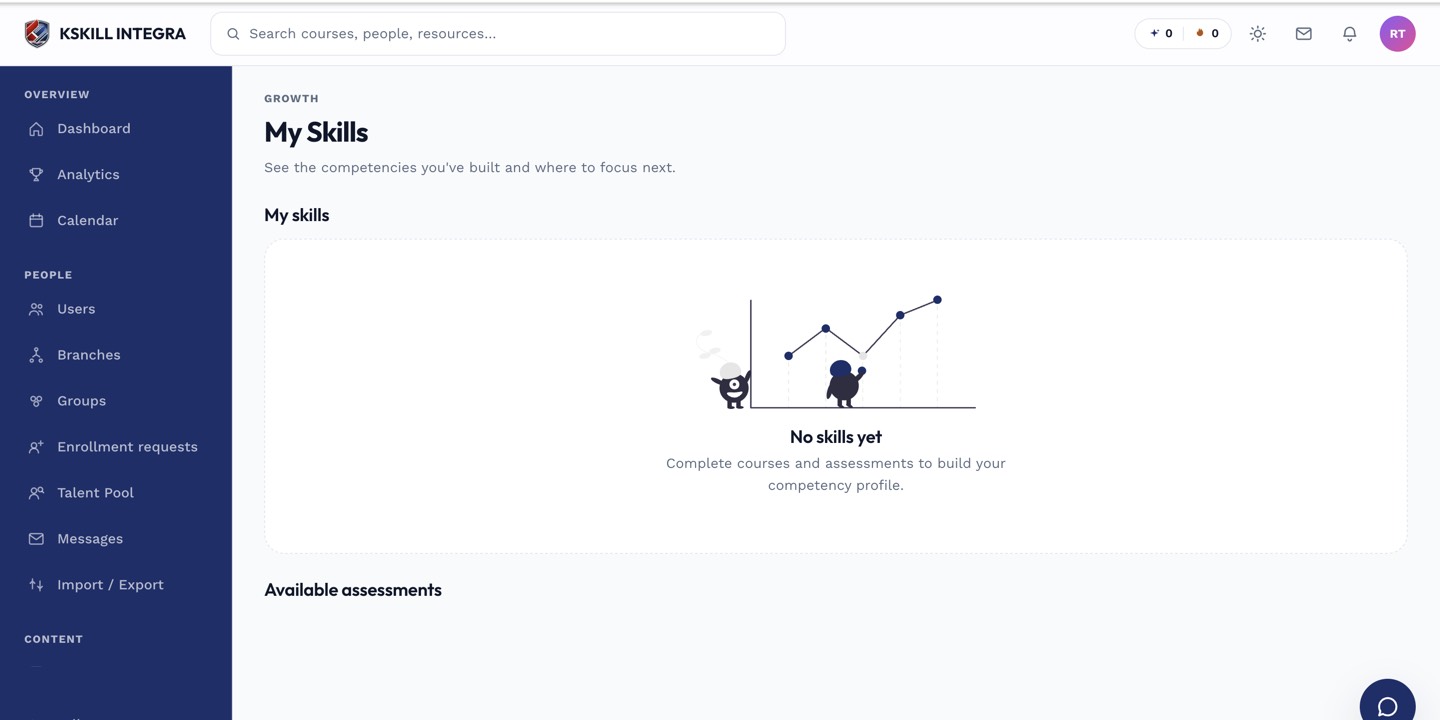 After the notification fires, the skill's status on My Skills updates to reflect the expiry.
Notes
The notification arrives before removal, so if you act quickly you can retake the self-assessment and avoid a gap. This event is a curated addition to the notification event list, not something you configure per skill — it applies to every self-assessed skill you hold.
What next?
#skills#notifications#expiration#learner