My Skills: tracking what you've earned
SkillsUpdated September 24, 2026
My Skills is your personal record of every skill you hold — the level, how it was earned, and whether it expires. It is the starting point for self-assessing new skills, requesting upgrades, and watching for expiry.
What you see
Each row lists the skill name, your current level, and a badge showing which of the three paths granted it: self-assessment, reviewer grant, or course exam. Self-assessed rows also show an expiry date; reviewer and exam grants show as permanent.
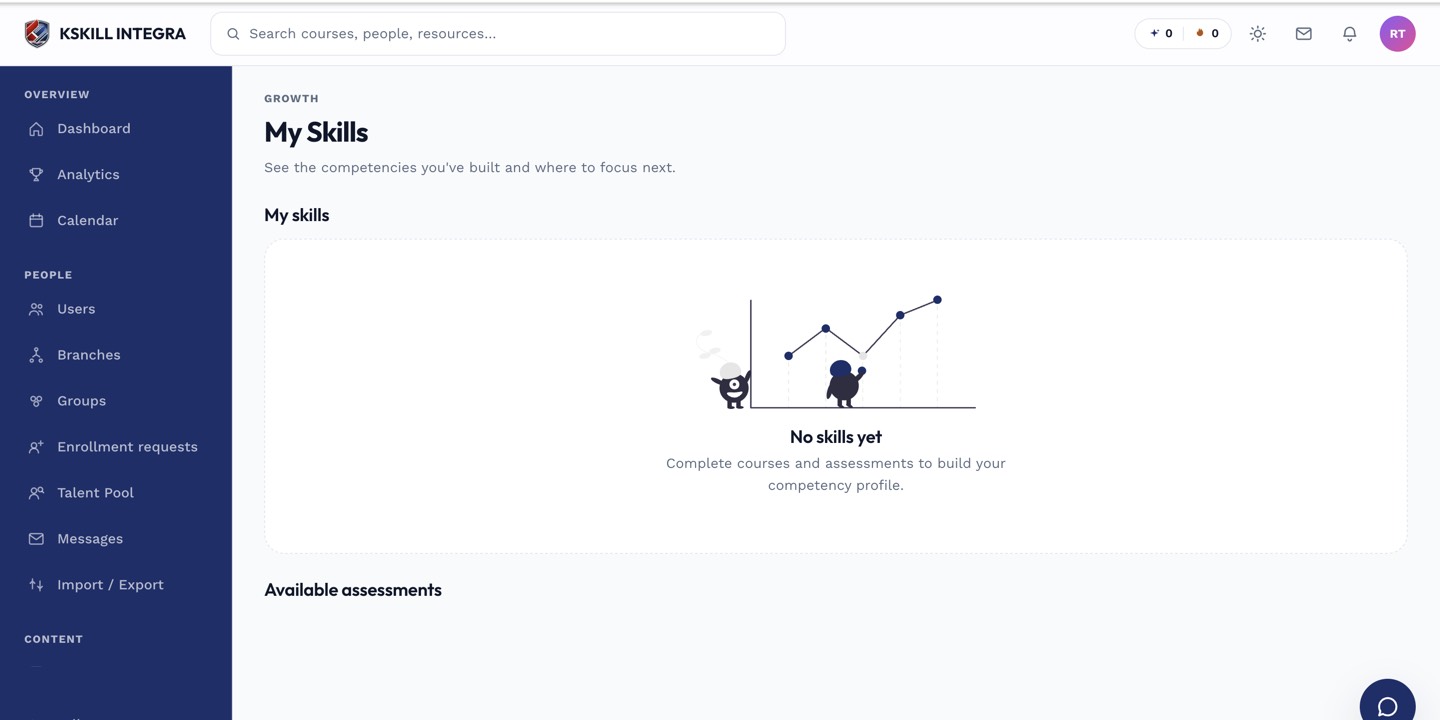 My Skills is the single place a learner checks the full picture of what they hold.
What you can do from here
- Start a self-assessment for any skill open to it.
- Request an upgrade to a higher level on a skill you already hold.
- Re-assess a skill that has expired.
- See any job role you are being measured against, and your gap to it, from the Pathfinder view.
 My Skills links out to Pathfinder whenever a target role has been set for you.
What next?
#skills#learner#my skills#overview