Taking a self-assessment to earn a skill
SkillsUpdated September 24, 2026
If a skill in your organization's taxonomy is open for self-assessment, you can prove it yourself with a timed quiz, right from your own account, without waiting on a reviewer.
Before you start
You need an account with a skill open for self-assessment. Only auto-gradable question types are used in these quizzes, so results are available the moment you finish — there is no manual grading step to wait on.
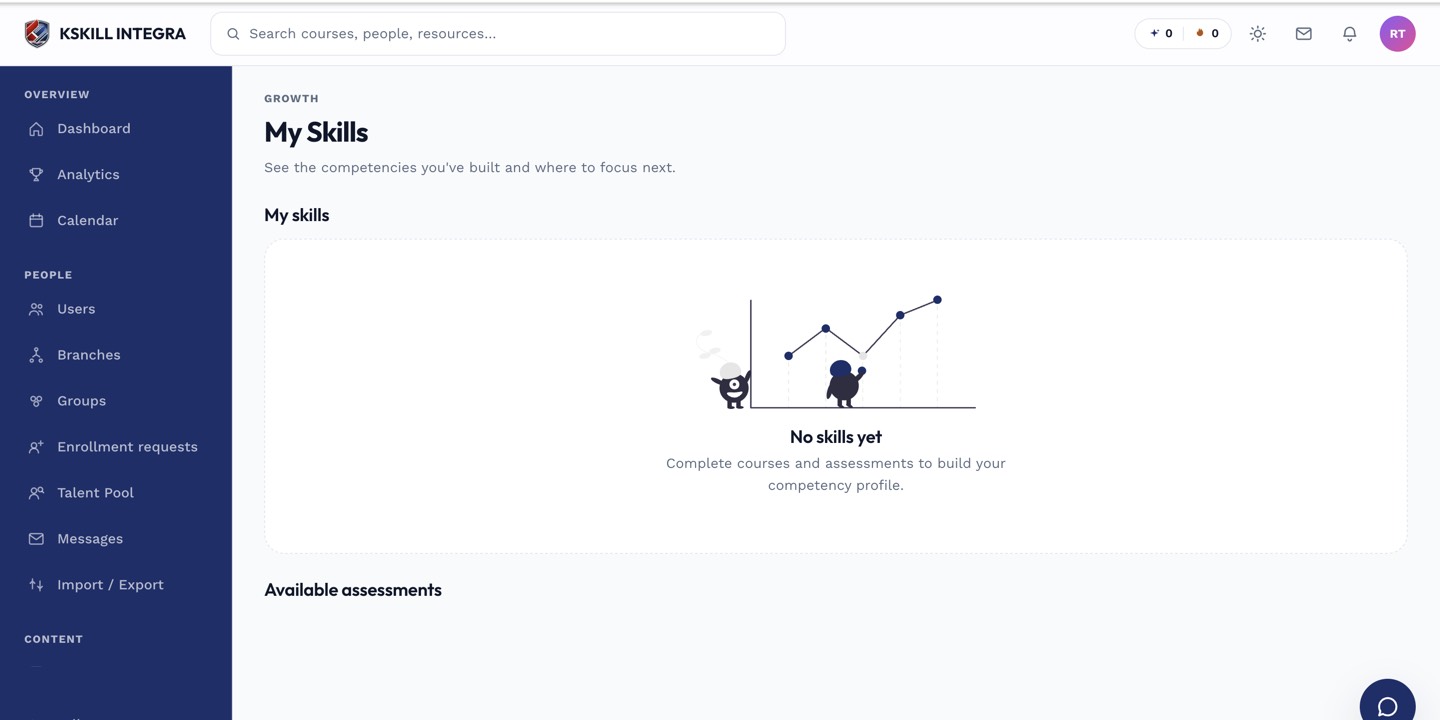 Skills open for self-assessment show a Start assessment action on your My Skills page.
Taking the assessment
- Open My Skills from your account menu.
- Find the skill and click Start assessment.
- Answer the timed questions before the clock runs out.
- Submit — your result and level, if you passed, appear immediately.
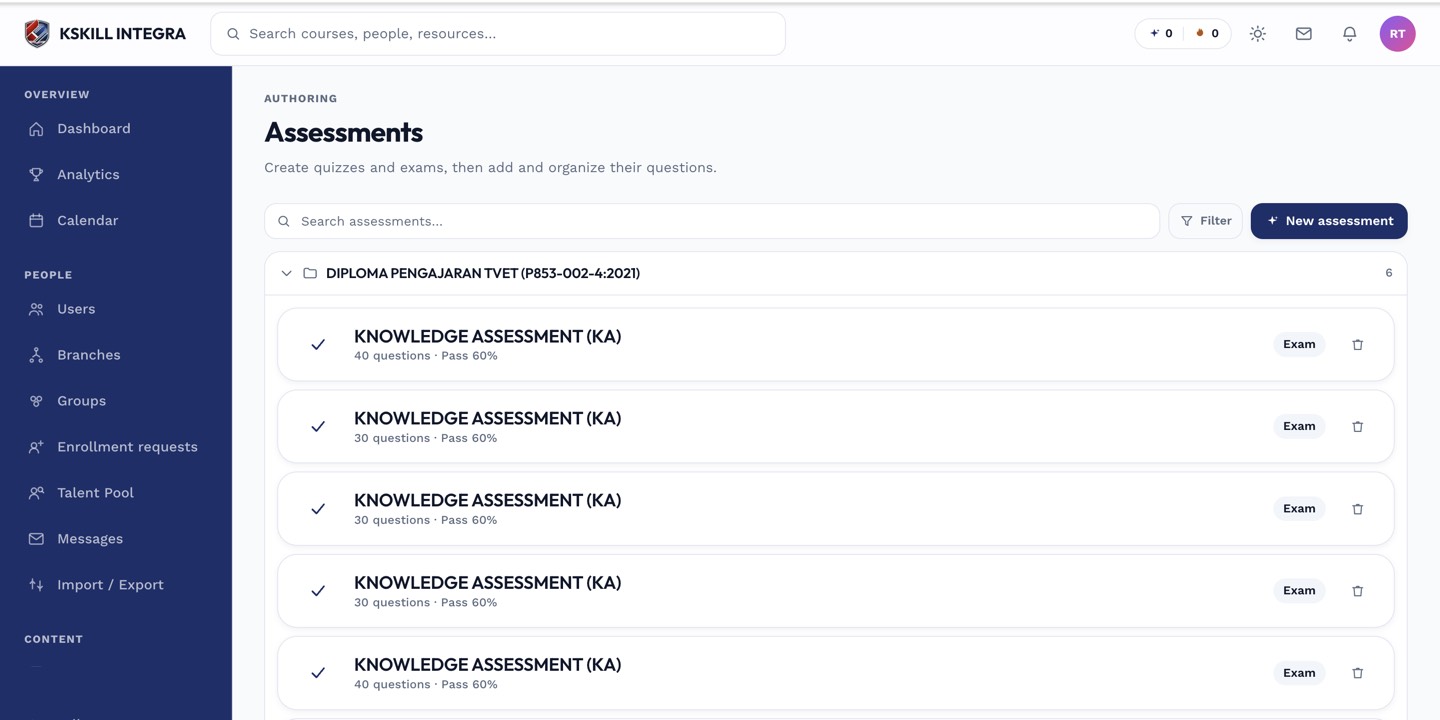 The self-assessment quiz uses the same timed interface as any other auto-graded assessment.
Notes
A self-assessment grant is not permanent — see why self-assessment grants expire. If you fail, you can usually try again after a short wait; check the skill's page for when you are next eligible.
What next?
#skills#learner#self-assessment#how-to