Setting up your skills taxonomy
SkillsUpdated September 24, 2026
Before anyone can earn a skill, you need a taxonomy for them to earn. Skills settings live under Account & Settings → Skills, laid out as four cards that together define how skills behave for your whole tenant.
Before you start
You need the Admin role. Plan your skill names before you open the settings page — a short, consistent naming convention ("Communication", not "Comms skill v2") makes the Talent Pool and job role bundles far easier to read later.
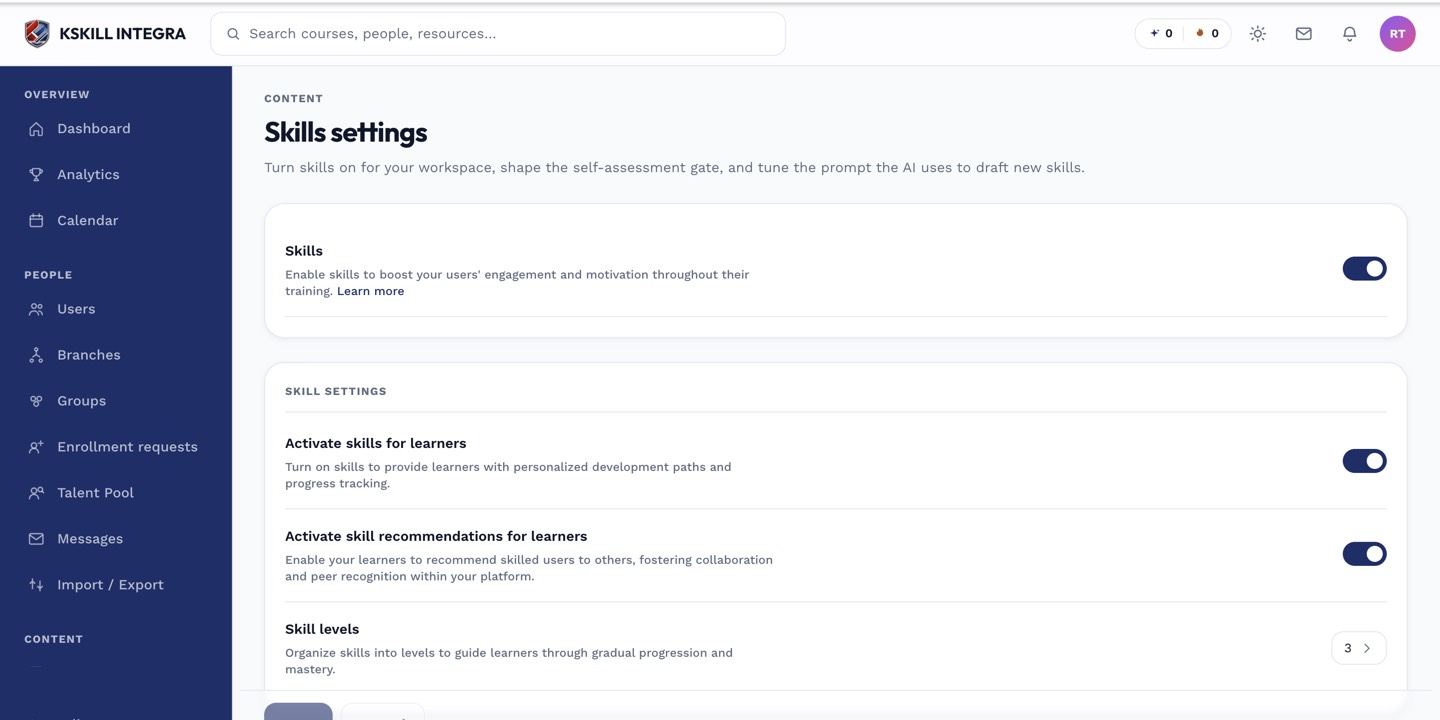 The four cards on the Skills settings page cover the taxonomy, levels, expiration, and AI phrasing.
The four cards
- Taxonomy basics — whether skills are on for your tenant and any tenant-wide naming rules.
- Levels — the default level scheme new skills start with (see skill levels explained).
- Expiration — defaults for how long a self-assessment grant stays valid before the daily reaper sweeps it.
- AI phrasing — the stored instruction used whenever you AI-generate a starter skill set, so every generated skill reads the same way.
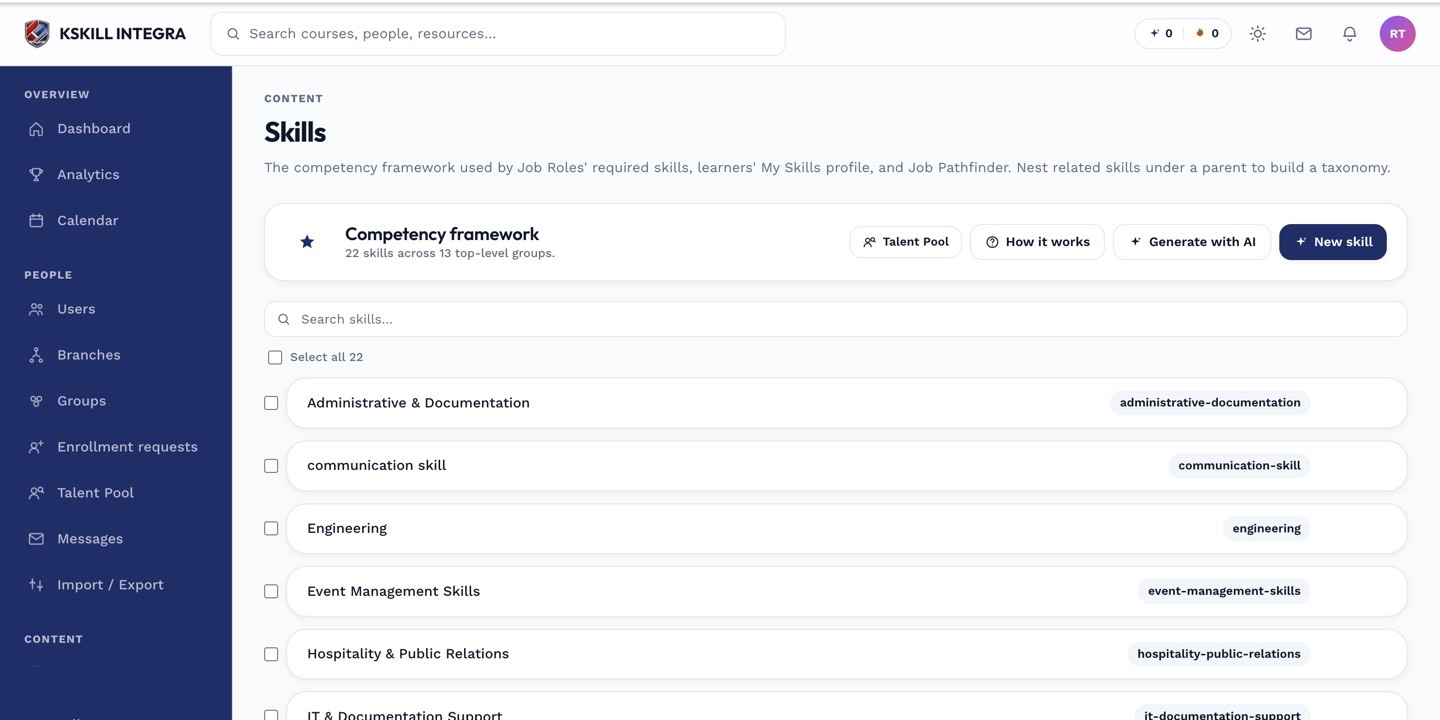 Once the settings cards are saved, individual skills are created and managed from Manage → Skills.
Notes
Settings here are tenant-wide defaults, not per-skill limits — you can still override the level count or expiration window on an individual skill when you create it.
What next?
#skills#configuration#taxonomy#settings