Requesting a skill upgrade
SkillsUpdated September 24, 2026
If you already hold a skill and believe you have grown past your current level, you do not need to wait for a reviewer to notice — you can request the upgrade yourself from My Skills.
Before you start
You need to already hold the skill at a lower level than the one you are requesting.
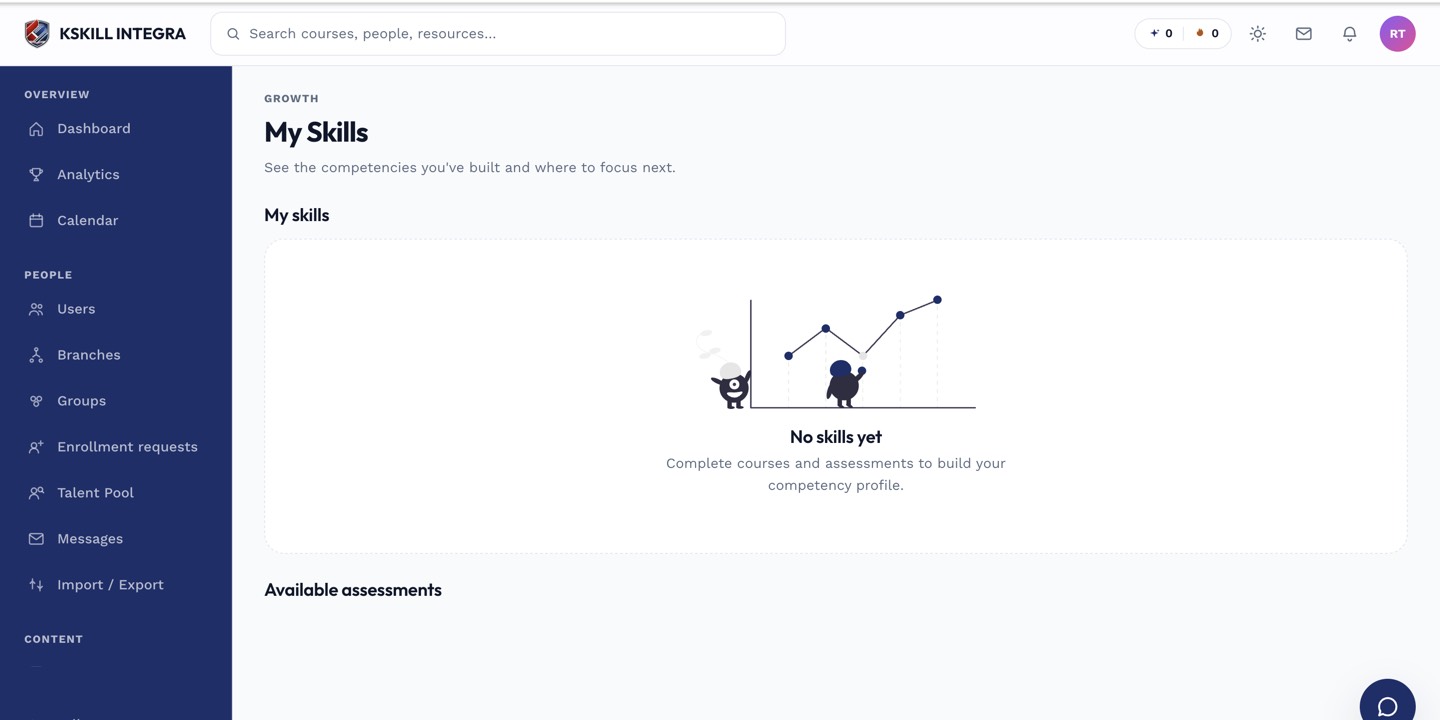 A held skill on My Skills shows a request-upgrade action alongside its current level.
Requesting an upgrade
- Open My Skills.
- Find the skill you want to upgrade and click Request upgrade.
- Choose the level you are requesting and add any context that supports it.
- Submit.
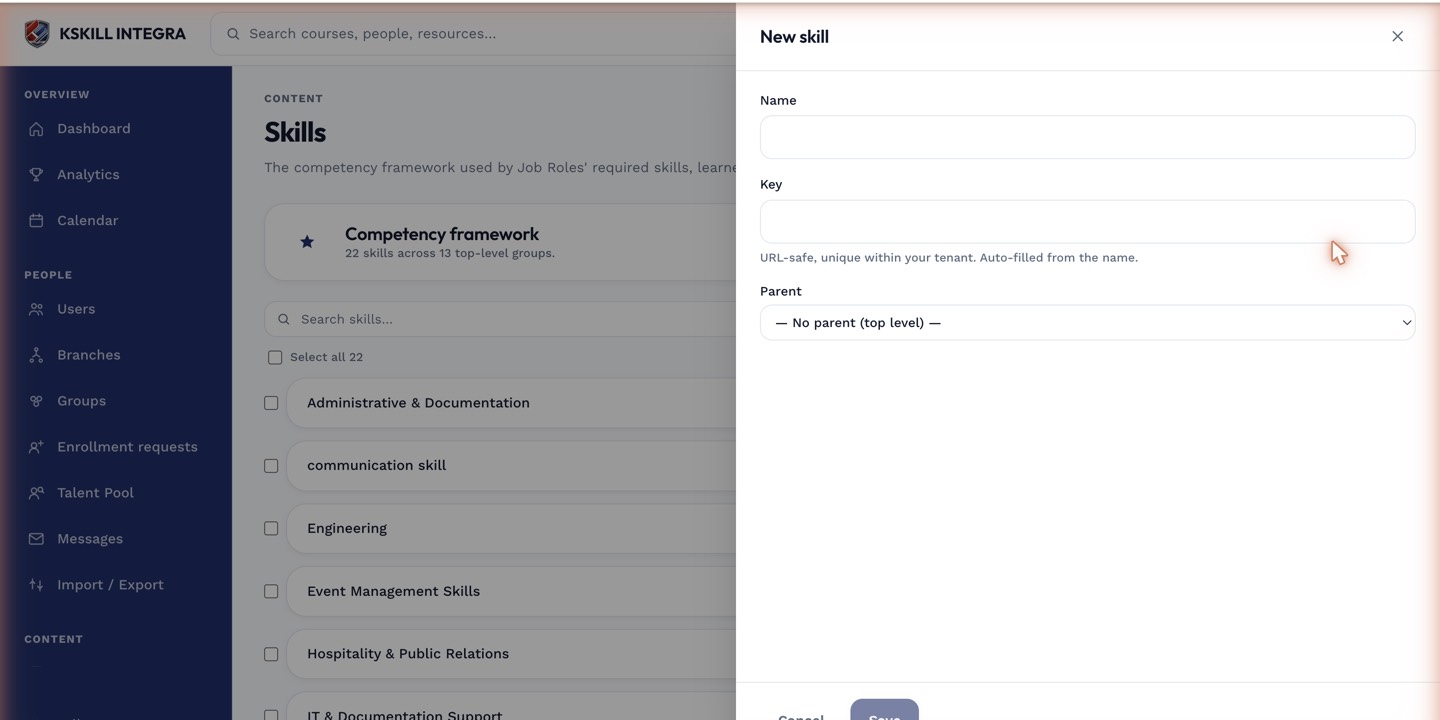 The request records the target level and your notes for whoever reviews it.
Notes
Submitting a request does not change your held level right away — it waits for an admin or reviewer to approve it in the Talent Pool's Upgrade requests tab. You can track the status of every request you have made from your own My Skills page.
What next?
#skills#learner#upgrade#how-to