Searching the talent pool by job role
SkillsUpdated September 24, 2026
The Talent Pool searches by job role, not by a single skill — you pick a role, and the search matches every learner against the whole bundle of required skills and levels behind it, ranking results by how closely each one fits.
Before you start
You need the Admin role and at least one job role defined with required skills.
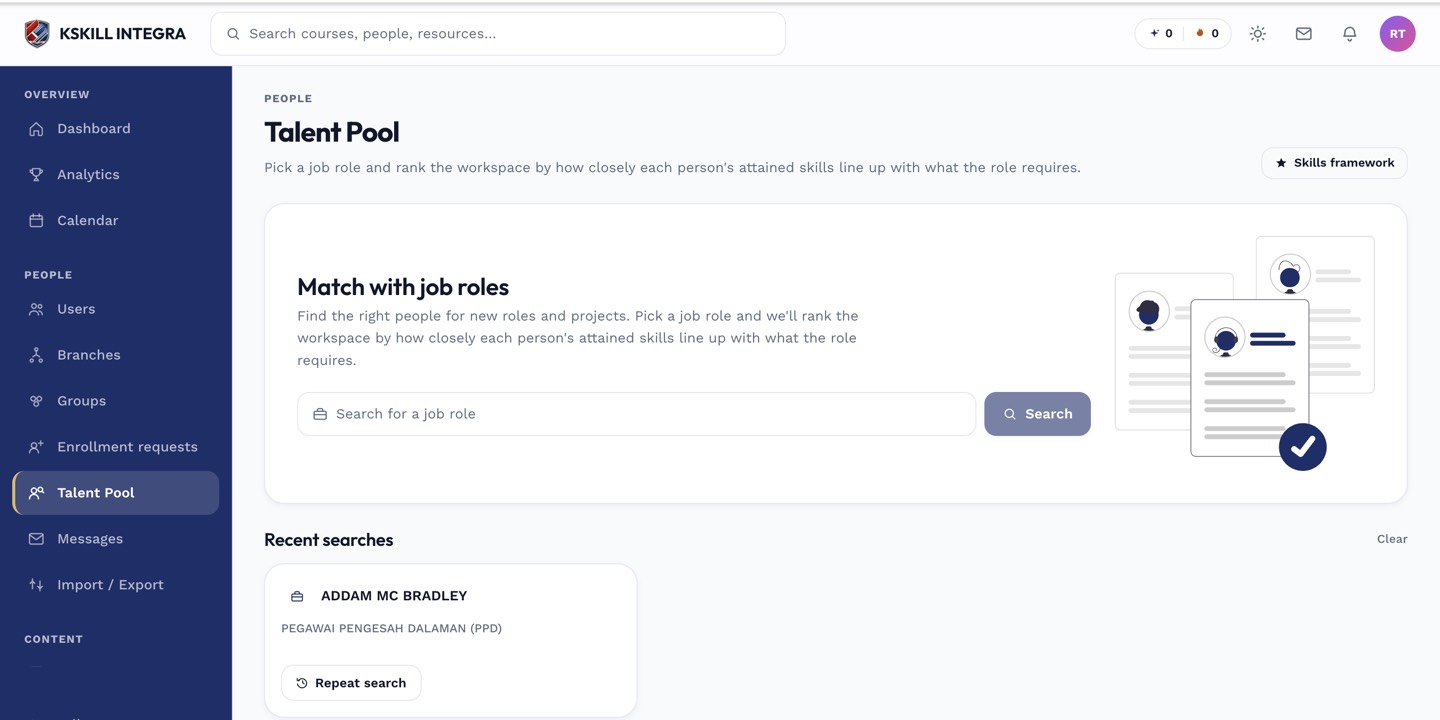 Choosing a job role runs the search against its full bundle of required skills at once.
Running a search
- Open Manage → Talent Pool.
- Choose the job role you are searching for.
- Optionally narrow by branch or group.
- Review the ranked list of matching learners.
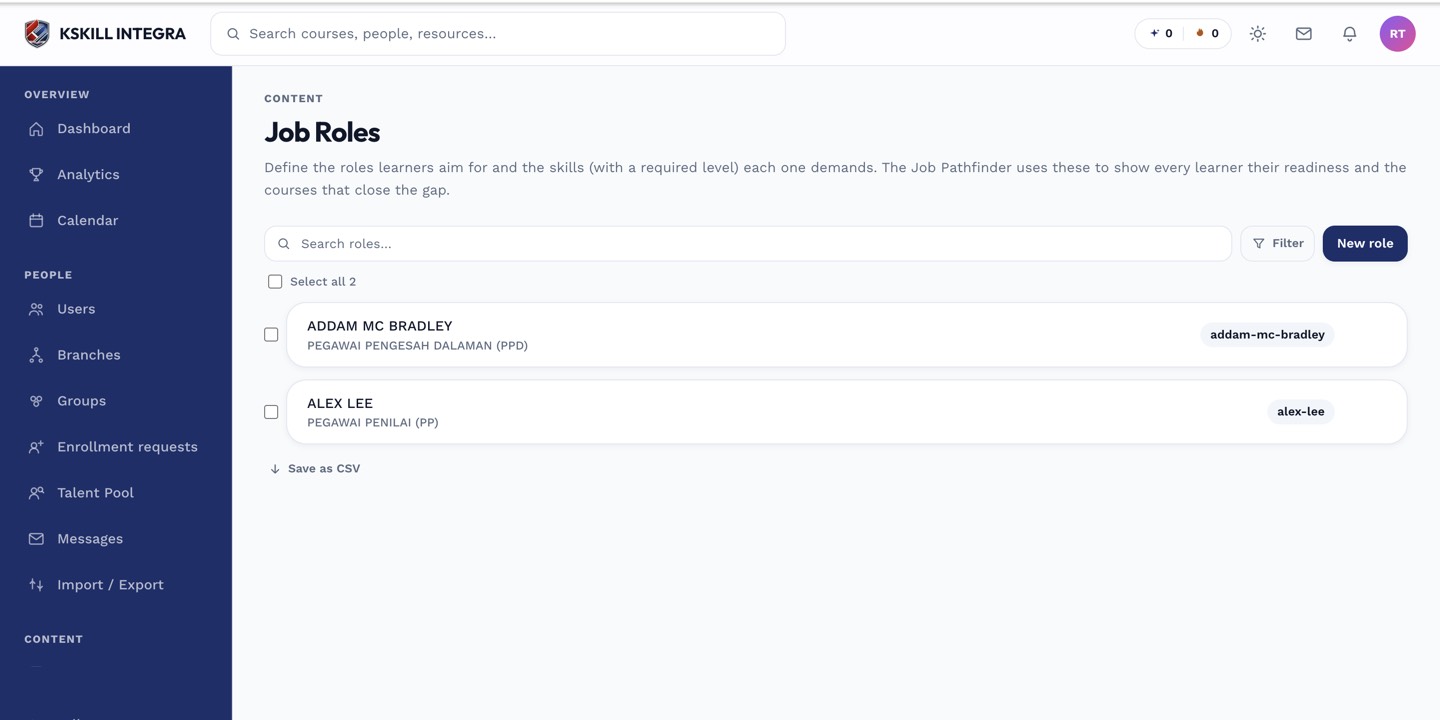 Every search is powered by the required-skills bundle you defined for the role.
Notes
Because matching runs against the whole bundle, a learner strong in two of three required skills still shows up, ranked below someone who fully qualifies — see reading a candidate's fit score for how that ranking works. Search results are URL-shareable, so you can send a colleague the exact search you ran.
What next?
#talent pool#job roles#search#skills