Troubleshooting: certificate wasn't issued after completion
A learner says they finished a course but no certificate appeared. Certificates are issued automatically, so when one is missing it almost always traces back to one of these causes.
Confirm the course actually has a certificate configured
Not every course issues one. Open the course in the course editor, go to Course options, and check the Certificate section. If no template is set, nothing will ever be issued for this course — that's expected behavior, not a fault.
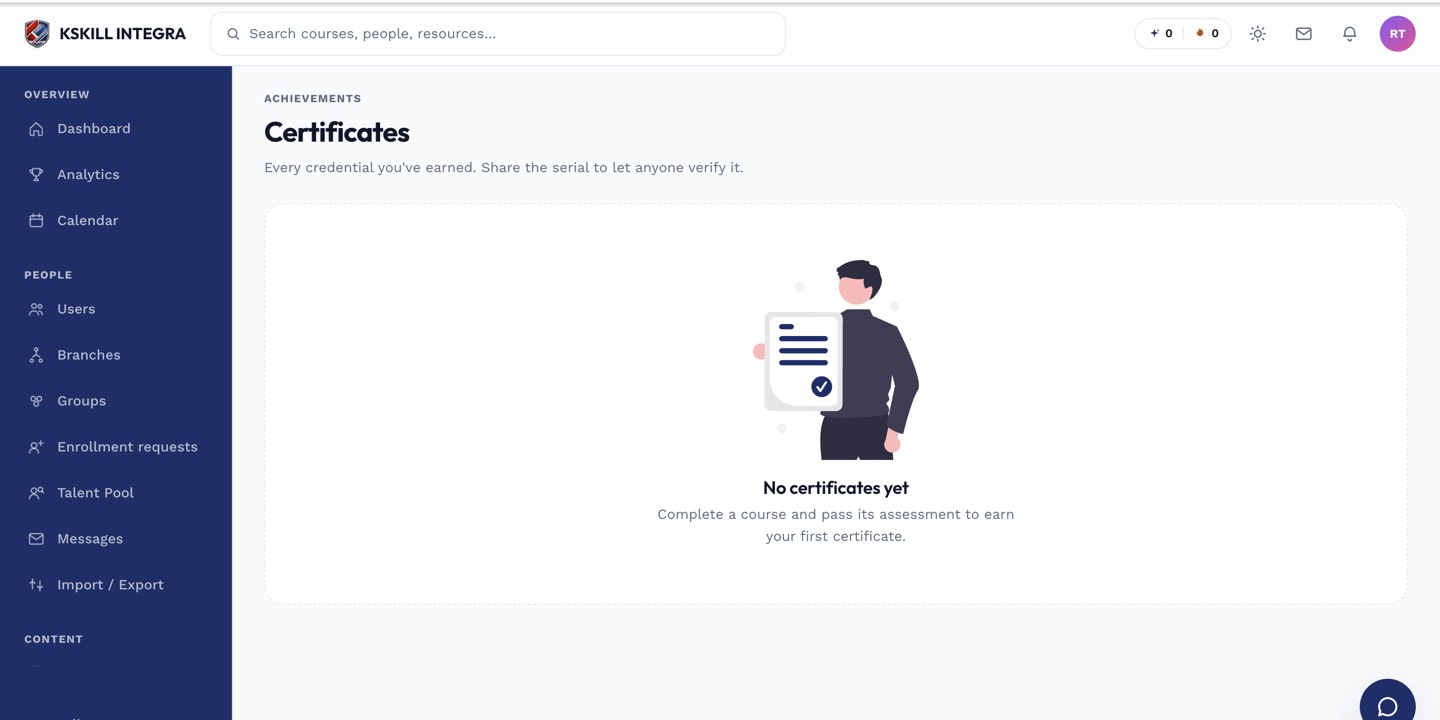 An unconfigured certificate section means the course was never set up to issue one.
Confirm the course is actually complete
Certificate issuance is tied to the course's own completion definition, which can include more than finishing every unit — a required assessment pass, or a mandatory end-of-course survey, can hold completion back even when progress looks like 100%. Check the Grading Hub for any pending manual grade on this learner's assessment, since an ungraded submission blocks completion from finalizing.
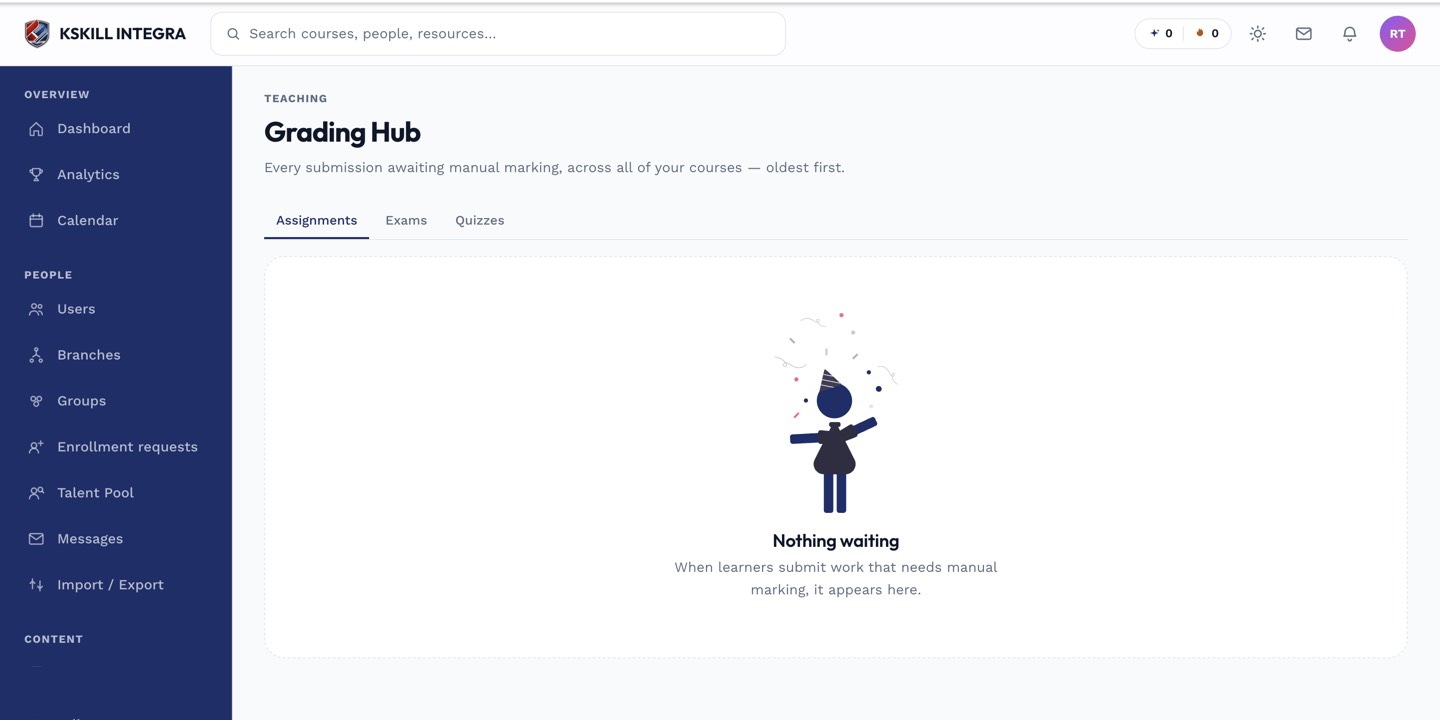 A pending grade on a required assessment is one of the most common reasons completion — and the certificate with it — never fires.
Other things to check
- Ask the learner to check both the course completion screen and their profile's certificates or transcript area — it may already be there and just easy to miss.
- If the course's certificate settings were changed after the learner completed it, remember new designs only apply to completions from that point forward, not retroactively.
- Confirm the learner completed the correct enrollment, if they were enrolled in the same course more than once (for example, through a cohort and separately through self-enrollment).