Troubleshooting: A Cohort Didn't Auto-Enroll a New Member
Adding someone to a cohort's roster is supposed to enroll them in the cohort's course automatically. When that doesn't seem to have happened, work through these checks in order.
Check the roster cap
If the cohort has a learner cap set, an add attempt beyond that cap is blocked outright — the member never actually joins the roster, so there's nothing to enroll. Open the cohort's Members tab and confirm the person is genuinely listed, not just attempted.
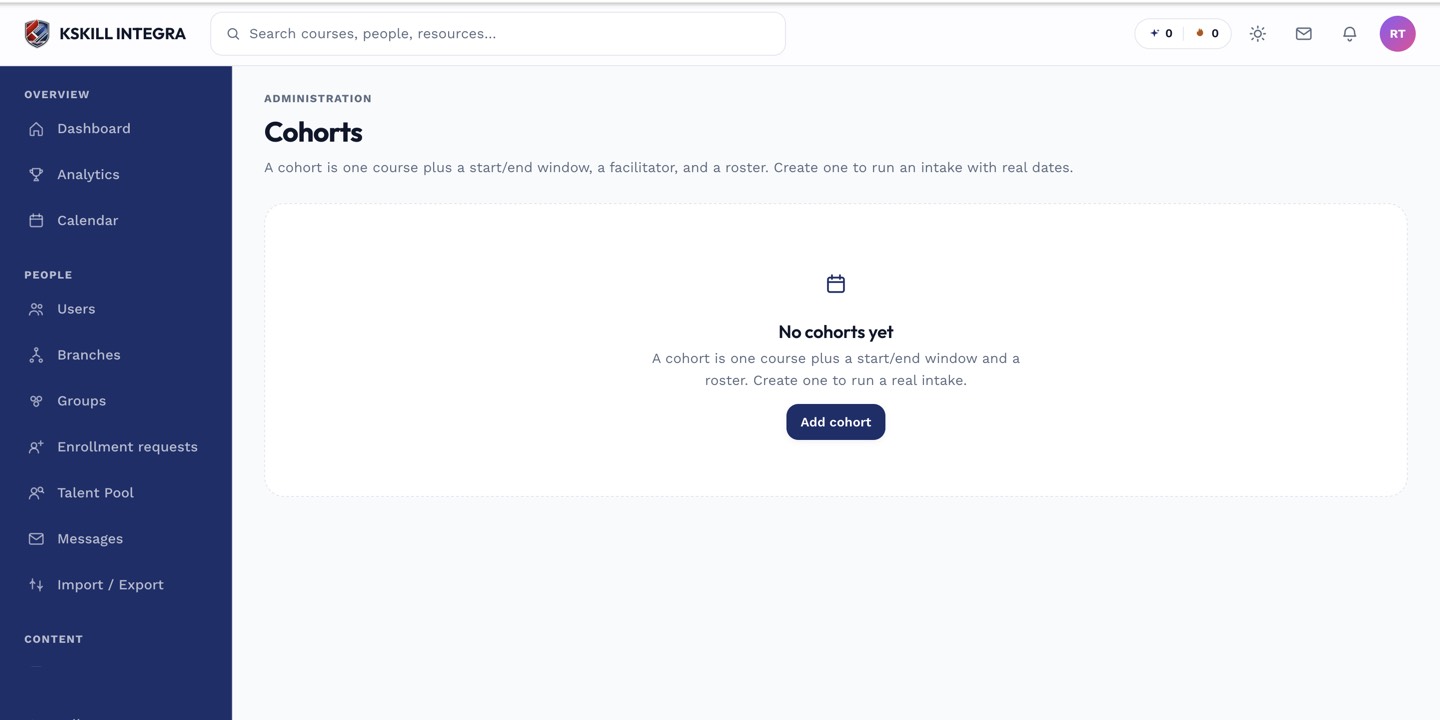 If the roster is at its cap, new adds fail before enrollment ever happens.
Check the cohort's status
An Archived cohort (past its end date) is no longer an active delivery. Adding someone to an archived cohort's roster may not produce the enrollment behavior you expect, since the course window has already closed.
Check the underlying course
If the course the cohort points to has since been unpublished or deleted, auto-enrollment has nothing to enroll the member into. Verify the course is still published and intact.
 A successful add should show the member both on the roster and enrolled in the course — check both.
Fix it
If the member is genuinely missing their enrollment, remove and re-add them from the Members tab; this re-triggers the auto-enroll step. If the roster cap was the blocker, raise the cap or remove another member first.