Use Skills to build a Learning Path
You can build a learning path that closes a skill gap automatically. This article covers the Pathfinder-style path builder.
Before you start
You need the Admin role, a target role or skill, and courses that grant those skills.
Step 1 — Open the path builder
Open Content → Learning paths and click New path. Switch to Skill-based mode instead of manual mode. Pick a target — either a job role or a specific skill.
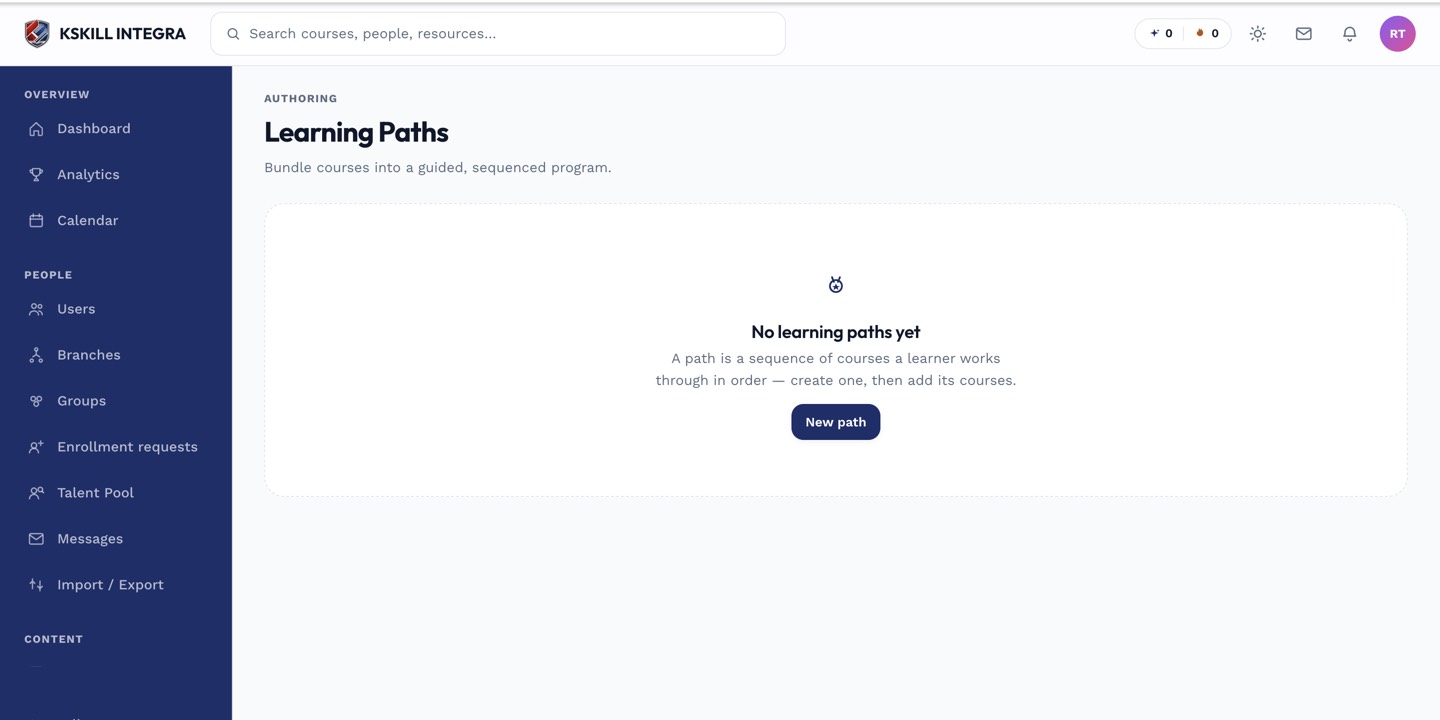
Learning paths string courses together into a durable curriculum.
Step 2 — Let the platform pick the courses
The builder finds every course that grants the missing skills and proposes an ordered sequence. Reorder or drop courses to taste, then save. The result is a durable path a learner can enrol into.
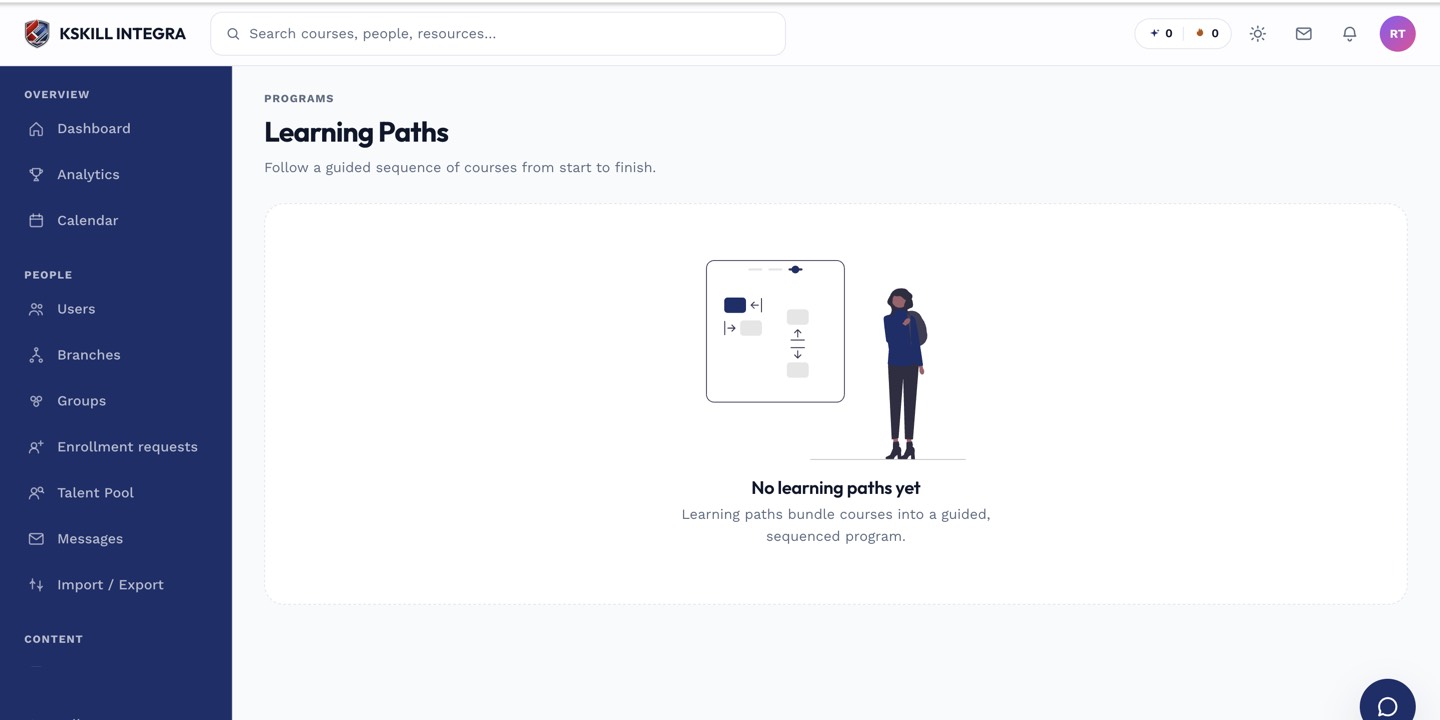
Learners open Learning paths to see the sequence they are working through.
Step 3 — How learners consume it
Learners see the path in their Learning paths sidebar. Completing each course grants its skills, which shrinks the path in real time. When every gap is closed, the path completes and any attached certificate is issued.
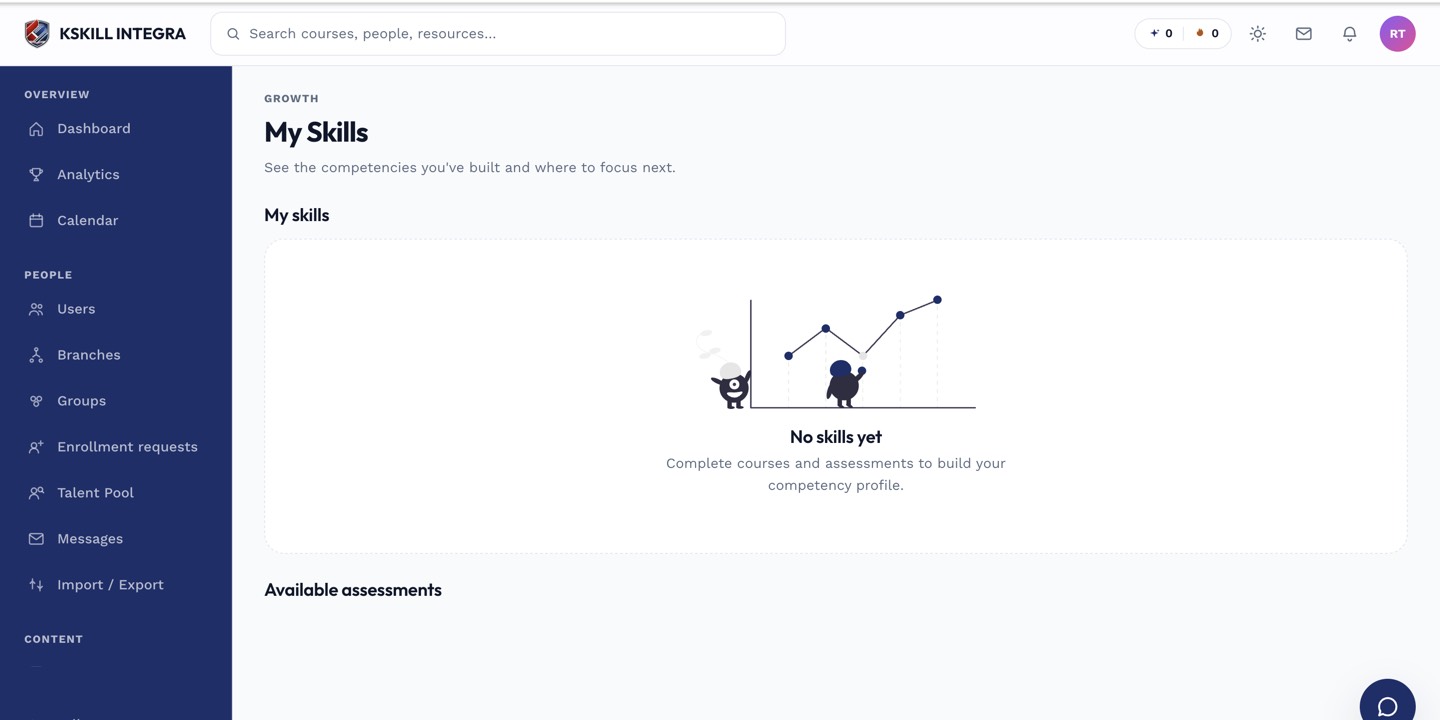
My Skills is the learner's own view of what they have proven so far.
Notes
- Skill-based paths update themselves — if you add a new granting course later, existing paths can be recomputed.
- For a fixed sequence that never changes, use a manual path instead.