View a user's Skill history
Every skill grant is auditable. This article covers reading a user's full skill history — grants, revocations, upgrades.
Before you start
You need the Admin or Instructor role. Instructors see only learners in their courses.
Step 1 — Open the user's Skills tab
Open People → Users, click the user, and switch to the Skills tab. Every currently-held skill is listed with its source and date.
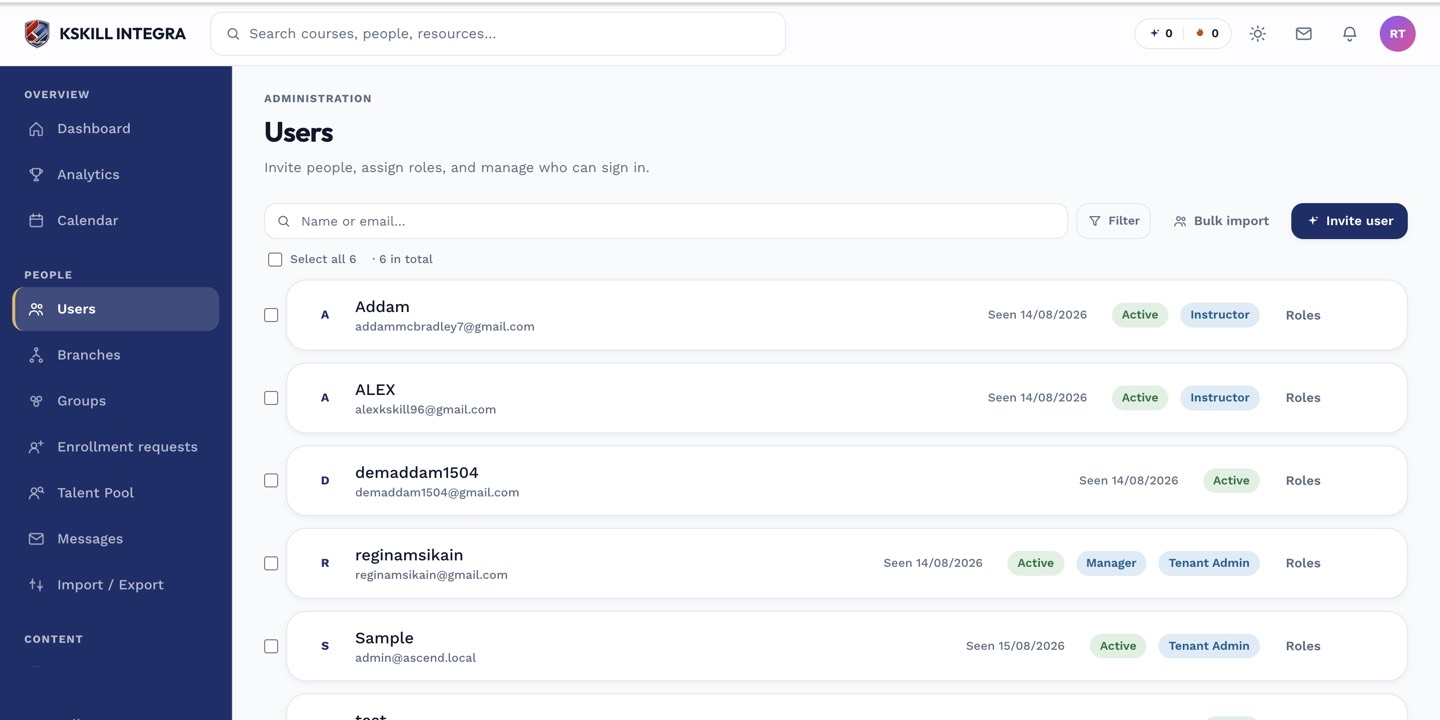
The Users list is the entry point for every person-related admin task.
Step 2 — Open the timeline
Click View history next to any skill to open the timeline drawer. Every grant, upgrade and revocation is listed with who did it, why, and when. Immutable — nothing here can be edited after the fact.
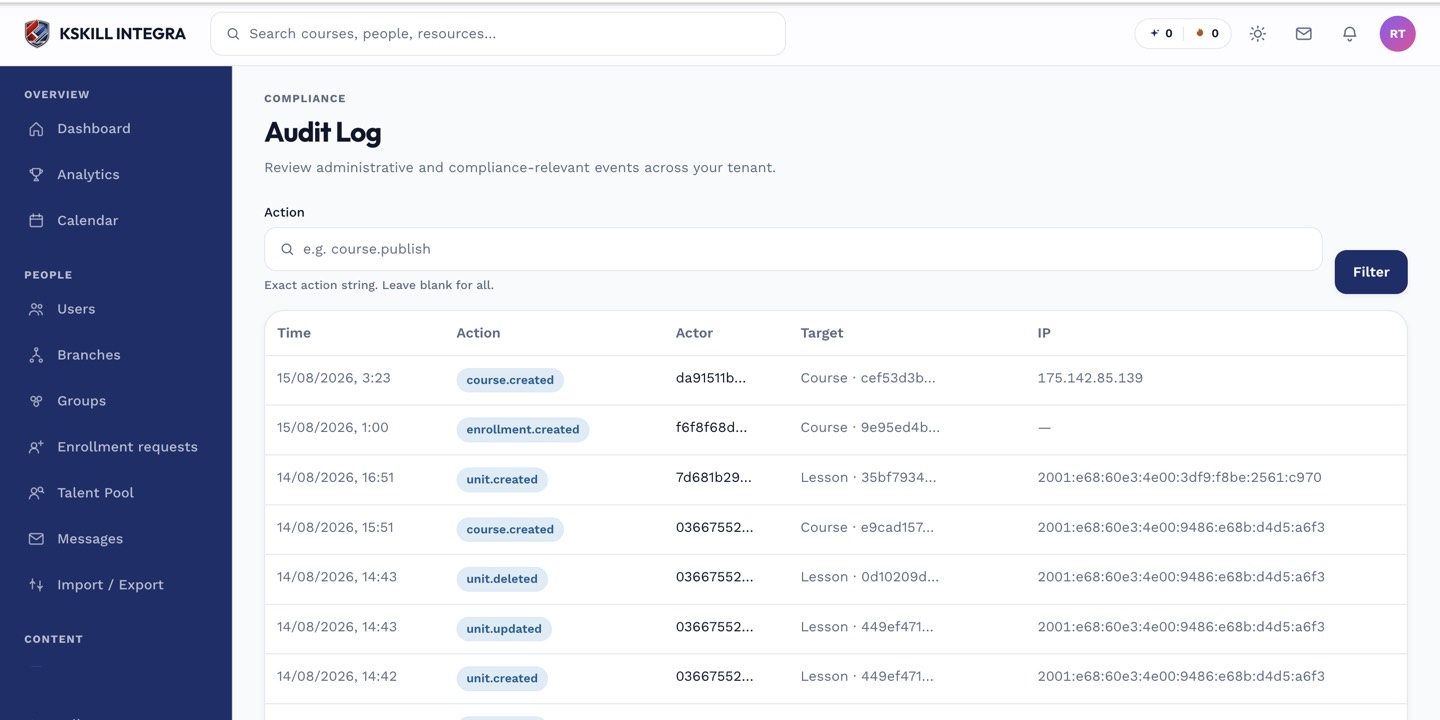
The audit log is your immutable record of who did what.
Step 3 — Cross-reference against the audit log
For patterns across many users, jump to the tenant-wide audit log. Filter by skill event type to see every grant on the tenant in one view. Useful for compliance reviews.
The audit log is your immutable record of who did what.
Notes
- The timeline includes reviewer notes on manual grants and revocations.
- Historical grants persist even after a skill is deleted, so old audit reports still resolve.