Finding At-Risk Learners
Instead of checking every course roster manually, the at-risk learners report surfaces the people most likely to disengage or miss a deadline, across your whole catalog.
Where it lives
Open Analytics → At-risk learners. You need the Admin or reporting-access Instructor role.
What it shows
The report lists learners whose activity or progress patterns suggest they're falling behind — low recent activity, slow progress relative to a course's expected pace, or approaching a due date without enough progress made. Each entry links back to the learner and the course in question.
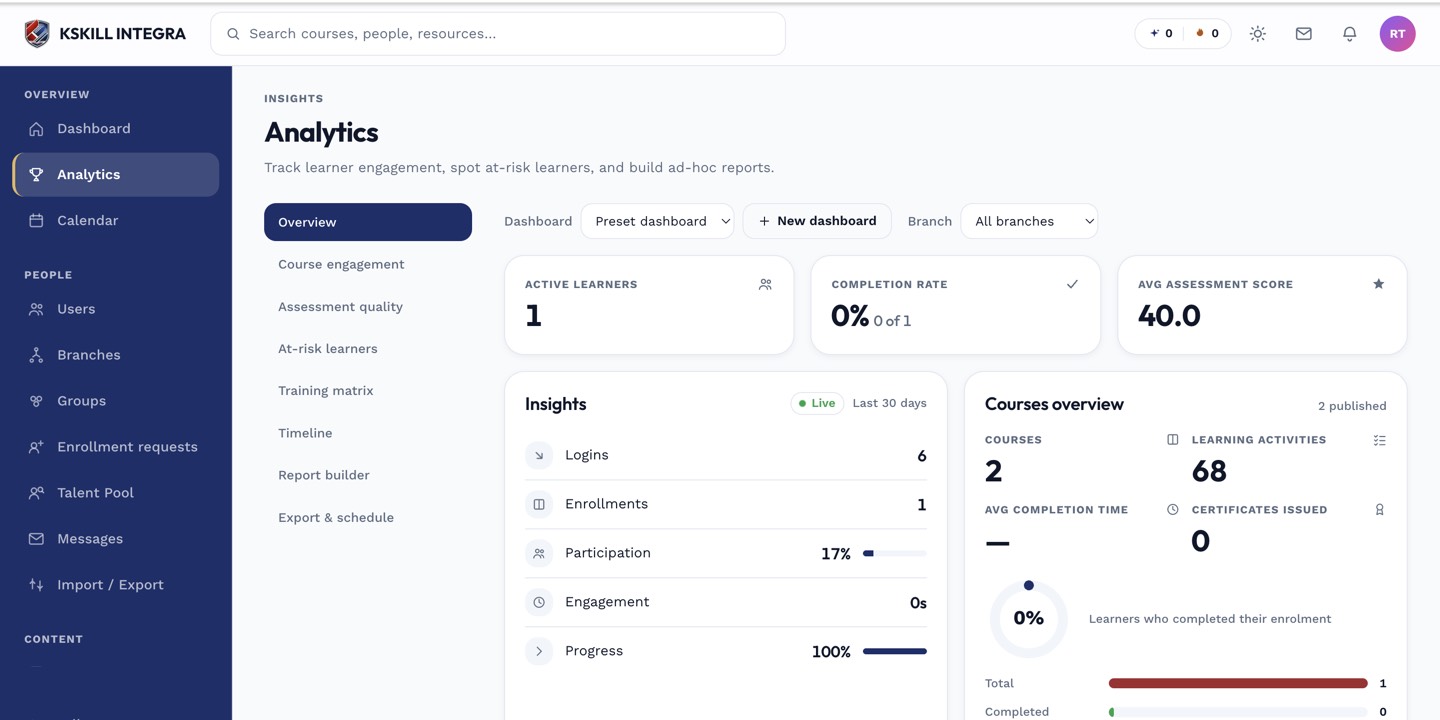 Each row identifies both the learner and which course triggered the flag.
Acting on a flag
From here you can jump into that learner's per-unit progress to see exactly where they've stalled, or reach out directly through messaging.
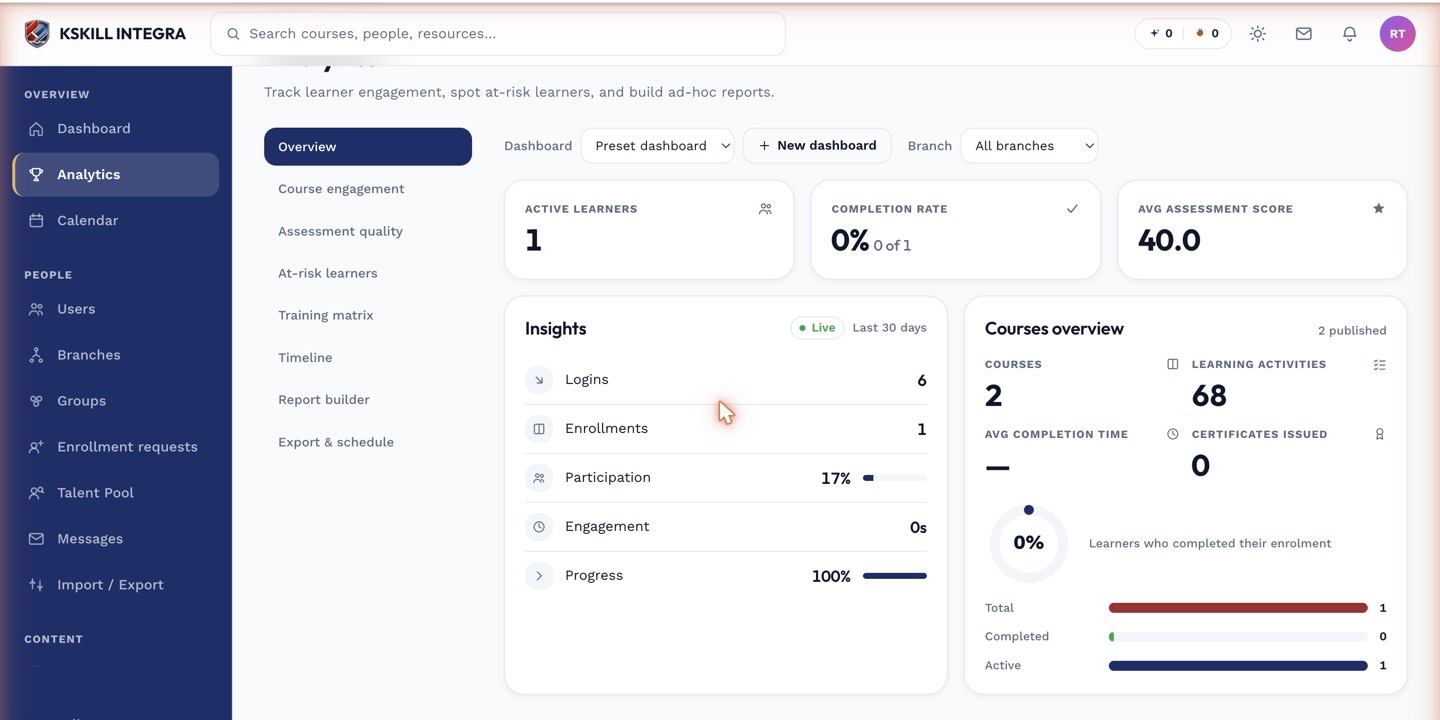 At-risk flags are a starting point for outreach, not an automatic action.
Notes
This report is catalog-wide by design — if you only care about one course's roster, course reports is the more direct tool.