Drilling Into a Learner's Per-Unit Progress
Once you're inside a course's report, you can go one level deeper than the roster and see exactly how far a single learner has gotten through each unit.
Getting to the roster
From Analytics → Course reports, click a course row to open its learner roster — every enrolled learner with their overall progress percentage and status.
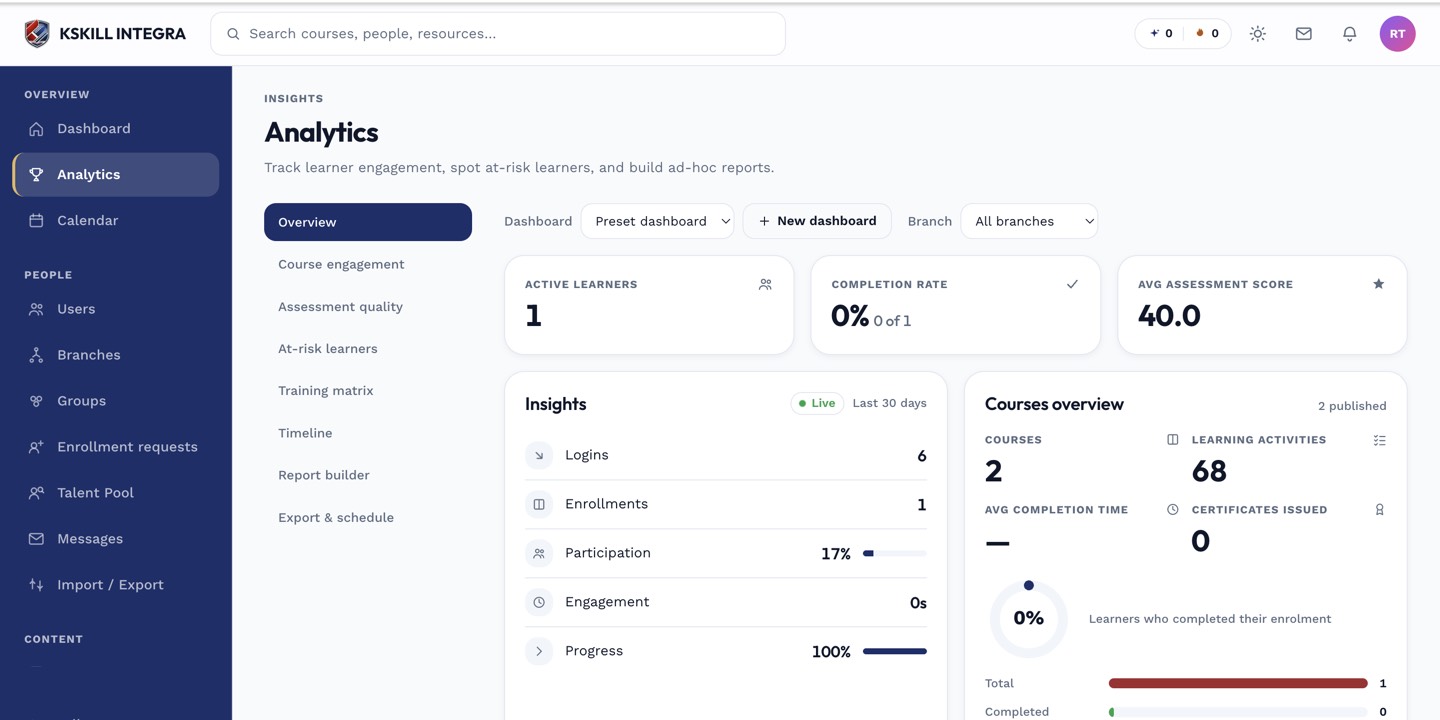 The roster lists every enrolled learner with a single overall progress figure.
Opening the per-unit drawer
Click any learner in the roster to open a drawer breaking their progress down unit by unit — which lessons, quizzes, or assignments are complete, in progress, or not started, along with timestamps where available.
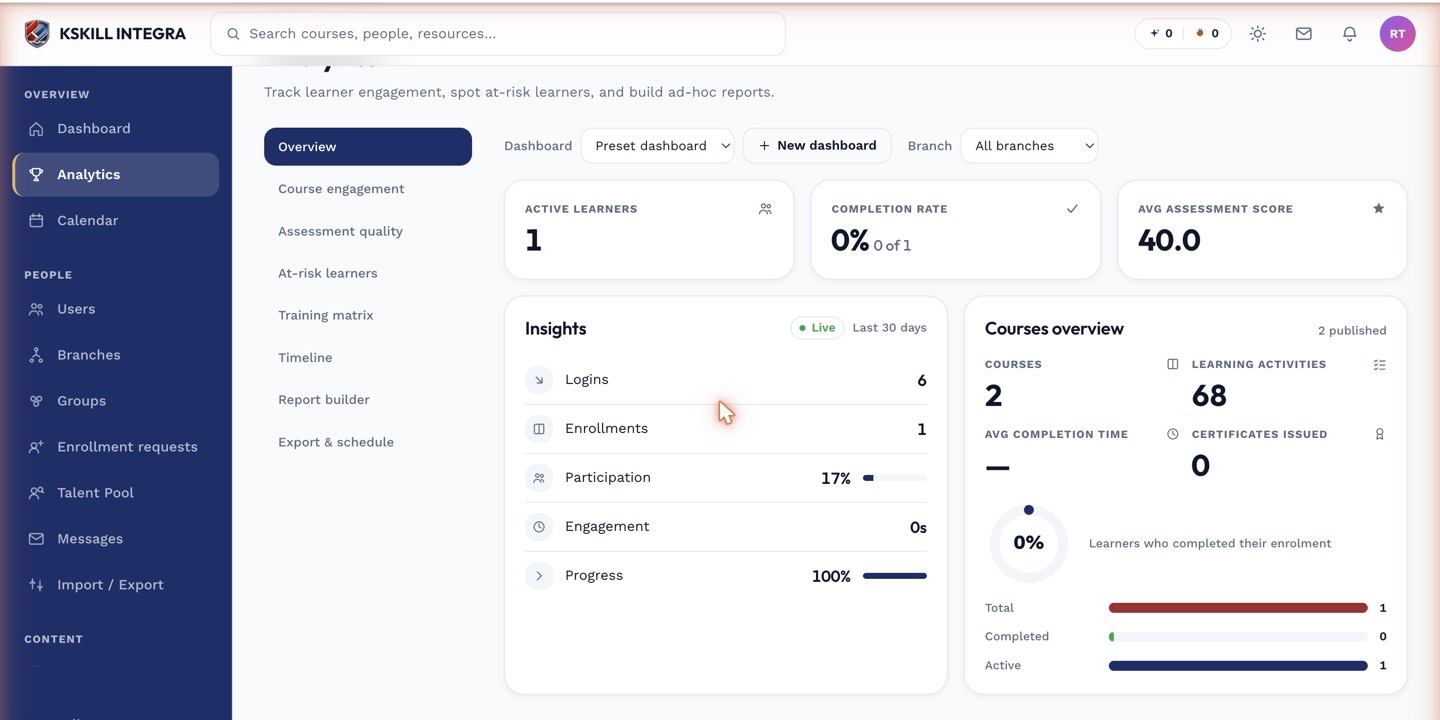 The drawer shows exactly where in the course a learner currently stands, unit by unit.
What it's useful for
This is the fastest way to answer "where exactly is this learner stuck?" when a manager or the learner themselves raises a question, without having to reconstruct it from raw activity logs.
Notes
If a learner needs to redo a specific unit, the same drawer is where you'd trigger that — see resetting a learner's unit progress.