Using the Calendar View
LearnerUpdated September 24, 2026
The calendar view pulls together everything with a date attached to it — cohort schedules, live class and conference sessions, and course deadlines — into a single unified surface, so you don't have to check three different screens to see what's coming up.
What shows up on it
- A cohort's start and end dates, and any milestones set on its Timeline tab.
- Scheduled live class or conference sessions.
- Course completion deadlines, whether relative (days/weeks from enrollment) or a fixed date.
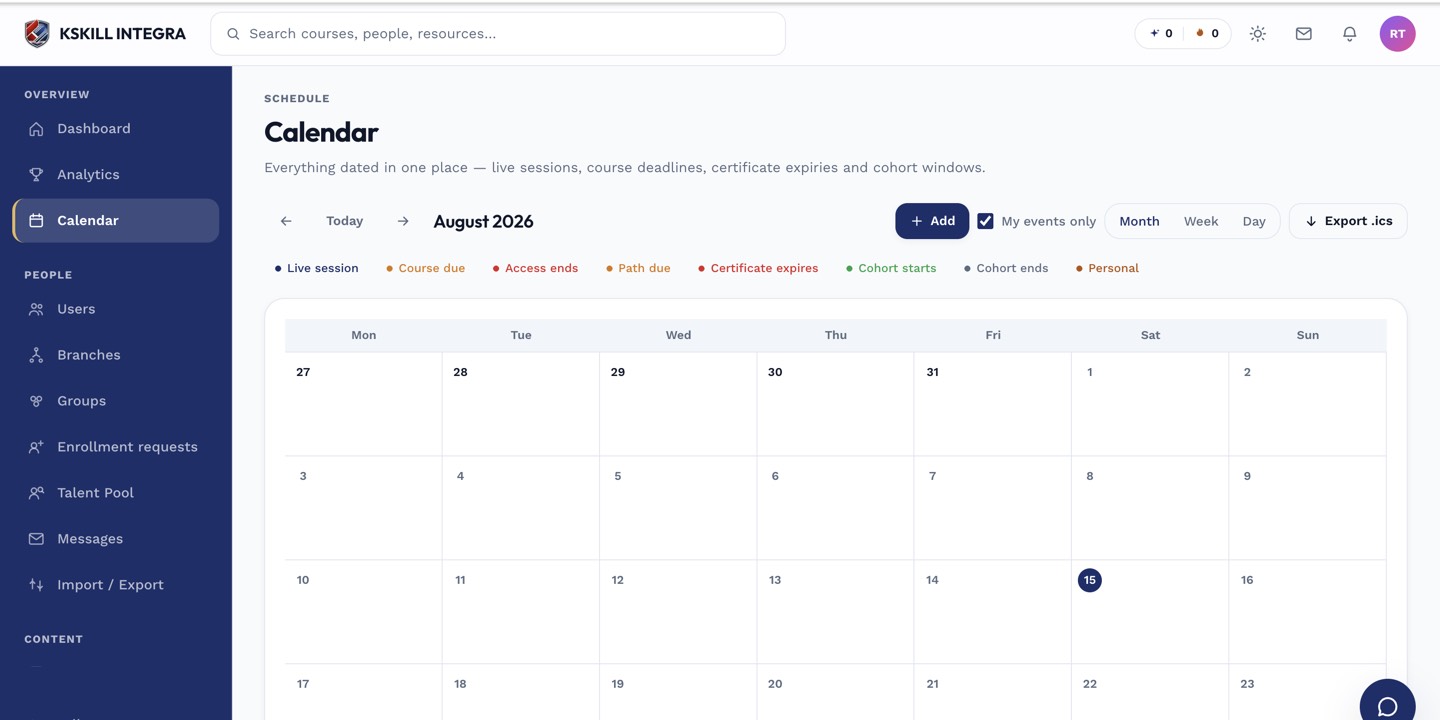 Different item types are visually distinguished but sit on the same shared calendar.
Admin and learner views
Admins see the calendar scoped to what they manage; learners see their own personal calendar, scoped to the cohorts they belong to, the sessions they're enrolled in, and their own deadlines.
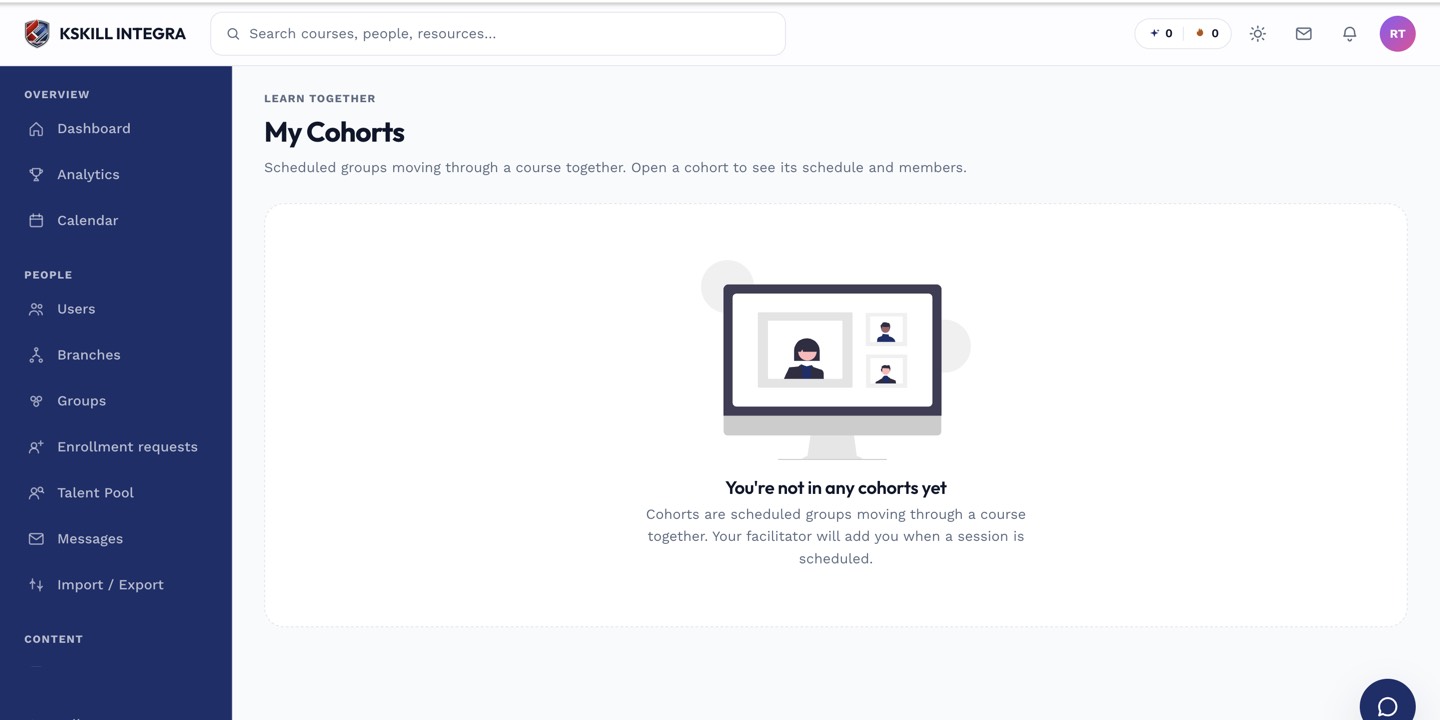 A learner's cohort dates on their My groups-style cohort view match what appears on their calendar.
Notes
The calendar is a read-only view of dates set elsewhere — to change a date, go to the cohort, course, or session it came from rather than trying to edit it from the calendar itself.
What next?
#calendar#cohorts#deadlines#live classes#schedule