Resetting a Learner's Unit Progress
AnalyticsUpdated September 24, 2026
Sometimes a learner needs to redo a specific unit — a quiz they clicked through too fast, a lesson marked complete by mistake, or a retake requirement. Admins can reset progress on individual units from the same drawer used to review it.
Before you start
You need the Admin role. This is a per-unit action, not a whole-course reset — you choose exactly which unit to roll back.
Resetting a unit
- Open Analytics → Course reports and select the course.
- Click the learner in the roster to open their per-unit progress drawer.
- Find the specific unit and use its reset control.
- Confirm the reset.
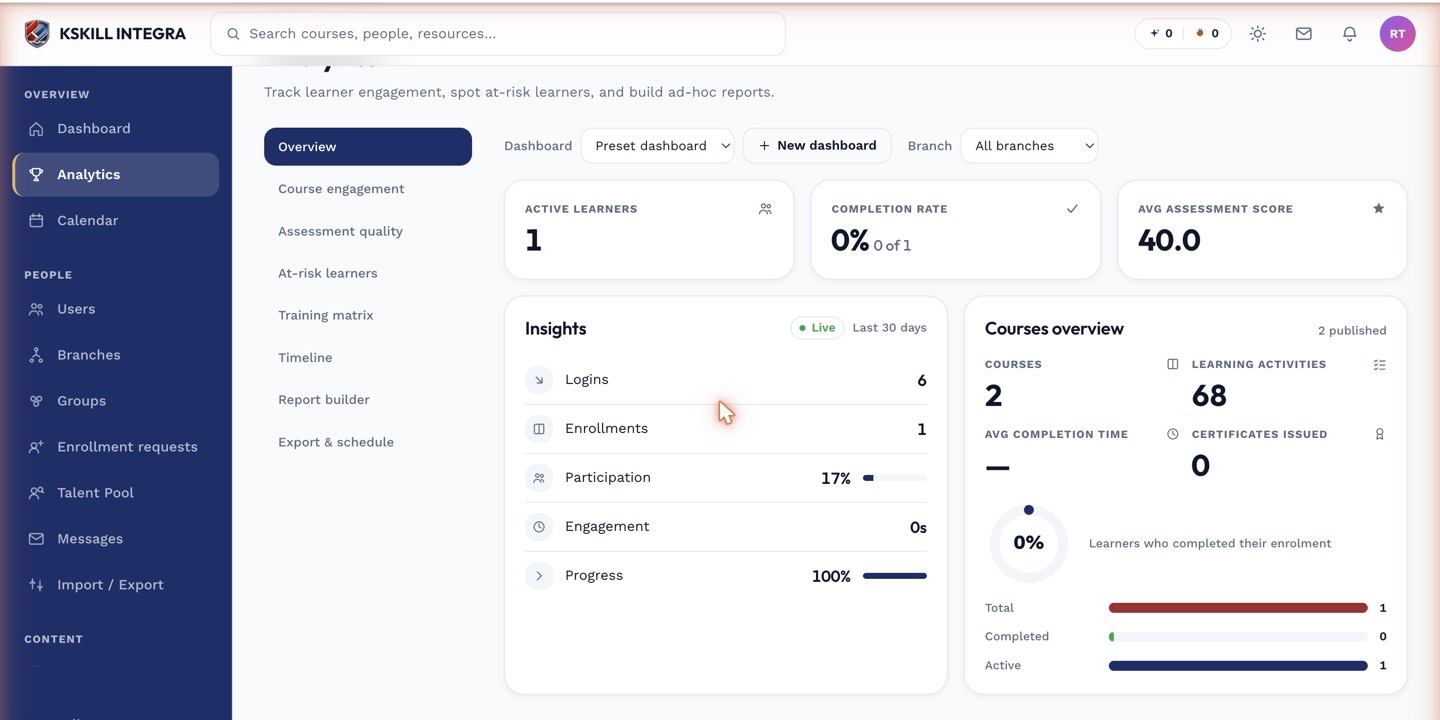 The reset control sits directly on the unit row you want to roll back.
What happens after
The unit reverts to not-started for that learner, and their overall course progress recalculates accordingly. Nothing else in the course is affected.
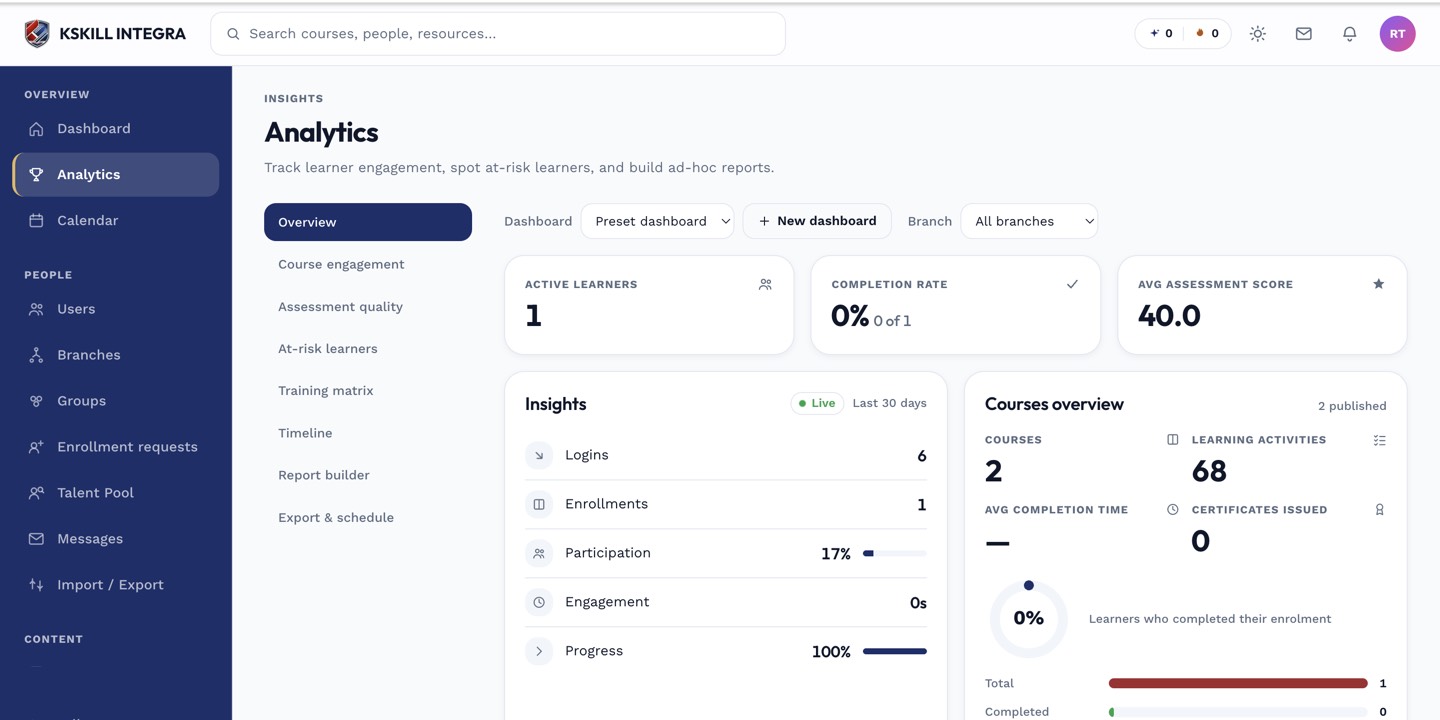 Overall progress in the roster updates immediately after a unit reset.
Notes
This is intended for legitimate corrections, not as a way to force retakes at scale — there's no bulk reset across an entire roster.
What next?
#analytics#course-reports#progress-reset#admin