How Learners Self-Join a Group from My Groups
LearnerUpdated September 24, 2026
Groups don't have to be entirely admin-assigned — learners can browse and join open groups themselves from their own My groups page, if you've enabled it.
Turning it on
Self-join is gated behind the groups.join capability. An admin needs to enable this capability before learners see the option to join groups on their own; with it off, group membership stays fully admin-managed.
What the learner sees
- The learner opens My groups from their account area.
- They browse groups available to join.
- Clicking a group opens a Join modal with a short description of the group.
- Confirming adds them to the group's Users tab immediately, and any courses or paths attached to the group become available to them.
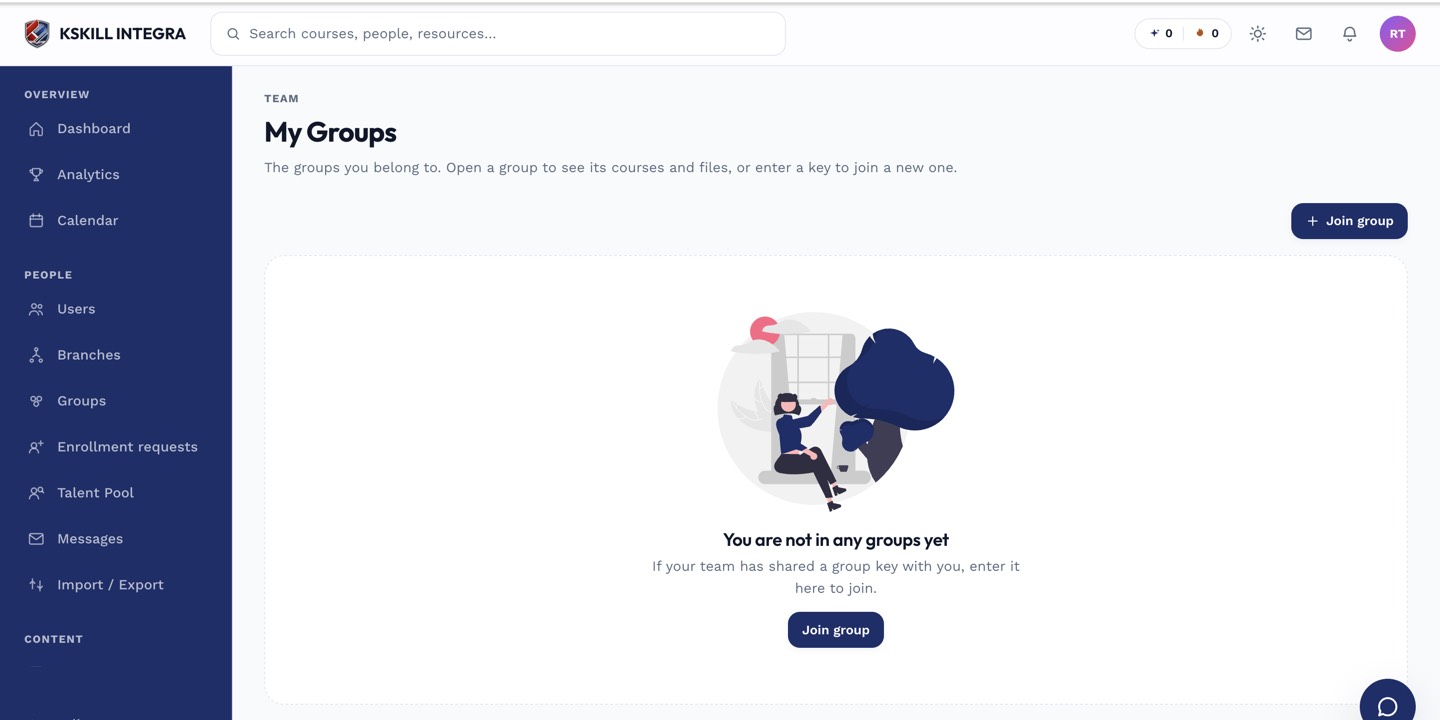 The Join modal is the learner's entire self-service flow — no admin approval step.
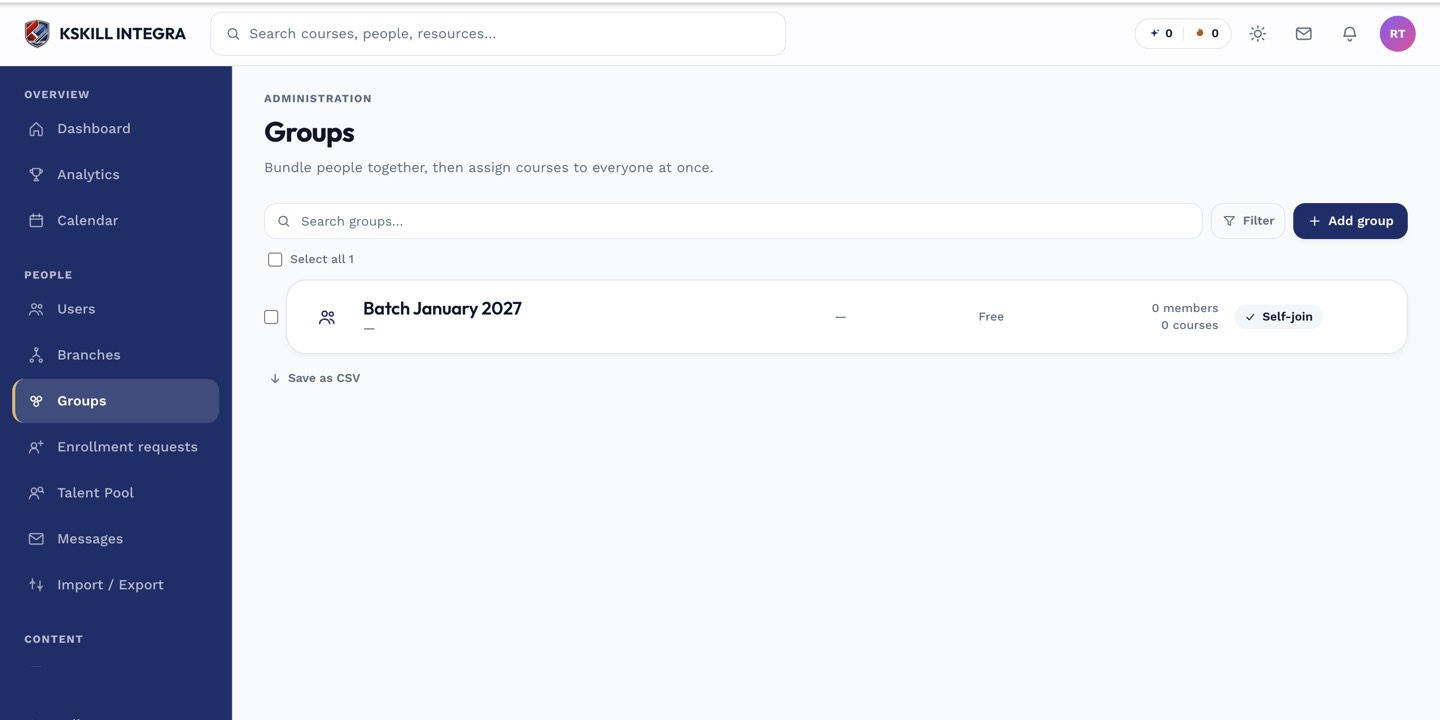 Self-joined learners appear in the group's Users tab exactly like admin-added ones.
Notes
Self-join adds the learner outright; it isn't a request that needs approval. If you want an approval step for a particular group's courses instead, use enrollment requests on the course itself.
What next?
#groups#my groups#self-join#learner#capability