How Stripe Installment Auto-Debit and Retries Work
Once a learner pays the deposit on a Stripe installment plan, the remaining charges happen automatically in the background. This article covers exactly what runs and when.
The daily worker
A daily background worker scans for installments that are due and attempts to charge the learner's saved card off-session — no action needed from the learner, and nothing shows up in their inbox unless something goes wrong or they've opted into success notifications.
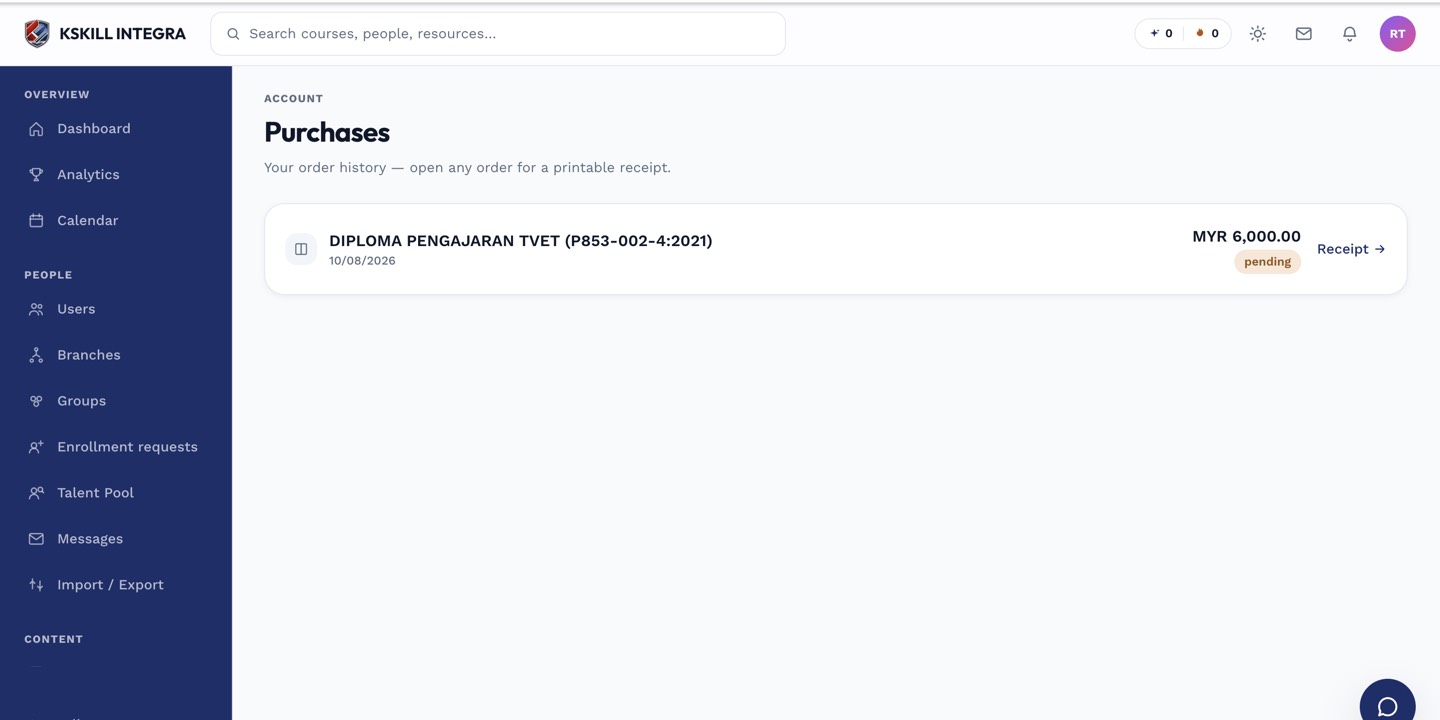 A successful auto-debit appears as a new paid charge against the same order.
When a charge fails
If a card decline or other failure happens, the worker doesn't give up immediately. It retries the same installment up to 3 times, once per day. Learners who've opted in receive an "Installment payment failed" notification acting as a nudge to update their card or resolve the issue on each attempt.
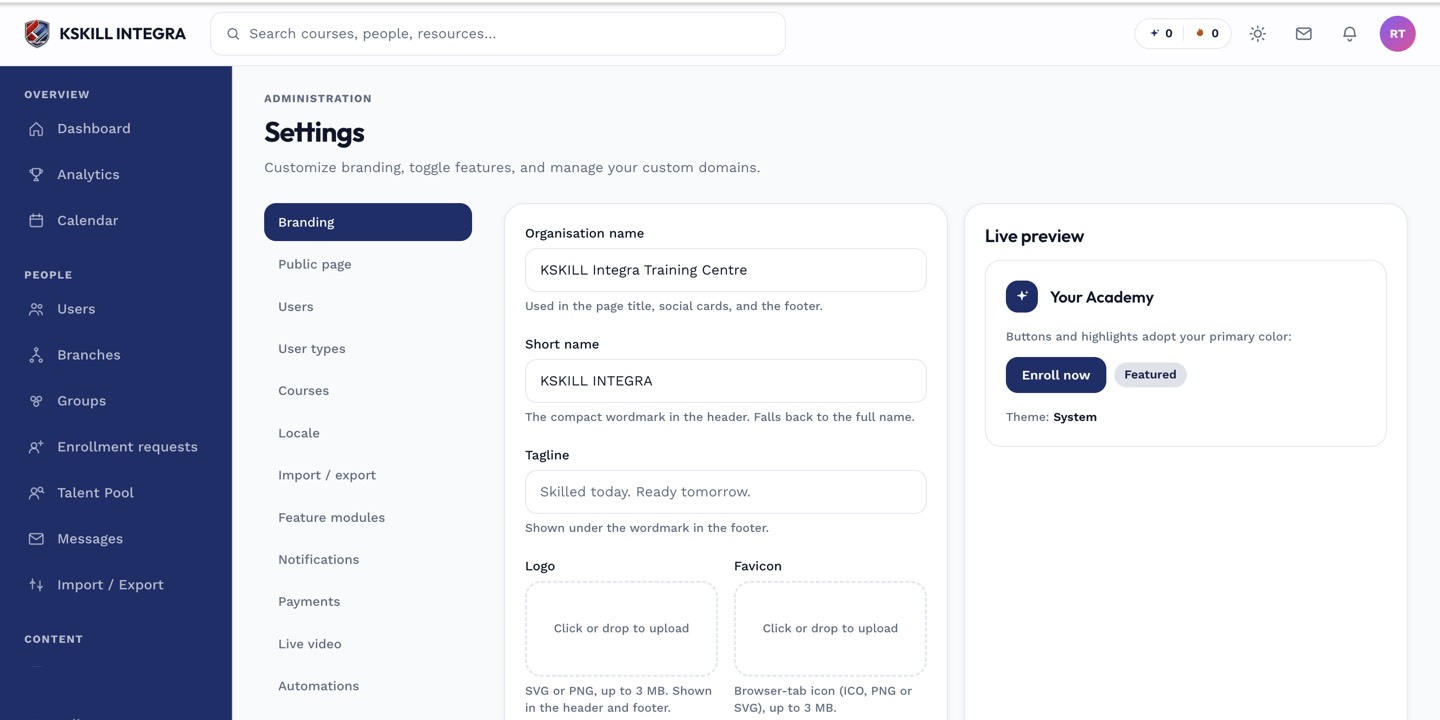 Auto-debit only runs while Stripe is the tenant's active gateway.
After 3 failed attempts
If all 3 retries fail, the plan is treated as defaulted and the learner's enrollment moves to a suspended state. See what happens when an installment plan defaults for the full picture, including how access is restored.
Notes
This entire mechanism is Stripe-specific today. It relies on the deposit checkout having saved the learner's card; if that step is skipped or fails, there's no card on file for the worker to charge.