Manage marketplace licenses
Every marketplace purchase becomes a licence with seats, expiry and a launch link. This article covers managing them.
Before you start
You need the Admin role. Licences live on the buyer's tenant.
Step 1 — Open Licences
Open Content → Licences. Every purchased licence is a row with the source course, seat count remaining, expiry, and the seller's payout status.
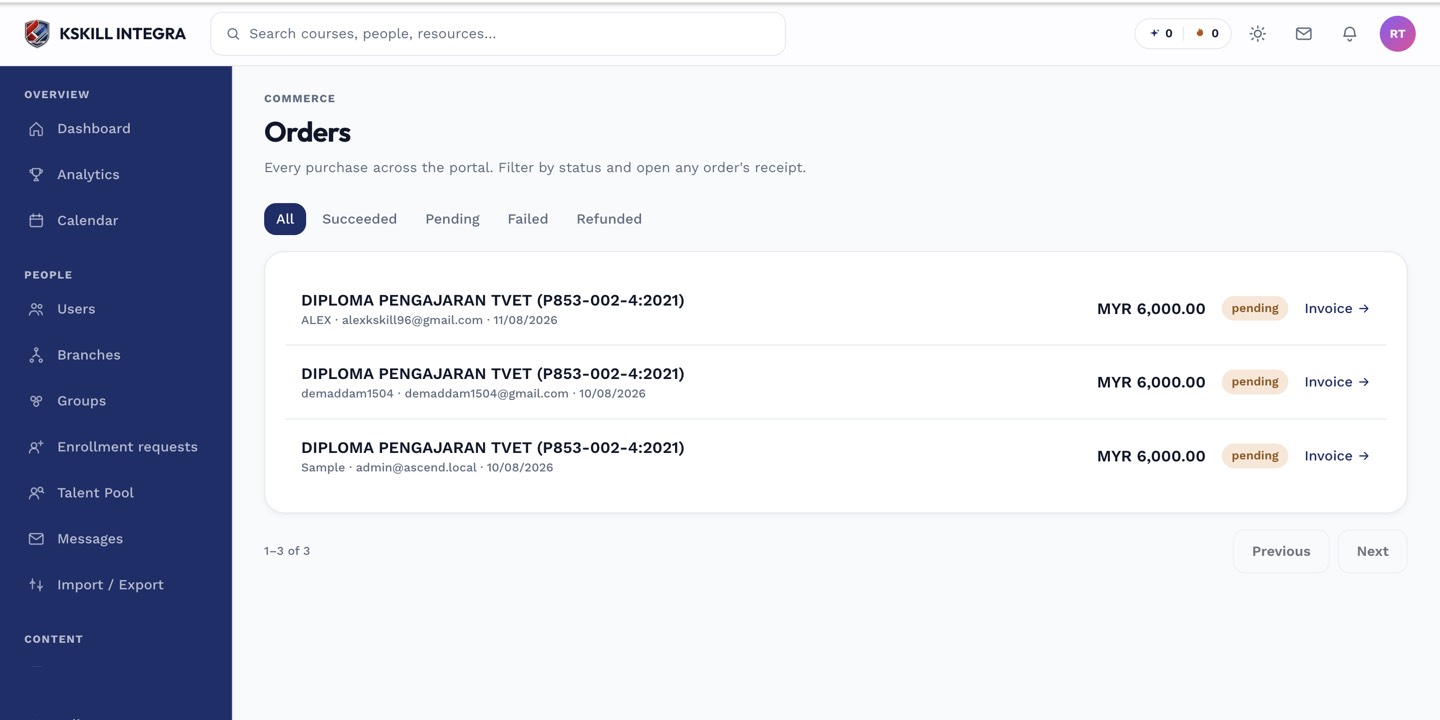
The Orders page is the ledger of every purchase made on the tenant.
Step 2 — See who consumed a seat
Click a licence to open the detail. The Consumers tab lists every learner who consumed a seat — name, enrolment date, current progress. Revoke a seat to free it back to the pool.
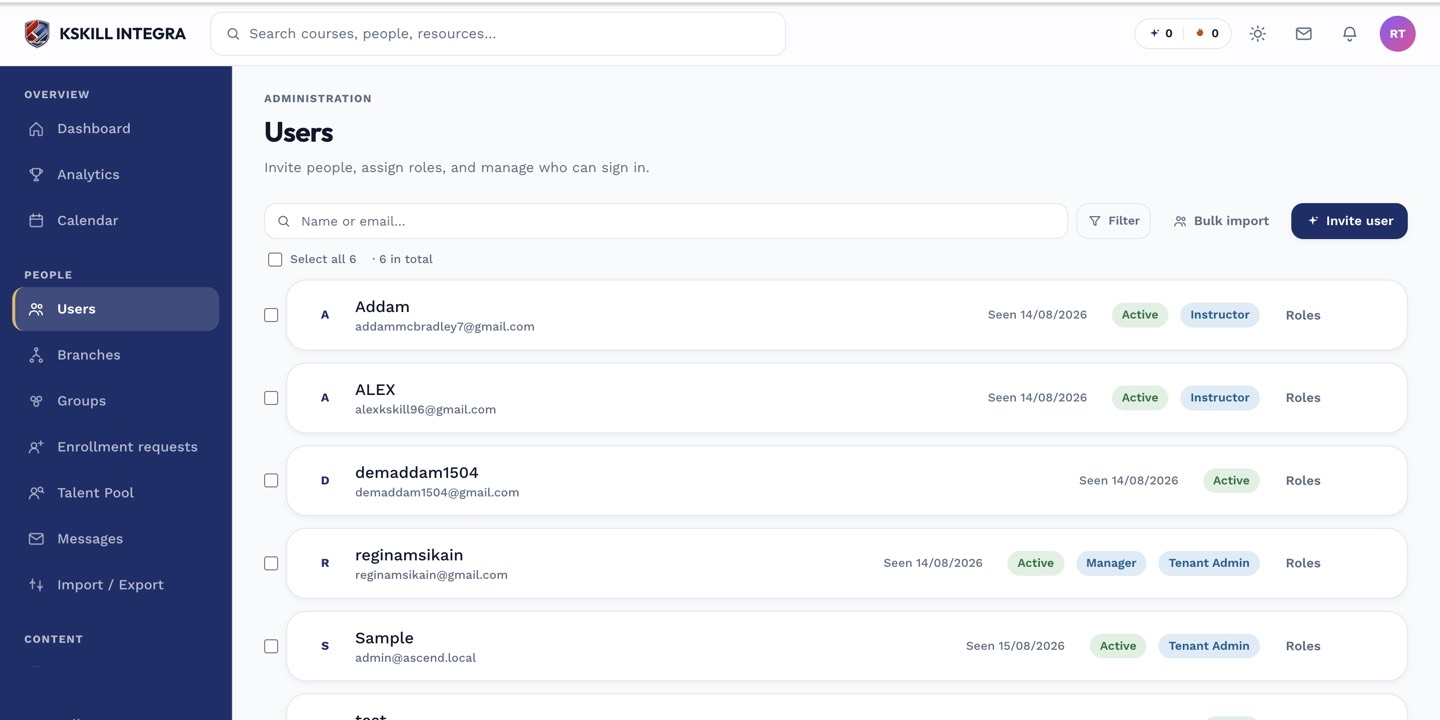
The Users list is the entry point for every person-related admin task.
Step 3 — Top up or renew
If a licence runs low on seats, click Top up to buy more of the same. Expired licences can be renewed with a fresh purchase — historical enrolments and progress stay intact.
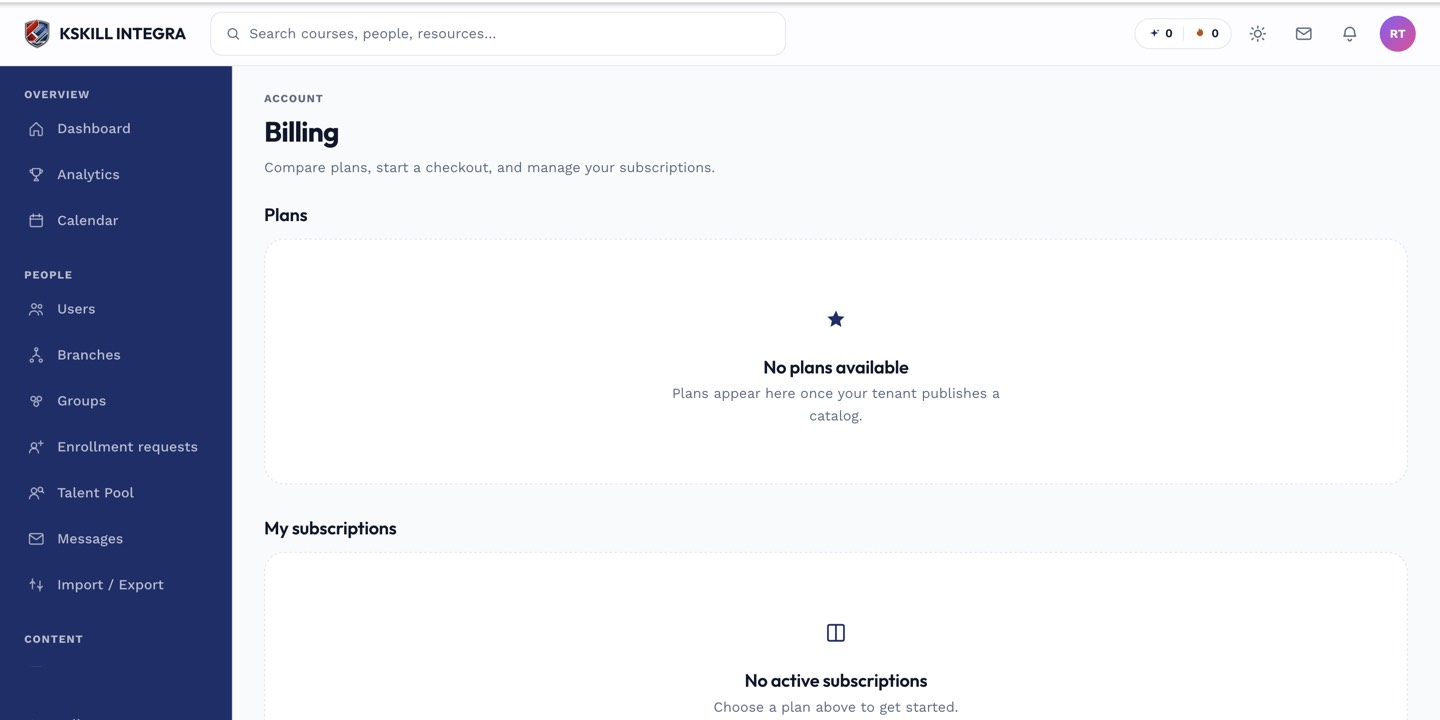
The billing surface reconciles what learners paid against what the tenant collected.
Notes
- Revoking a consumer seat also unenrols them from the source course (via the seller's tenant).
- Bulk-import seats via CSV if you buy in large batches.