Marketplace payouts and reconciliation
Sellers see payouts on a schedule set by the payout provider. This article covers reading settlement statements and handling refunds.
Before you start
You need the Admin role and a payout method configured.
Step 1 — Open Payouts
Open Content → Marketplace and switch to the Payouts tab. Every settlement is a row with the period, gross sales, fees deducted, refunds, and net payout.
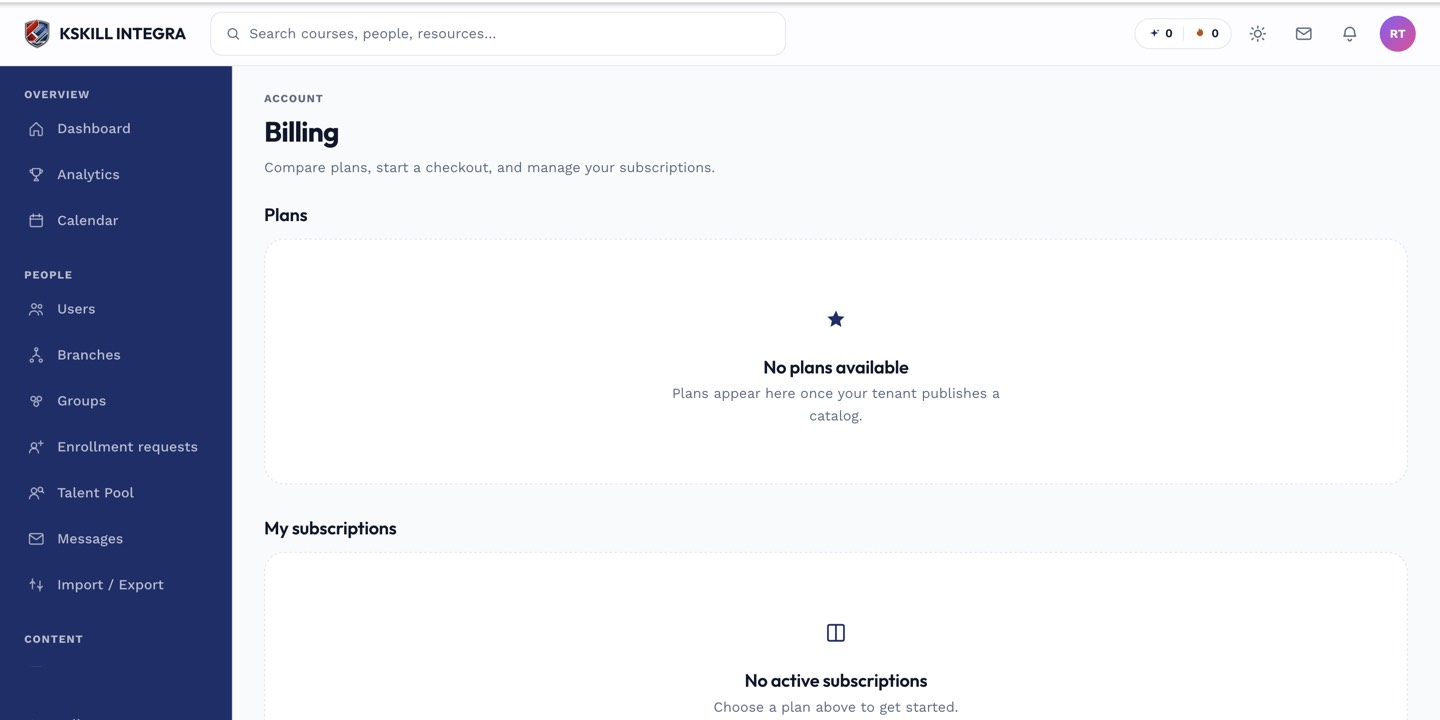
The billing surface reconciles what learners paid against what the tenant collected.
Step 2 — Read a settlement
Click a settlement to see the underlying orders. Each order appears with buyer tenant, price, currency and fee. The math at the bottom shows how the number in your bank account was derived.
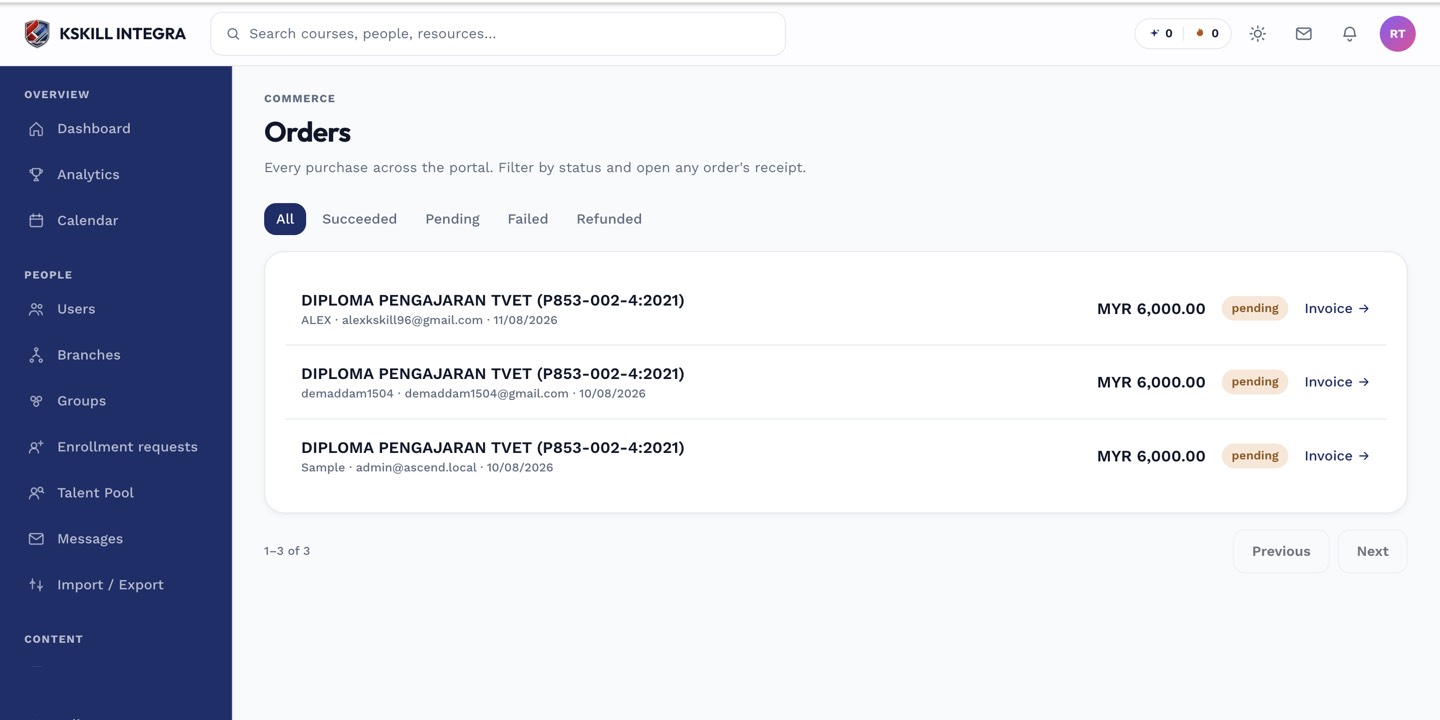
The Orders page is the ledger of every purchase made on the tenant.
Step 3 — Handle refunds
Refund requests appear on the same tab under Pending refunds. Approve to trigger a refund at the payout provider, or reject with a note. Approved refunds appear as a negative entry on the next settlement.
The Orders page is the ledger of every purchase made on the tenant.
Notes
- Settlement cadence is set by the payout provider (Billplz daily, Stripe Connect standard 2-day).
- Reconcile against your bank statement monthly — mismatches usually point to a webhook that never landed.