The installment payment notification events
If your tenant sells course access on an installment plan, three notification events track the life of that plan from first payment to potential default. Each needs its own rule before anyone sees it — see configuring notification rules if none of these are firing yet.
The three events
- Installment payment succeeded — a receipt-style notice sent when a scheduled installment goes through cleanly. Nothing for the learner to do.
- Installment payment failed — a retry nudge. The charge did not go through this cycle; this notification is the learner's cue to update or retry payment before things escalate.
- Installment plan defaulted — tells the learner their access has been suspended after repeated failed attempts. This is the terminal state of the plan for that learner until it is resolved.
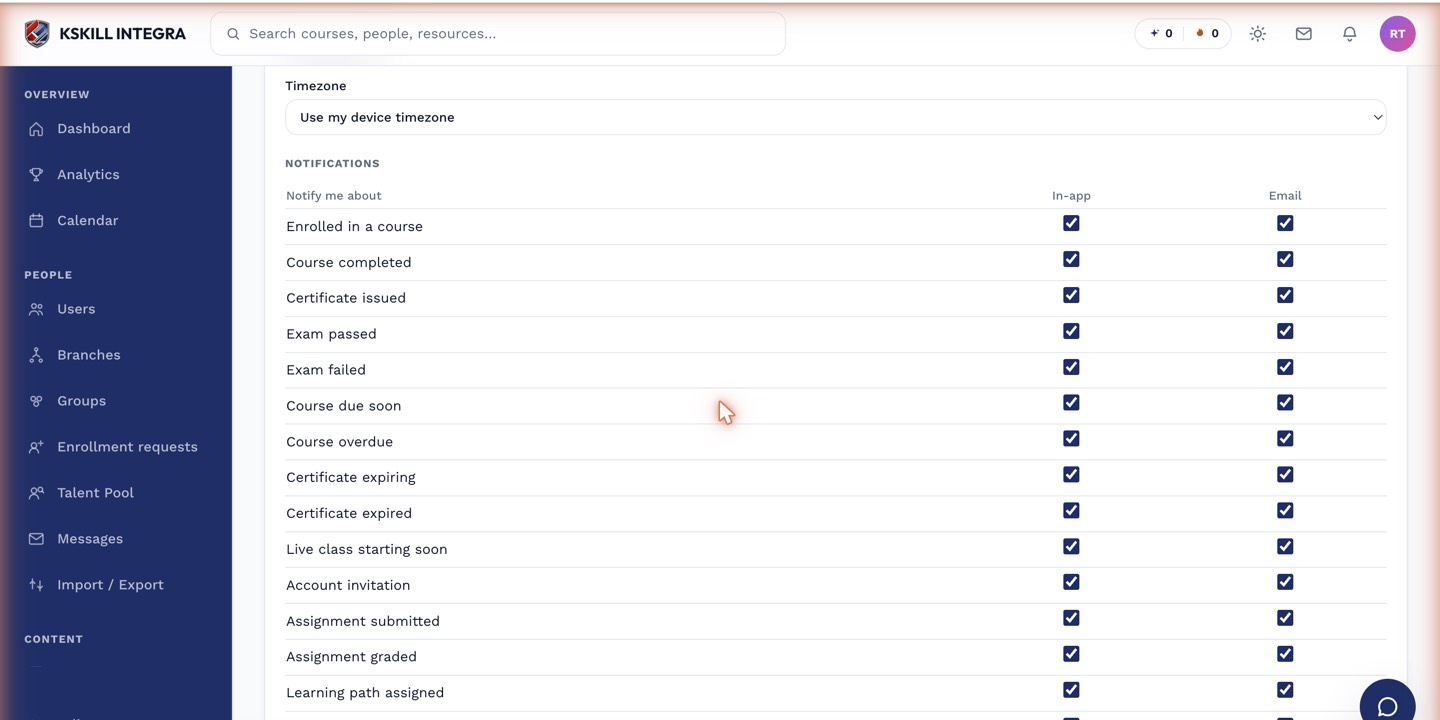 All three installment events appear in the billing group of the preferences list.
Who should get these
At minimum, route all three to the Learner recipient type — they are the person whose access is on the line. Many tenants also route the failed and defaulted events to Tenant admins, so someone on staff notices a suspended learner before a support ticket arrives about it.
 Defaulted-plan notifications are worth routing to admins as well as the learner.
Notes
A defaulted plan is a suspension, not a silent lockout — the notification is what tells the learner what happened and, typically, what to do next. Make sure the message template actually says that; a bare "your plan has defaulted" with no next step leaves the learner stuck.