Viewing Your Orders and Billing History
Your tenant's Orders and Billing pages show your own purchase and subscription history with the platform — separate from the marketplace commerce your tenant might run for its own learners.
Orders
The Orders page lists every transaction processed through your active gateway: course purchases, deposits, and individual installment charges, each with its status (paid, pending, failed, refunded).
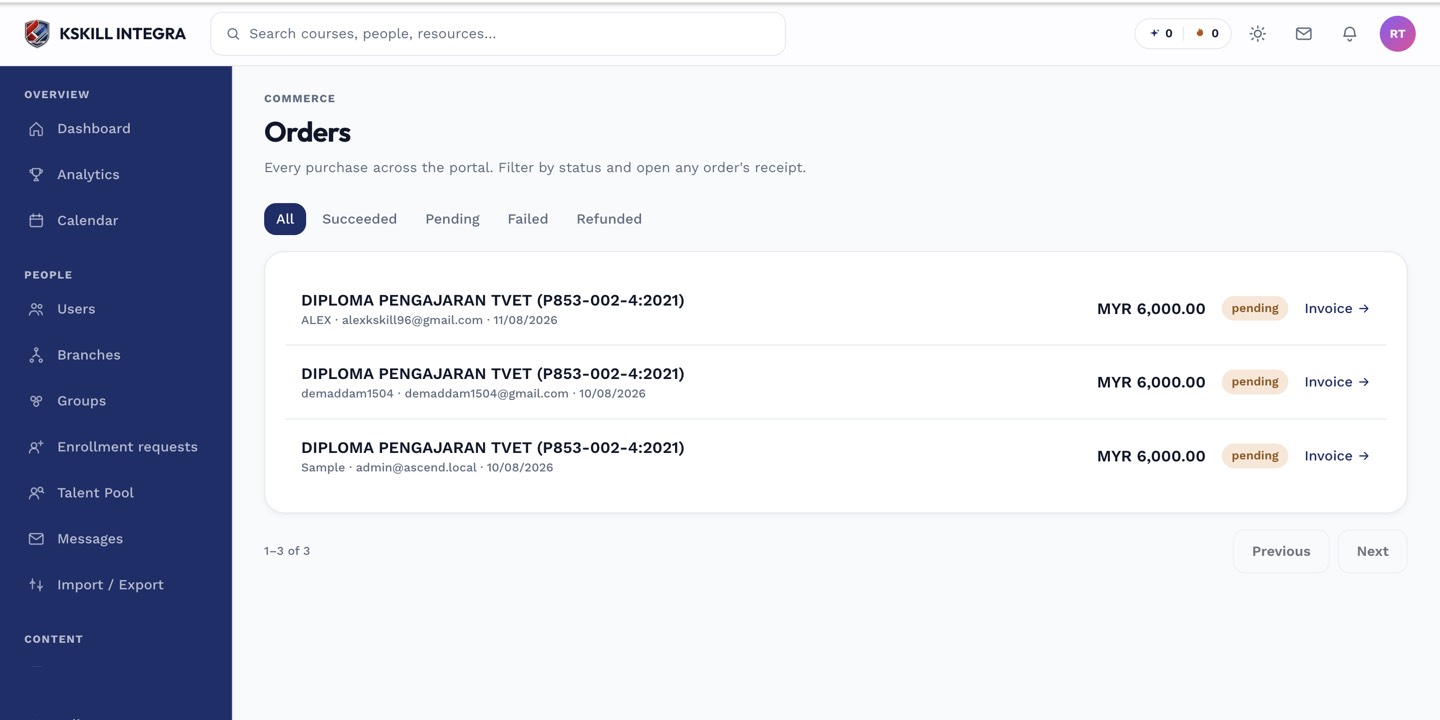 Each row links back to the underlying order and its receipt.
Billing
The Billing page covers your tenant's own subscription with the platform — your plan, renewal date, and past invoices for that relationship. This is distinct from the Orders page, which tracks money flowing from your learners to you.
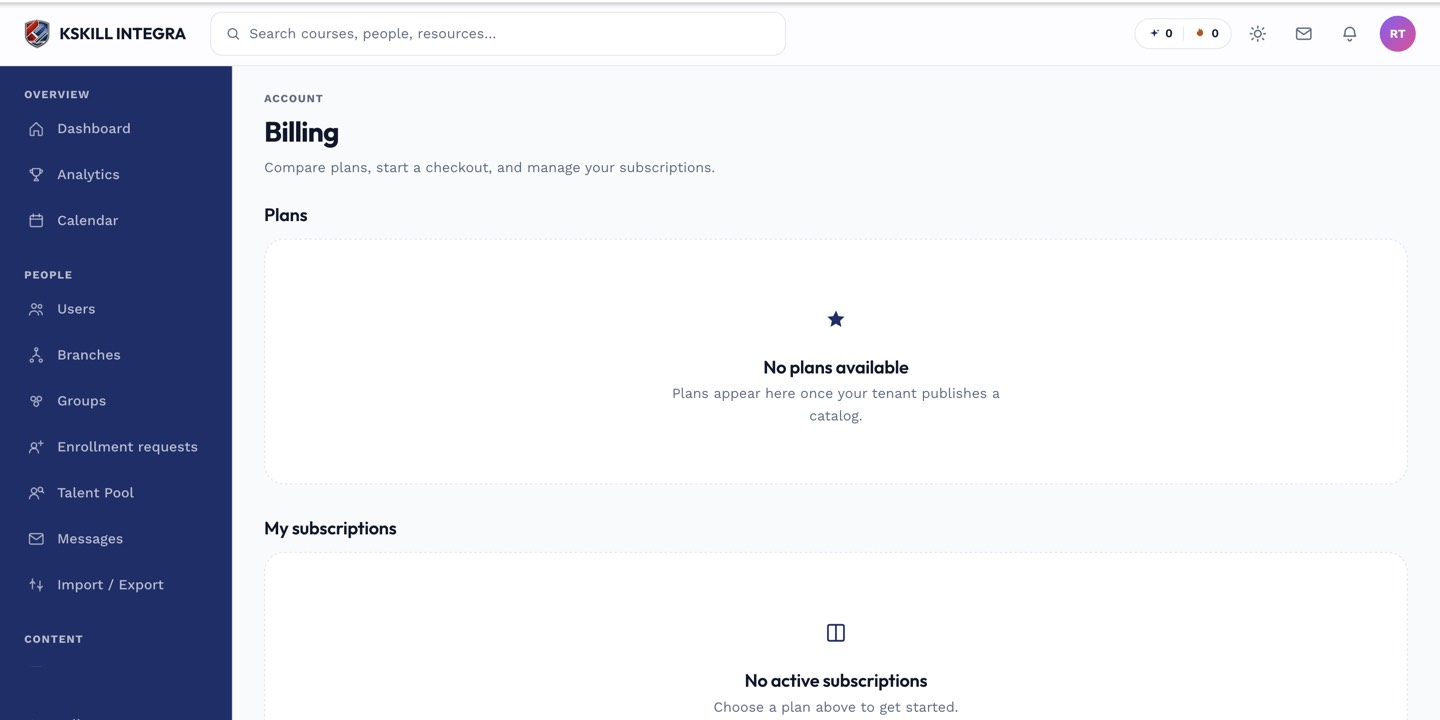 Billing invoices cover what your tenant pays the platform, not what learners pay you.
Notes
If a learner disputes a charge or asks for a refund, start from the Orders page and locate the specific transaction rather than the Billing page.