Notification Preferences for Installment Payments
ConfigurationUpdated September 24, 2026
Installment plans run quietly in the background, so notifications are how learners and admins actually find out what's happening with a charge. Here's what's available and where to turn it on.
The three events
- Installment payment succeeded — a scheduled charge went through automatically.
- Installment payment failed — a charge attempt failed; this doubles as a nudge to update payment details before the next retry.
- Installment plan defaulted — all retries were exhausted and the enrollment has been suspended.
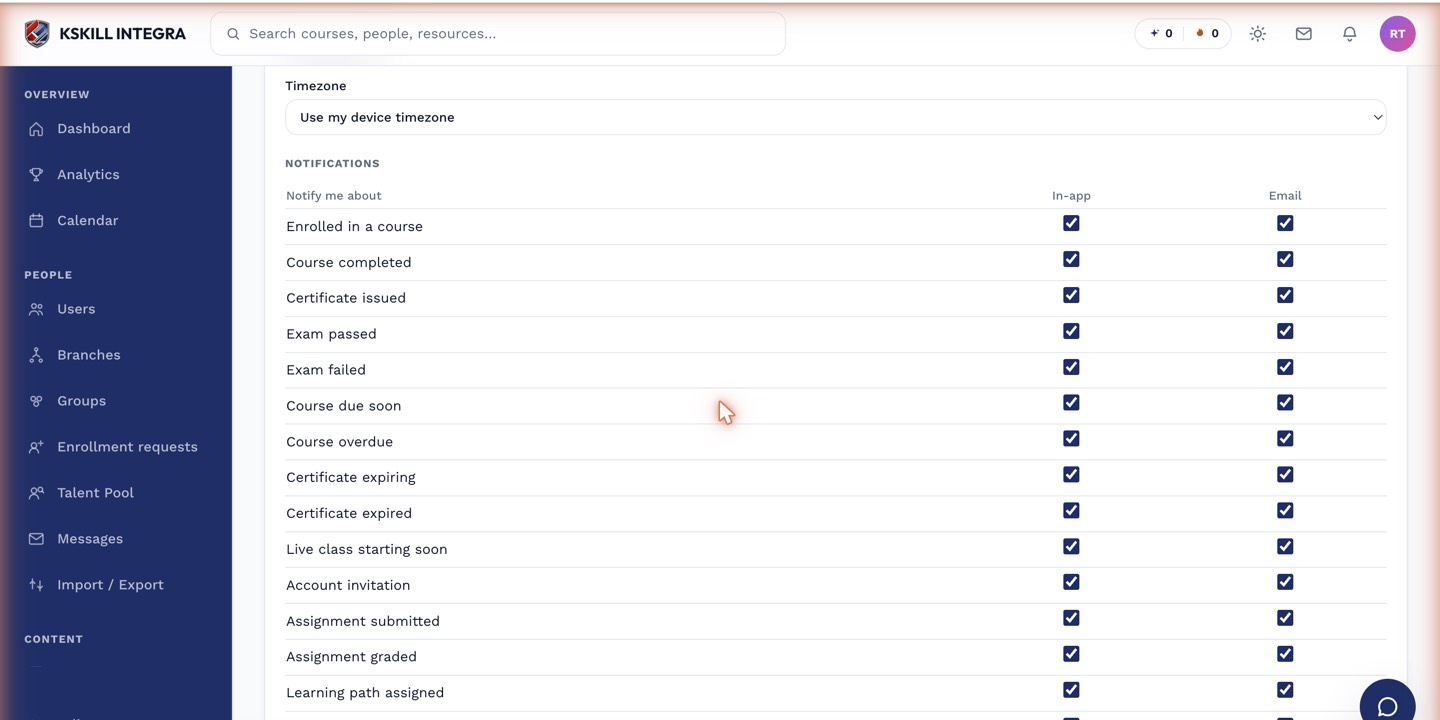 Each installment event can be toggled independently in Notification Preferences.
Turning them on
- Open your account's Notification Preferences.
- Find the installment-related events listed above.
- Toggle the ones you want delivered, and save.
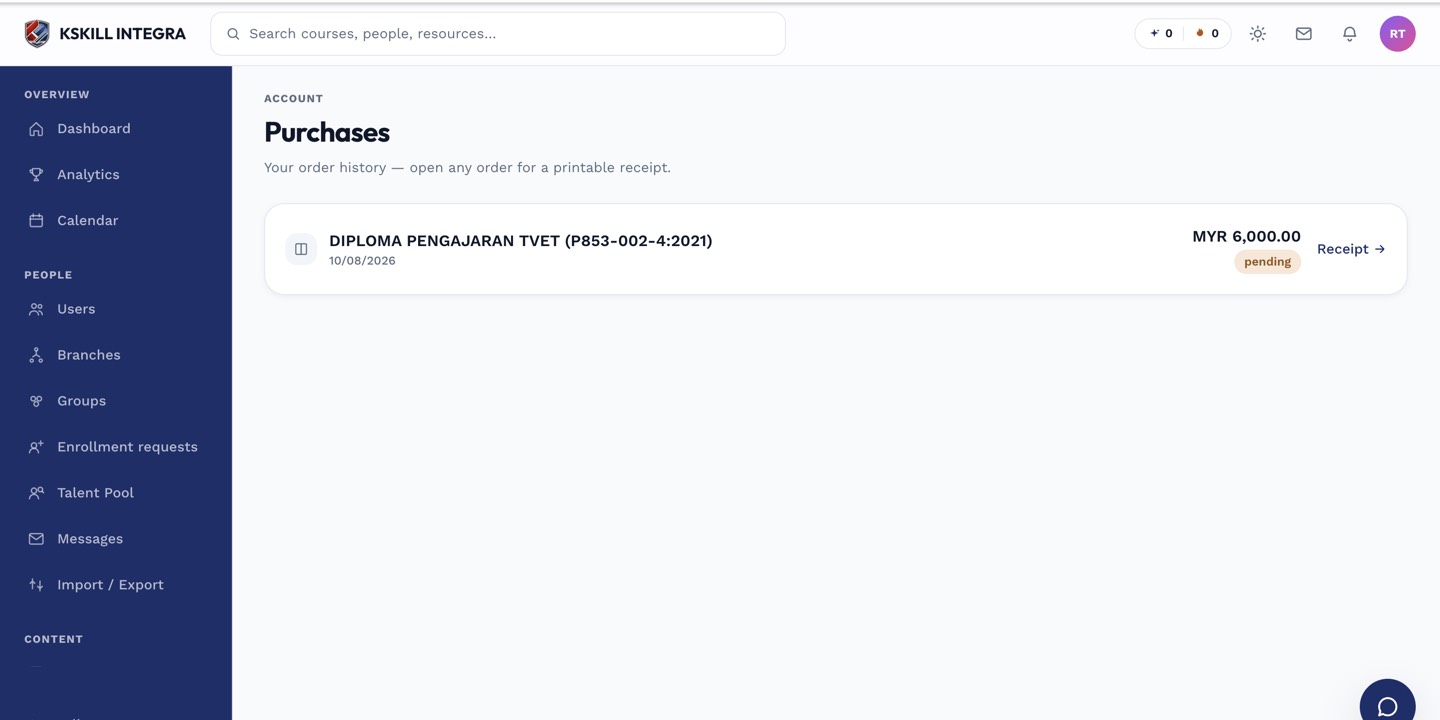 Notifications reference the specific order, so acting on one takes you straight to the relevant purchase.
Who sees what
Learners typically care about all three events for their own plans. Admins can also opt into these to catch defaults across their tenant without checking Orders manually every day.
Notes
These notifications only fire for Stripe-based installment plans, since that's the gateway with a live auto-debit engine today. See how Stripe installment auto-debit and retries work.
What next?
#notifications#installments#preferences#stripe