Creating a Cohort
GroupsUpdated September 24, 2026
A cohort bundles one course, a start/end date window, a facilitator, and a roster into a single scheduled delivery. Creating one auto-enrolls every member you add into the course.
Before you start
You need the course already created (published is recommended, since draft courses give learners nothing to do) and you need to know your start and end dates.
Create the cohort
- Open Manage → Cohorts from the sidebar.
- Click New cohort.
- Select the course this cohort runs.
- Set the start date and end date.
- Assign a facilitator.
- Optionally set a learner cap to limit roster size.
- Add members — each one is auto-enrolled into the selected course immediately.
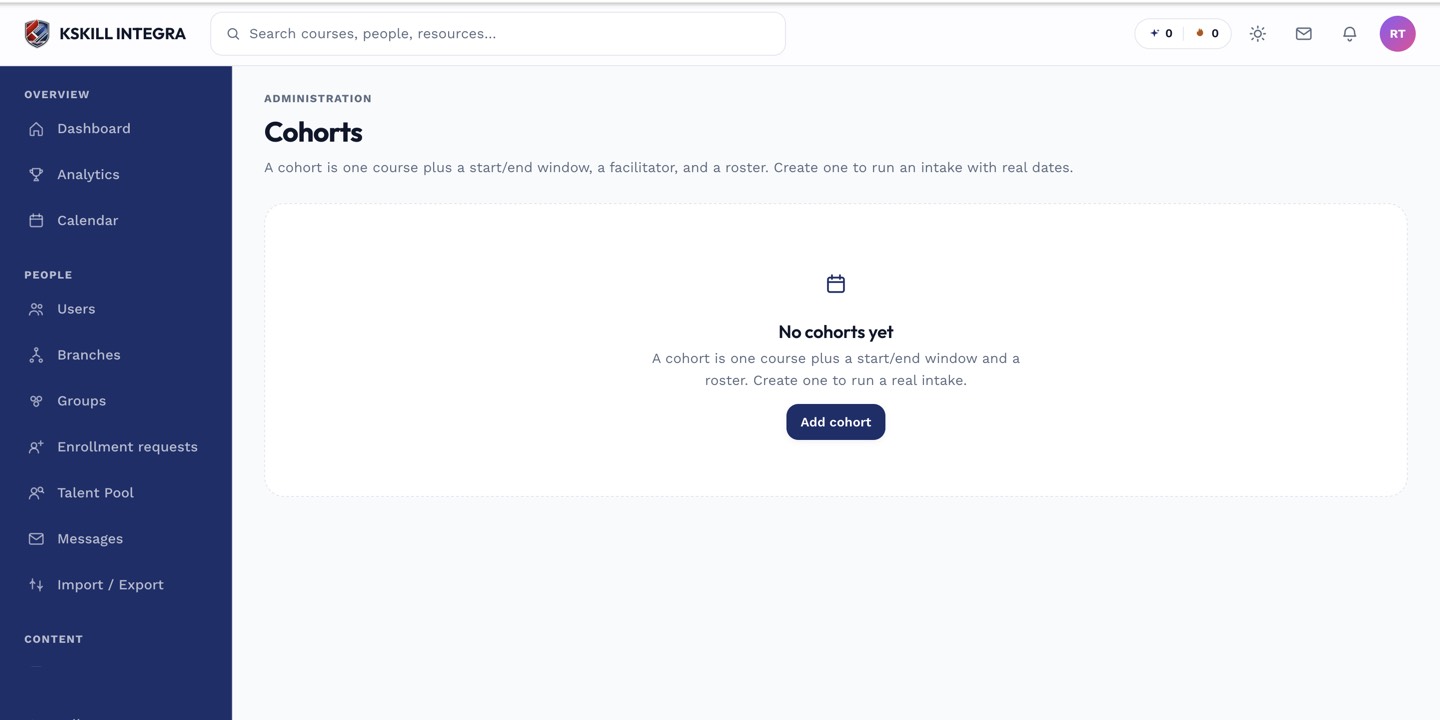 A freshly created cohort with a future start date shows as Scheduled.
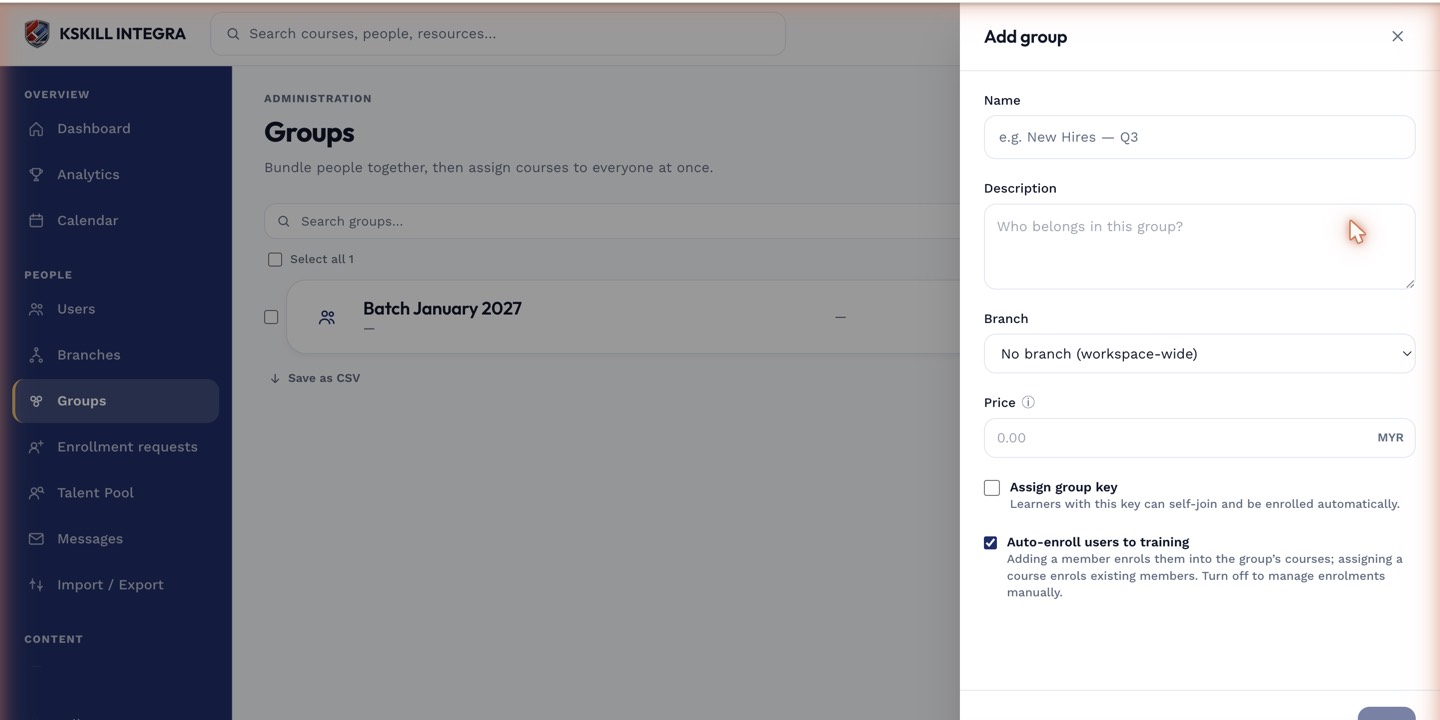 The new-cohort drawer collects the course, schedule, facilitator, and initial roster in one pass.
What next?
#cohorts#scheduling#enrollment#facilitator#admin