Cohort facilitator role
Cohort facilitators are the humans running a scheduled intake. This article covers their rights and expected work.
Before you start
You need to be nominated as facilitator on at least one Cohort.
Step 1 — See your cohorts
Open People → Cohorts. Cohorts you facilitate are flagged. The overflow menu includes facilitator-only actions — kick off the intake, close it early, broadcast to members.
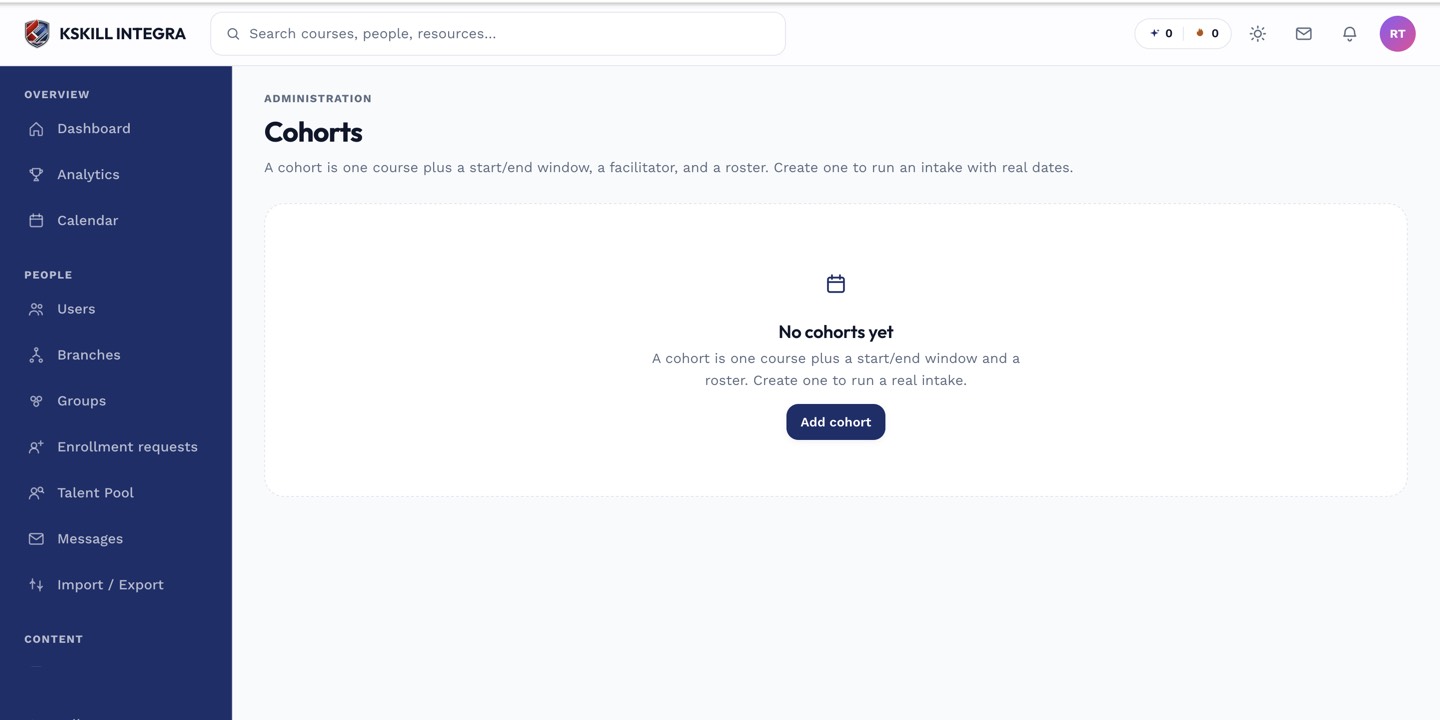
Cohorts are the time-boxed cousin of Groups — same drawer patterns, added dates.
Step 2 — Broadcast and moderate
Use the Broadcast action on the cohort header to message every member. Moderate the auto-created discussion thread — pin important announcements, delete spam. You are the visible face of the cohort for its members.
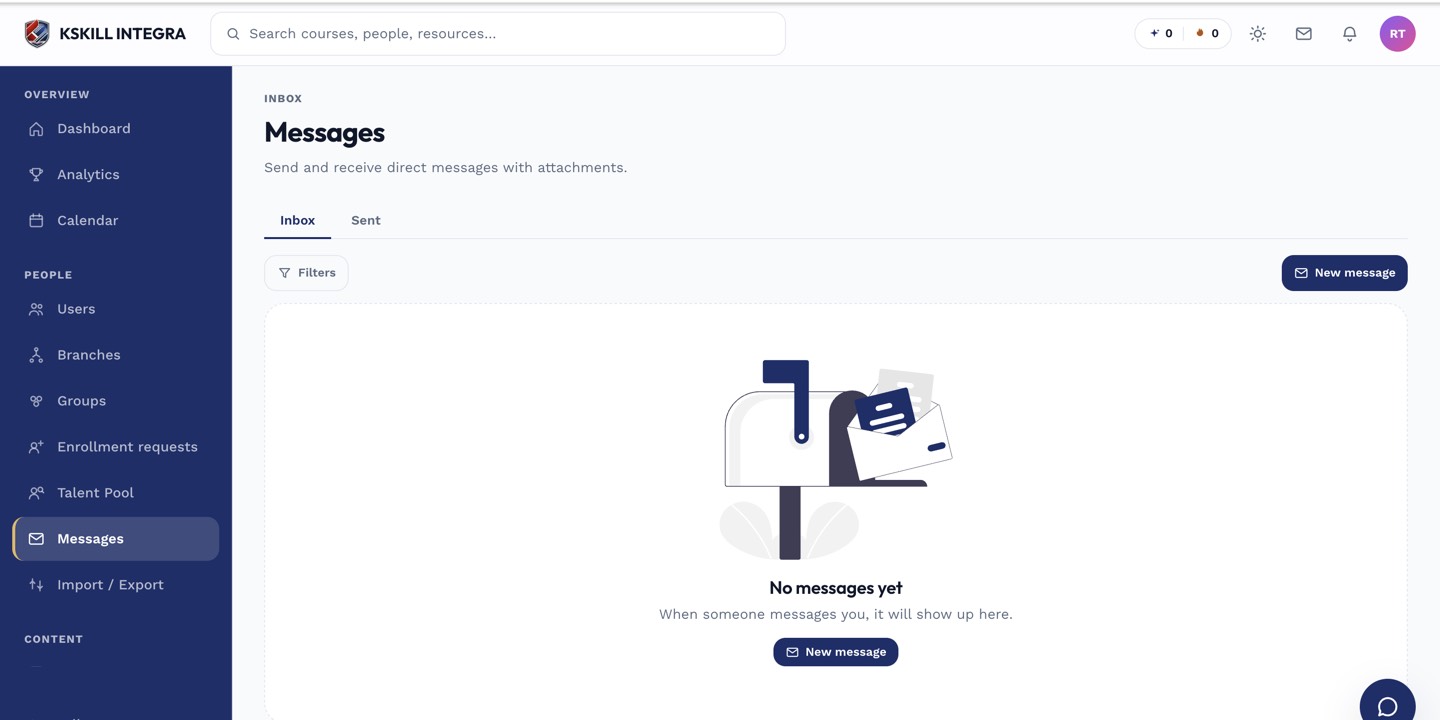
The inbox is where every direct message and broadcast lands.
Step 3 — Close out at end date
As the end date approaches, review who completed the course and who didn't. Follow up with stragglers via DM. On end date, the cohort auto-closes; you can extend or close early from the header if needed.
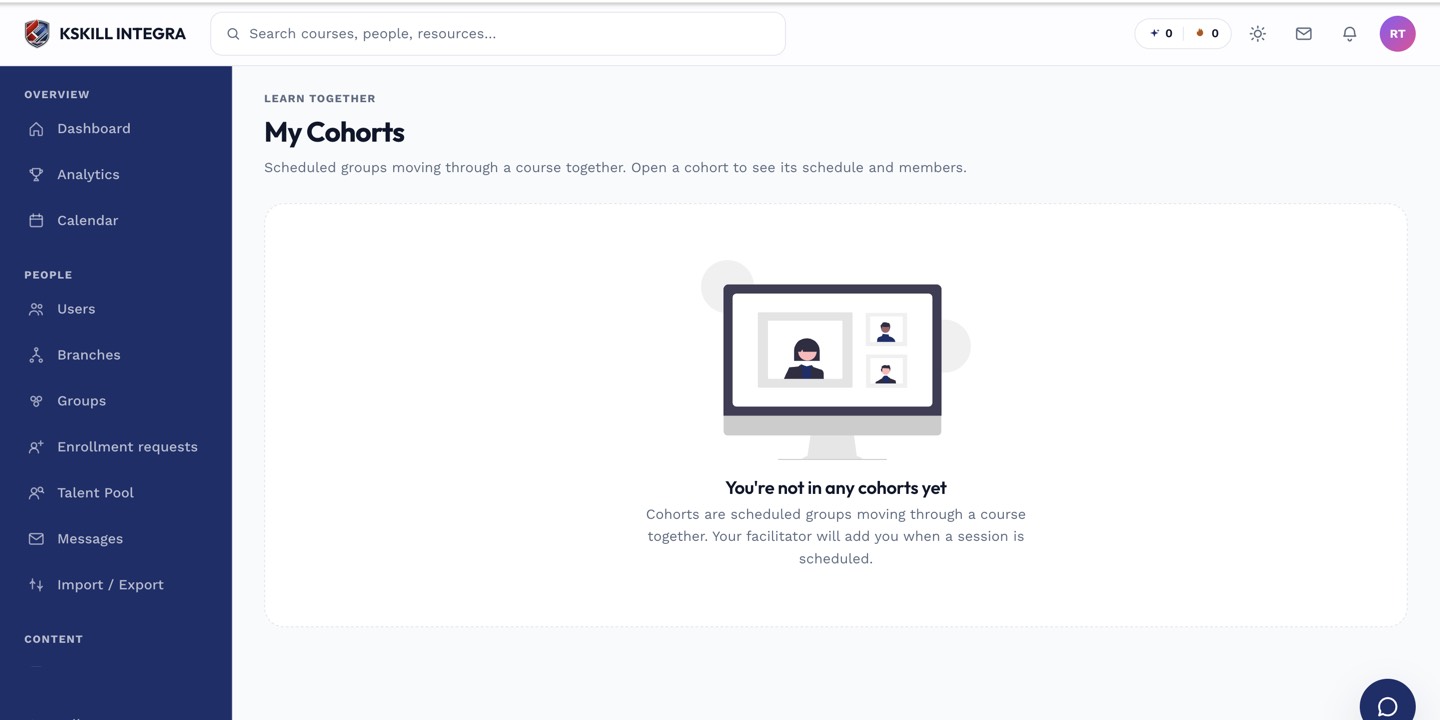
The learner cohorts view shows every scheduled intake the learner belongs to.
Notes
- Facilitators see per-cohort analytics — completion rate, engagement, at-risk learners scoped to the cohort.
- Facilitation does not confer full admin rights — you can't add/remove members, only your admin can.