Cohort Tabs: Timeline, Files, and Discussions
GroupsUpdated September 24, 2026
Beyond its Members and Info tabs, every cohort has a Timeline, a Files area, and a Discussions thread — the working space where a facilitator and roster actually run the delivery, not just track it.
Timeline
The Timeline lays out the cohort's schedule — its start and end dates and any milestones in between — so members and facilitators can see at a glance where the cohort is in its run.
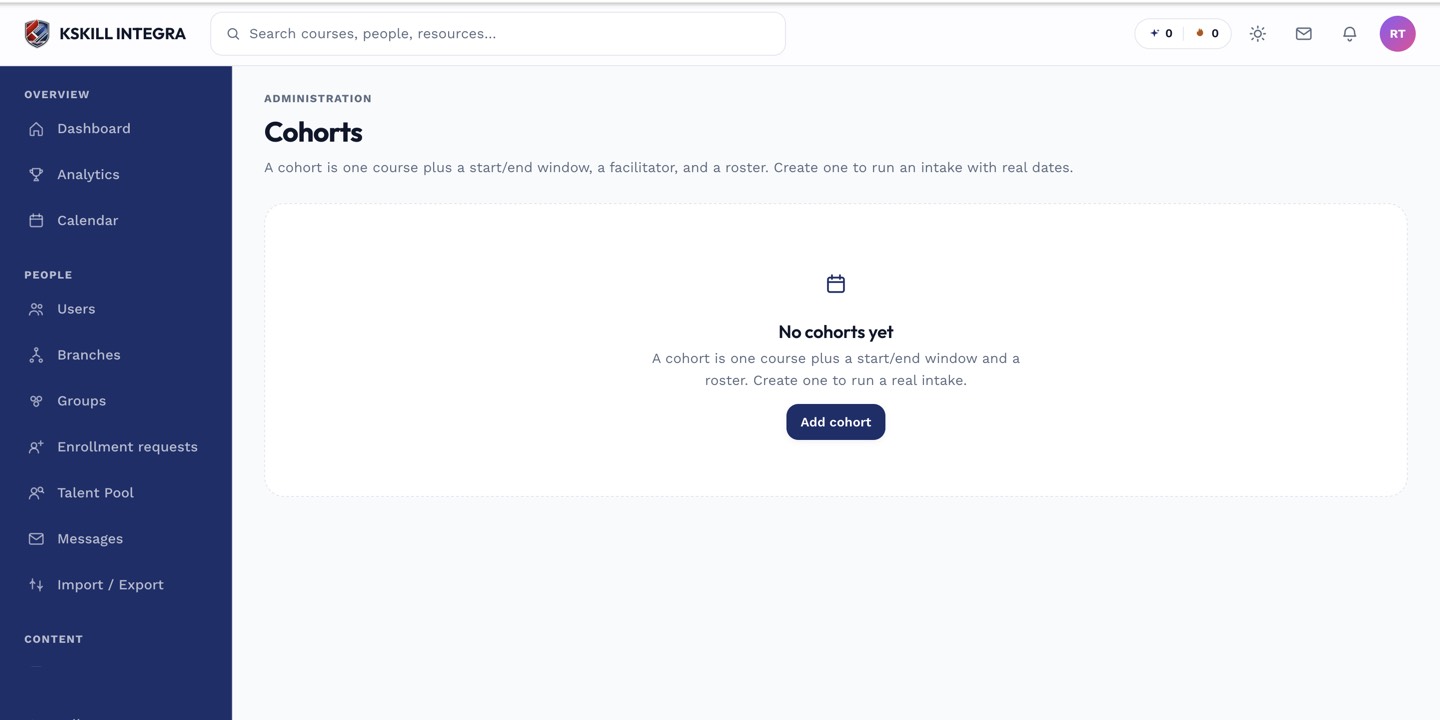 The Timeline tab visualizes the cohort's date range and progress through it.
Files
The Files tab is a shared space for materials relevant to this specific cohort — slide decks, supplementary readings, session recordings — separate from anything attached to the course itself.
Discussions
Every cohort gets its own discussion thread automatically, giving the roster and facilitator a place to ask questions and post updates without leaving the cohort.
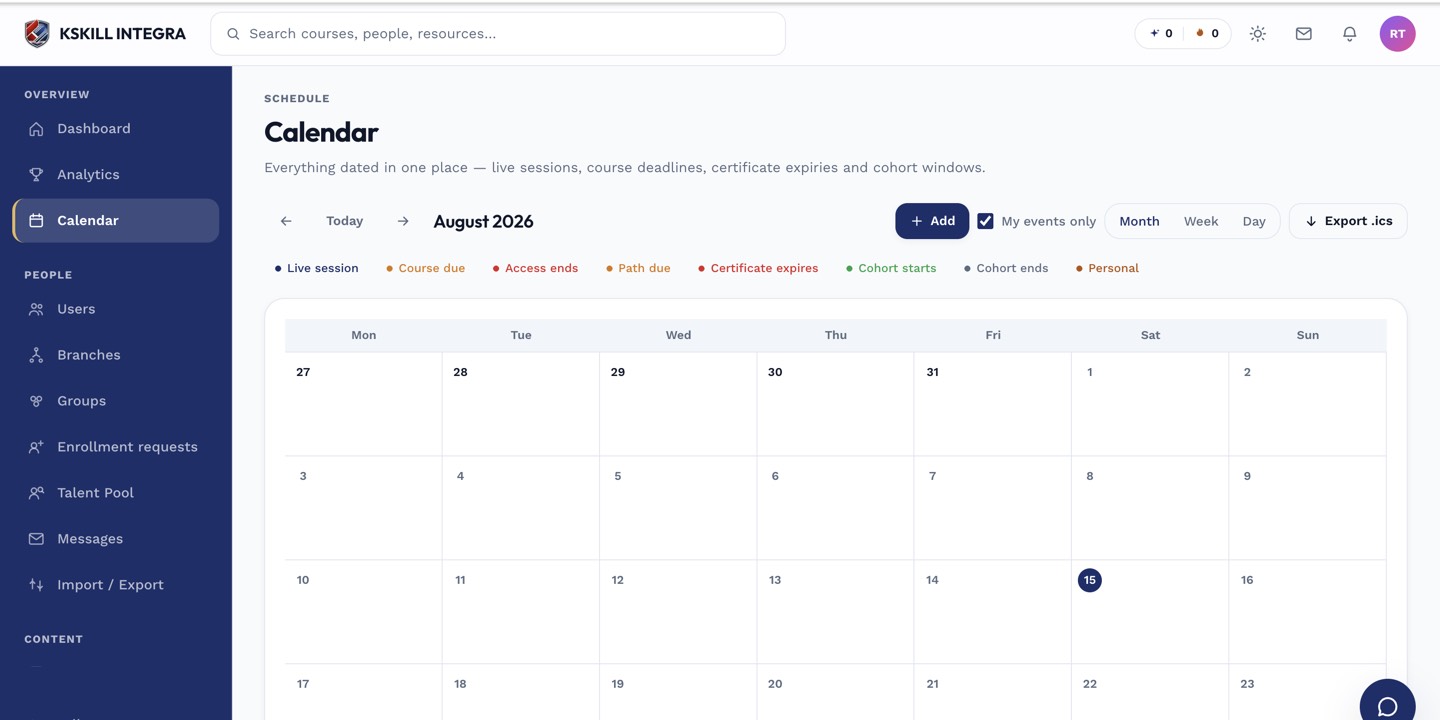 Cohort dates set on the Timeline also surface on the shared calendar view.
What next?
#cohorts#timeline#files#discussions#collaboration