Enrollment Requests: Reviewing and Approving Them
UsersUpdated September 24, 2026
Not every enrollment should be instant. When a course is paid, a group is gated, or a cohort requires manual approval, a learner's attempt to join lands in an enrollment requests queue instead of enrolling them right away.
When a request gets created
- A learner tries to enroll in a paid course through a flow that requires admin sign-off rather than checkout.
- A learner tries to join a group that's configured to require approval rather than instant self-join.
- A cohort is set up to require manual approval for new members rather than direct admin add.
Reviewing the queue
- Open Manage → Enrollment requests from the sidebar.
- Each row shows the requesting learner, what they're requesting access to, and when they asked.
- Click Approve to enroll them, or Decline to reject the request.
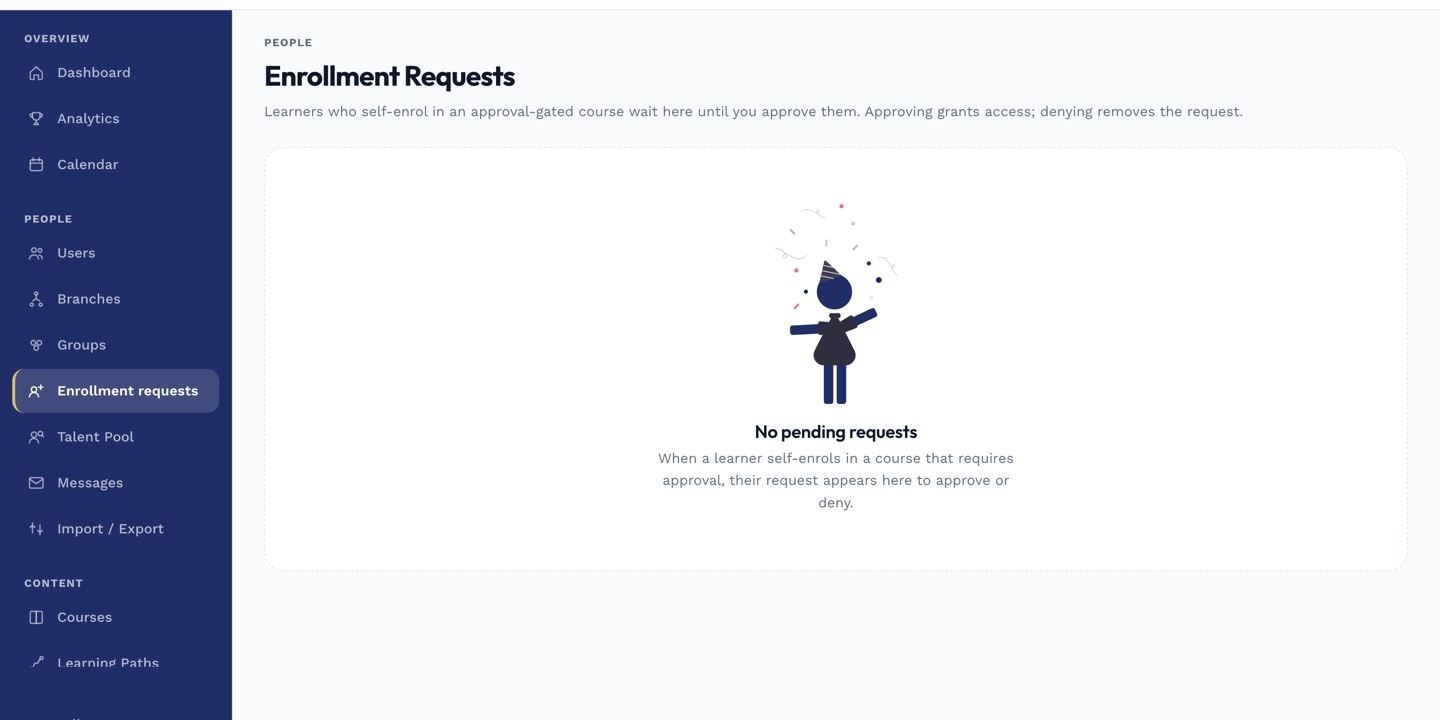 Pending requests stay in the queue until an admin approves or declines them.
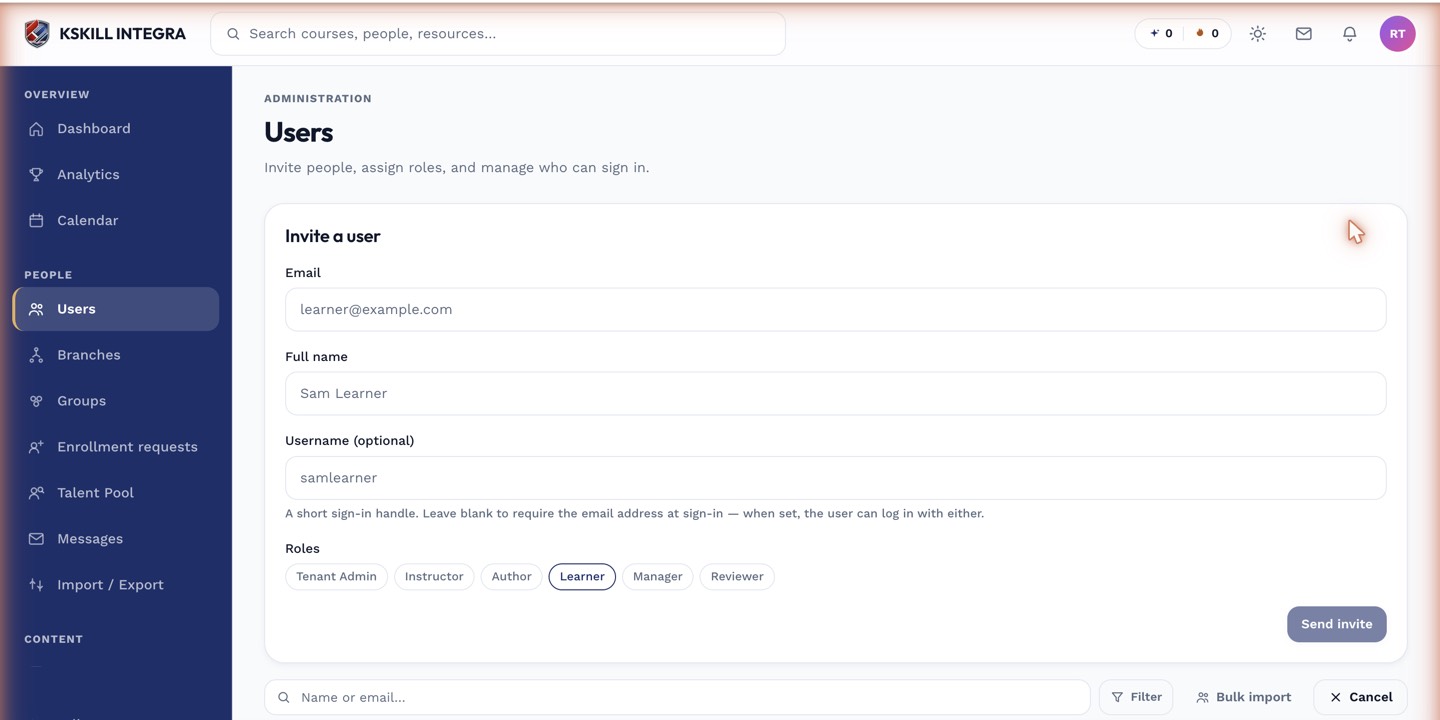 Approving a request enrolls the learner immediately, the same as a direct admin add.
Notes
Declining a request doesn't notify the learner of a reason by default — if you need to explain why, follow up with them directly.
What next?
#enrollment requests#approval#admin#paid courses#gated groups