Escalate a ticket to platform support
Some tickets need help beyond your tenant admin. This article covers the escalation path.
Before you start
You need the Admin role. Escalation goes to your platform provider, not to Anthropic or any other vendor.
Step 1 — Confirm it needs escalation
Before escalating, check the knowledge base and the audit log — many 'platform bugs' turn out to be misconfiguration you can fix. Escalate only when you've verified the tenant side is clean.
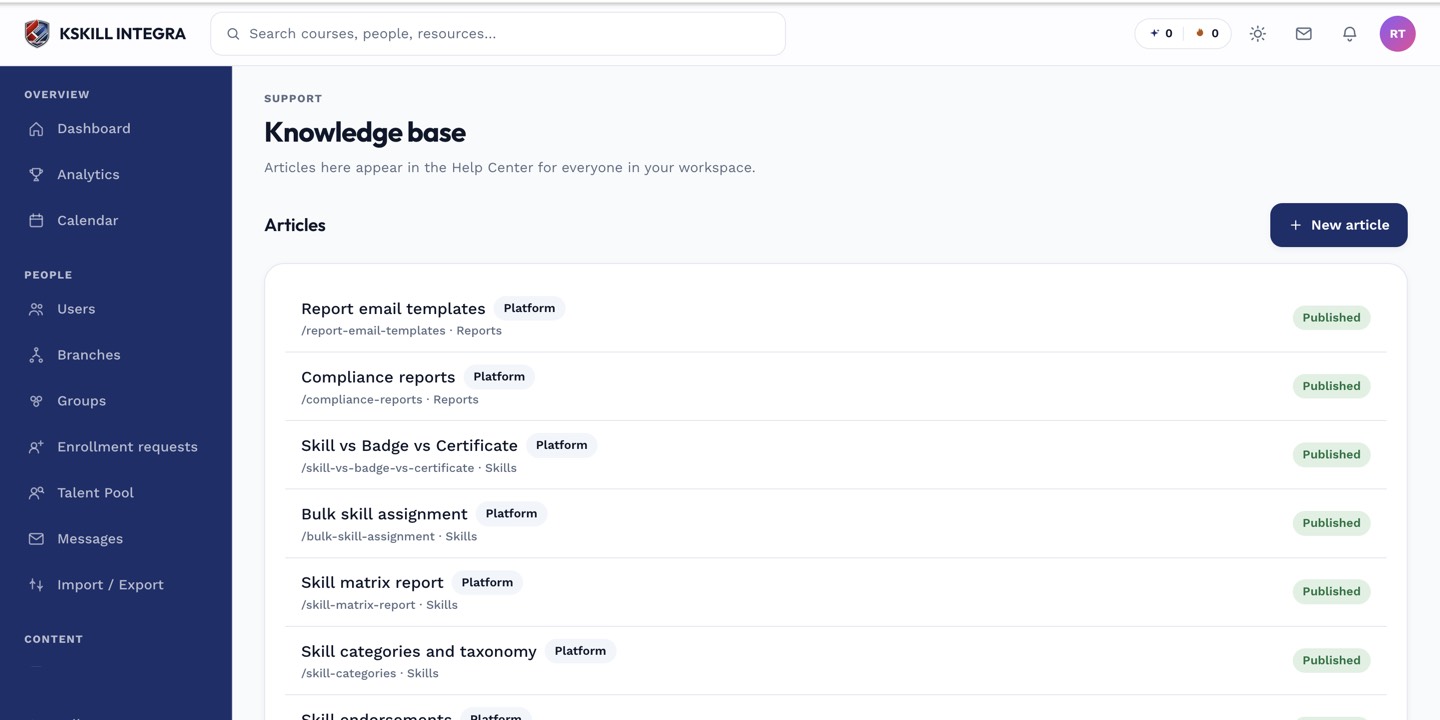
The KB admin surface is where every tenant-scoped article is edited and published.
Step 2 — Open the ticket and escalate
Click the ticket. Pick Escalate from the header overflow. Fill in the context — steps to reproduce, what you tried, any log snippets. The platform provider receives the escalation with everything they need.
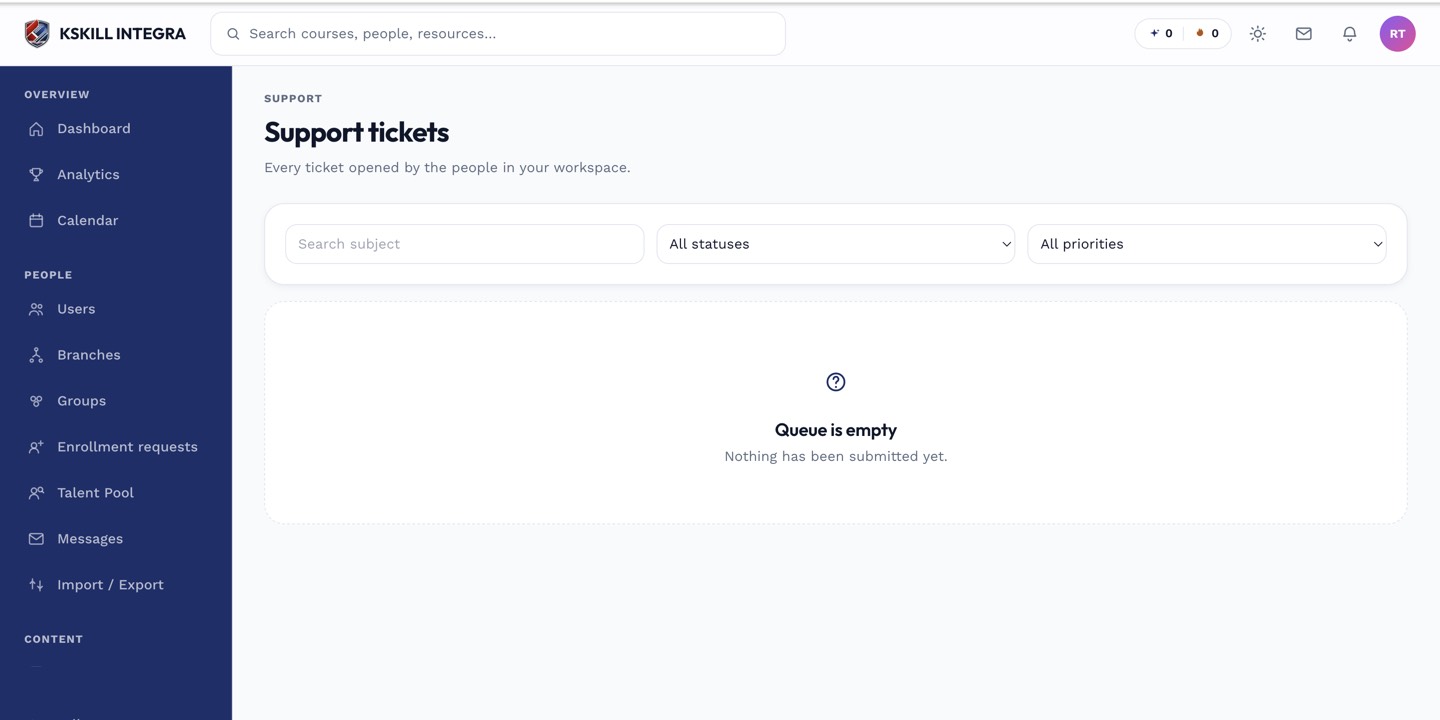
The admin queue is where every open ticket for the tenant lands.
Step 3 — Follow up in the thread
The platform side replies in the same ticket thread. Keep the learner in the loop with their own updates. When platform closes their side of the ticket, close the tenant-side one too so the queue stays accurate.
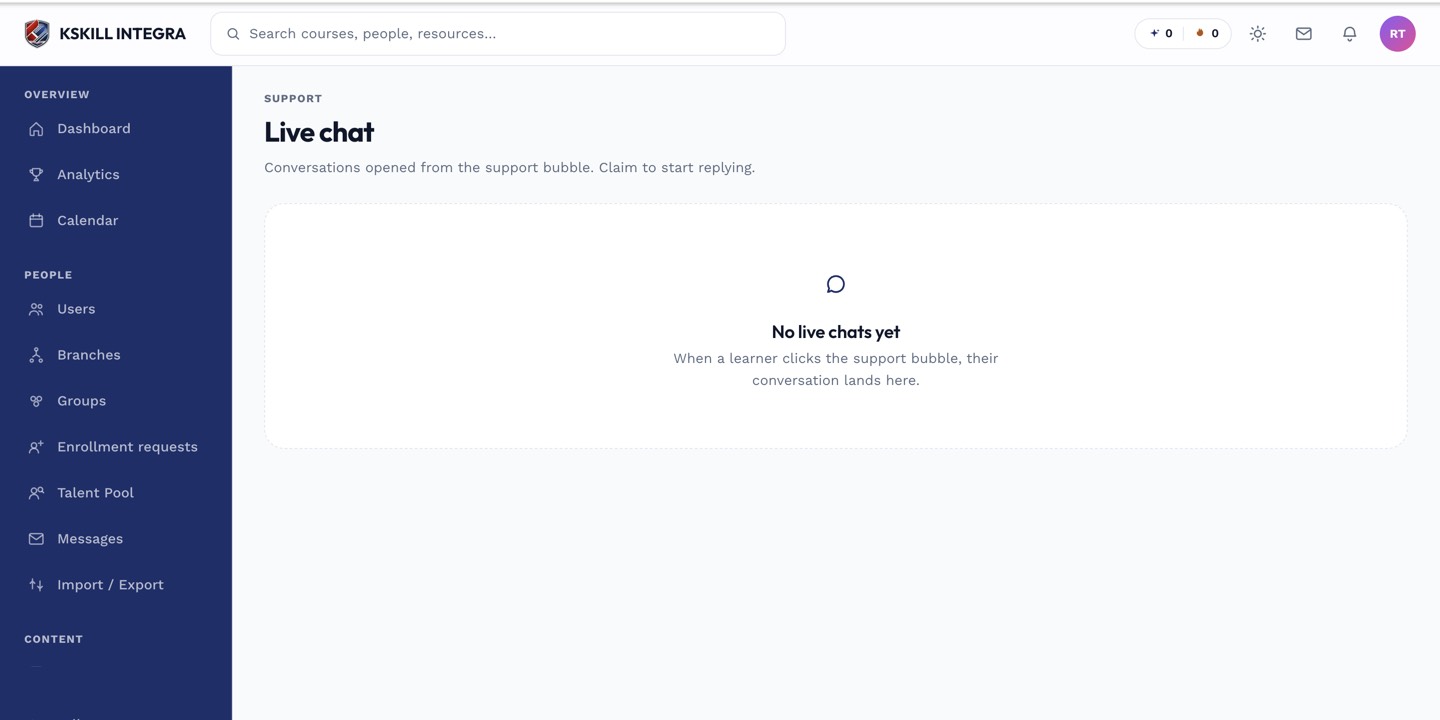
The live-chat agent inbox is where support staff pick up real-time conversations.
Notes
- Escalations carry more context than typical tickets — include everything relevant upfront so the platform side isn't blocked on more information.
- Do not escalate authentication issues without checking your identity provider first — most stem from IdP config.