Answering live chat as a support agent
SupportUpdated September 24, 2026
On the admin side, live chat shows up as incoming conversations that need a response. Answering them well keeps learners from escalating to a ticket — or worse, giving up.
Picking up a conversation
- Open the support queue and switch to the Live chat view.
- New conversations appear as they start — claim one to begin replying.
- Reply in the same window; the learner sees your message appear without needing to refresh.
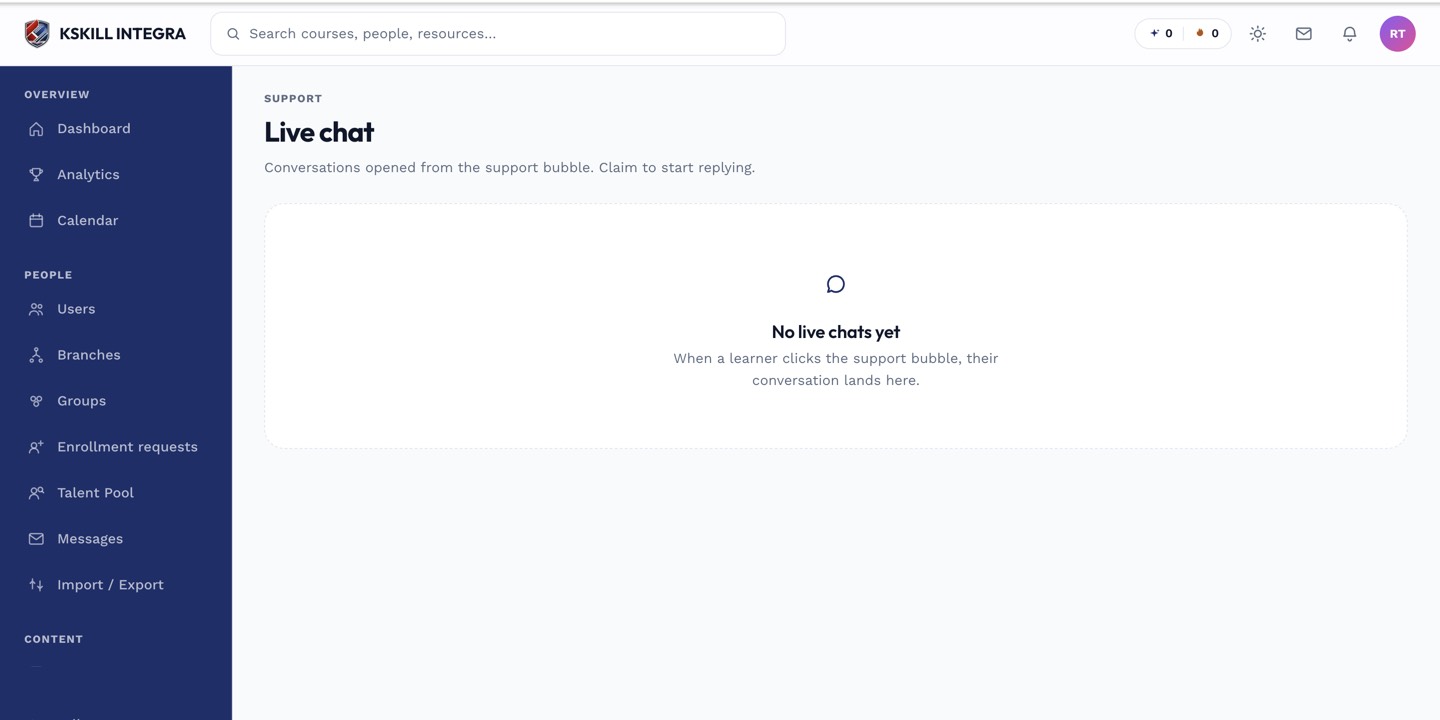 The agent view mirrors the learner's chat window in real time.
How it works under the hood
Live chat is long-polling based — there is no third-party chat widget or vendor involved. That keeps the whole conversation inside the platform, visible alongside the learner's other support history.
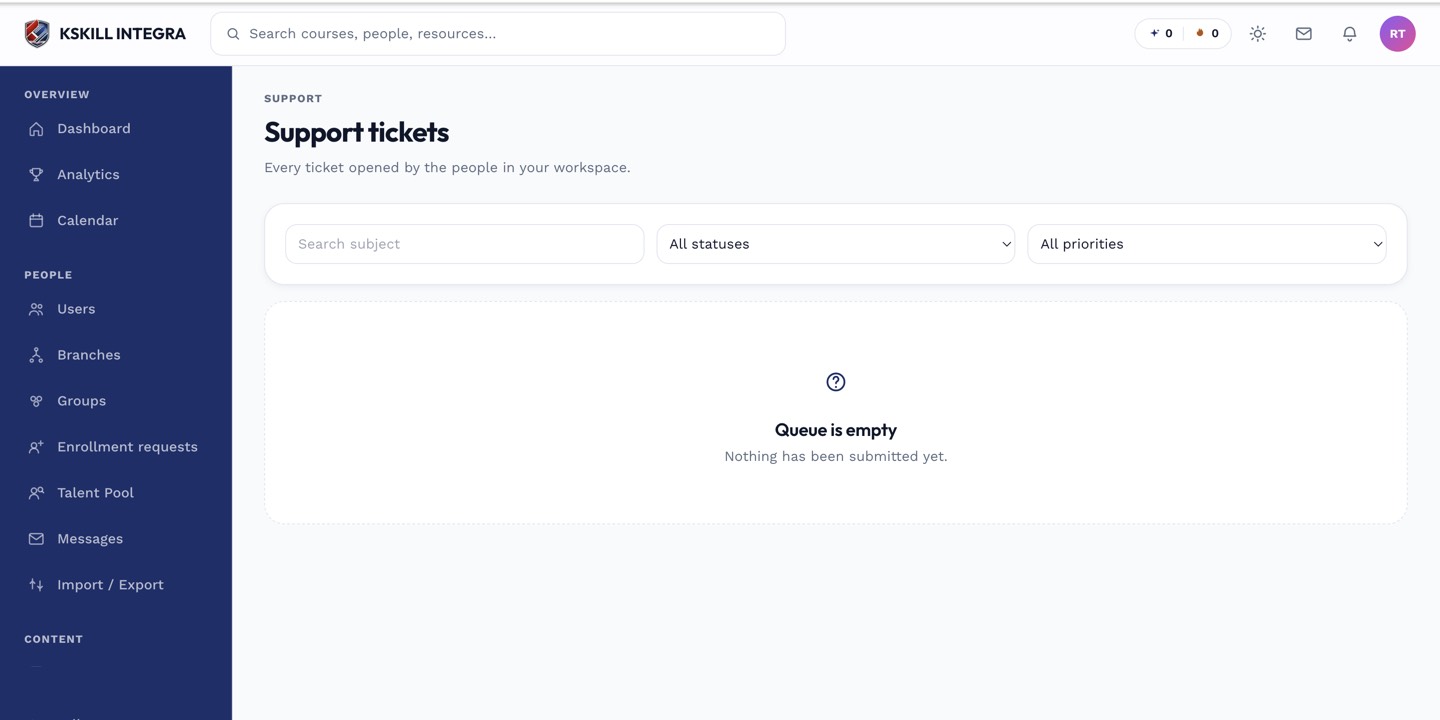 Live chat conversations sit in the same queue as ticket-based requests.
Notes
If a chat needs more investigation than a quick reply allows, it is fine to convert the conversation's context into a proper ticket so it does not get lost when the chat window closes. See the support ticket queue for handling those.
What next?
#support#live-chat#agent#admin#queue