Configuring support contact settings
SupportUpdated September 24, 2026
Support contact settings control what learners see when they reach for help — most importantly, whether a WhatsApp number is offered alongside chat.
Where to configure it
- Open Manage → Support settings.
- Enter the contact details you want learners to see, including a WhatsApp number if you have one.
- Save. The new details apply immediately across the Support Centre and floating bubble.
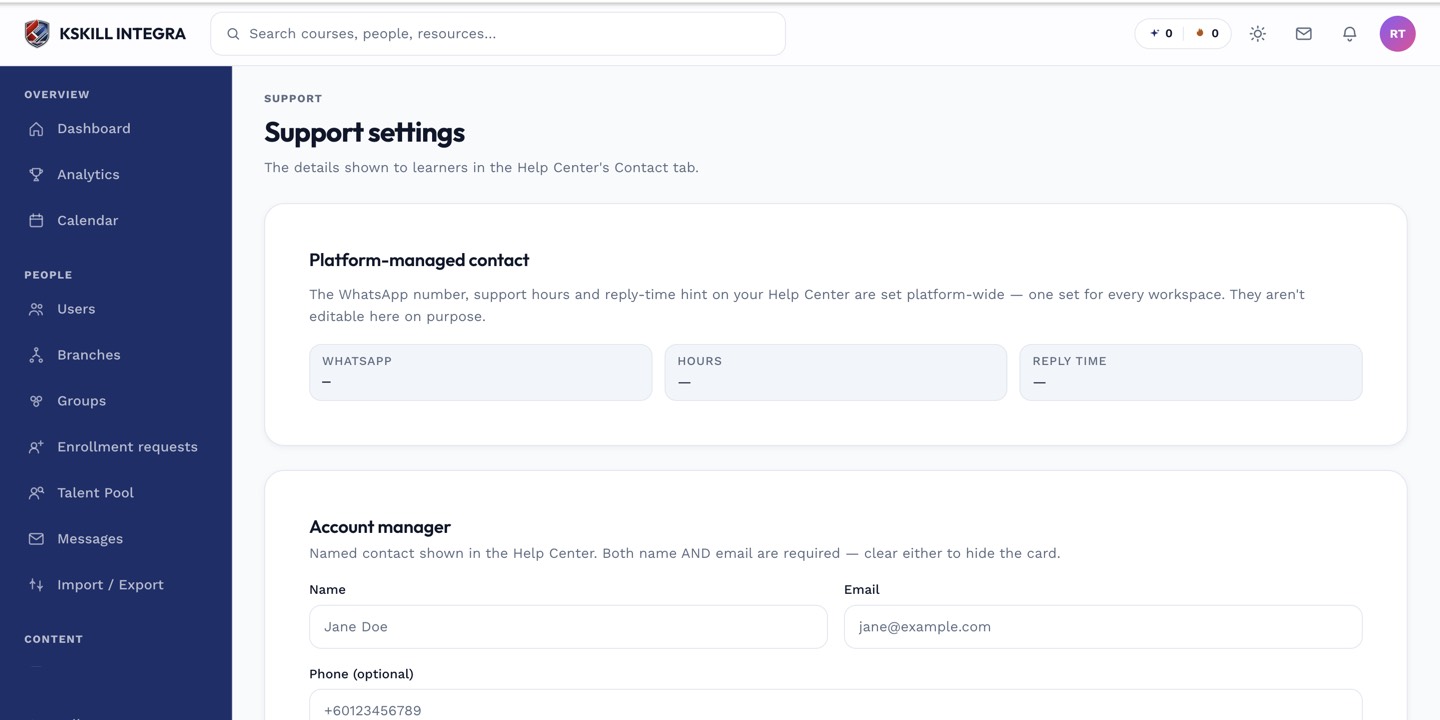 This is also where the WhatsApp number that powers the redirect option lives.
Presets
Rather than configuring every field from scratch, presets for common contact-method configurations are available — a starting point you can adjust to match how your team actually staffs support.
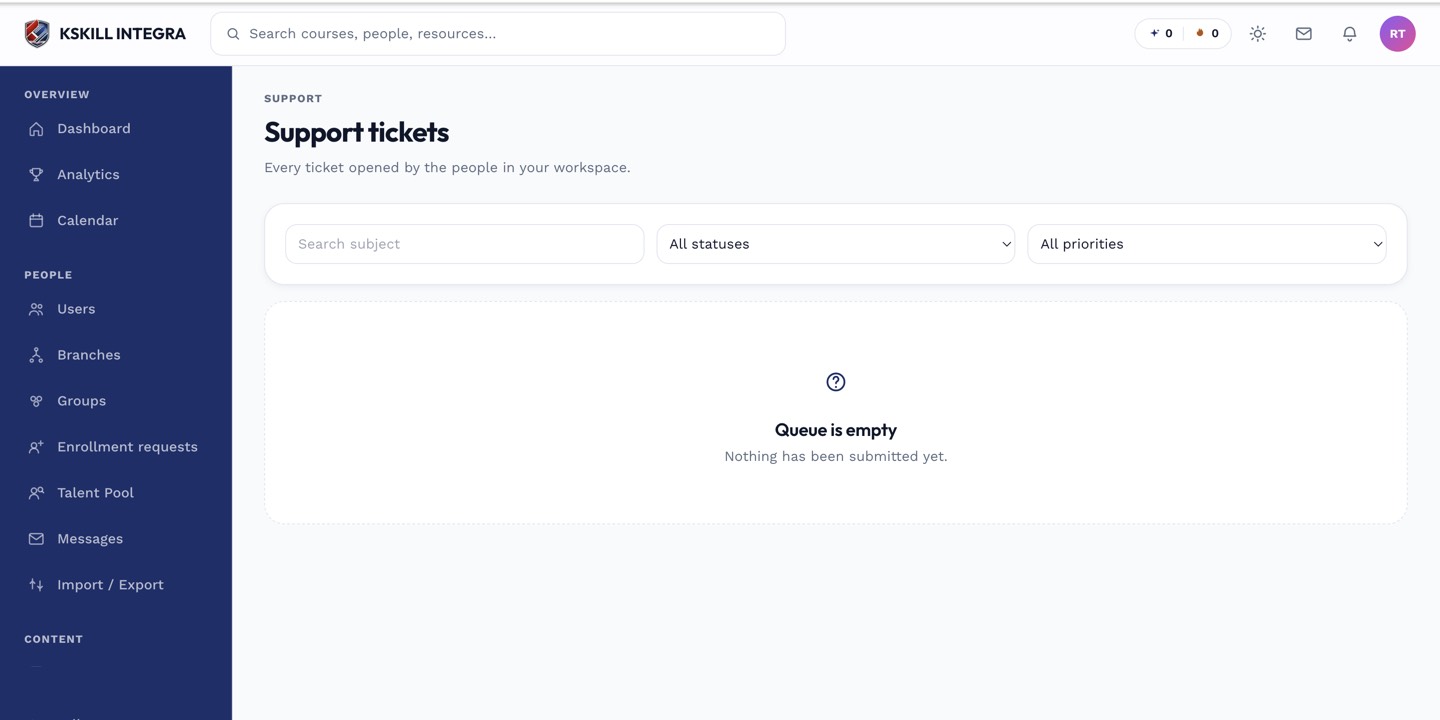 Settings and the live queue sit in the same admin area.
Notes
If you don't set a WhatsApp number, learners simply won't see that option — chat and tickets still work normally on their own.
What next?
#support#settings#whatsapp#admin#configuration